
24/7 Customer Support

Free returns

Same-day & Next-day Delivery

Quality Guaranteed
Download the APP
Categories
As our collection of gadgets grows, so does the tangle of cables required to power them. From laptops and tablets to smartphones and headphones, the move to USB-C has simplified connections, but not all cables are created equal. Using an underpowered or poorly made cable can lead to frustratingly slow charging speeds or, worse, a cable that frays and fails within months.
Choosing the right 100W USB C to USB C cable is about more than just finding one that fits. It’s about unlocking the full potential of your devices, ensuring they charge quickly and safely. This guide is designed to help you understand the key features to look for and to highlight a few standout options available today.
As your Joybuy Product Recommendation Officer, my role is to provide clear, practical advice to help you make an informed choice.
Navigating the technical specifications of charging cables can be confusing. Here are a few key points to consider before making a purchase.
The most important factor is the cable's power rating, measured in watts (W). A high-wattage cable is essential for power-hungry devices. For instance, a MacBook Pro charging cable requires a high power output to charge efficiently.
To get the full benefit, your power adapter, cable and device must all support the same Power Delivery (PD) standard. Using a 100W cable with a 20W charger will only deliver 20W of power.
A cable's lifespan is largely determined by its construction. Standard plastic-coated cables can be prone to fraying and tangling. For greater longevity, consider these materials:
Cable length affects convenience. A shorter 1-metre cable is great for portability and use with a power bank, while a 2m USB C cable offers more flexibility for use at a desk or by a bedside table.
Also, consider if you will be using the cable for file transfers. Most charging cables function as a USB C data cable, but speeds can vary. Many are based on the USB 2.0 standard, offering speeds of up to 480Mbps, which is fine for occasional photo or music syncs. For transferring large video files, you may need to look for a cable specifically rated for higher data speeds like USB 3.1 or Thunderbolt.
Here are a few USB-C to USB-C cables that offer a compelling combination of features, durability and performance.
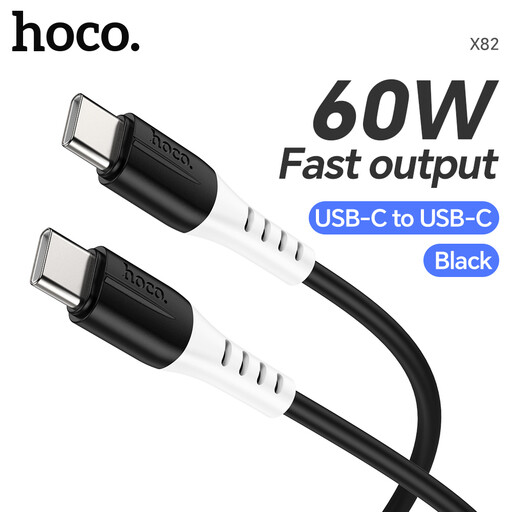
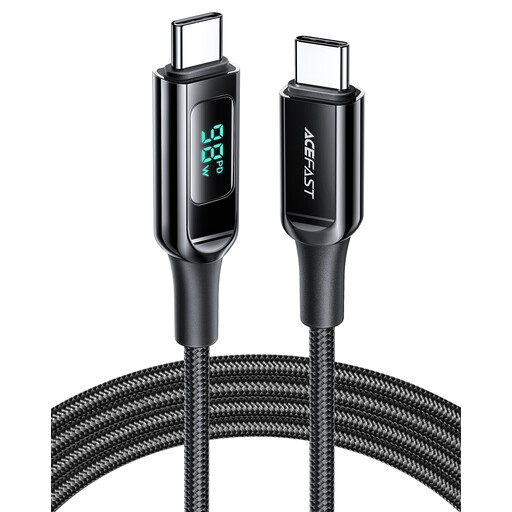
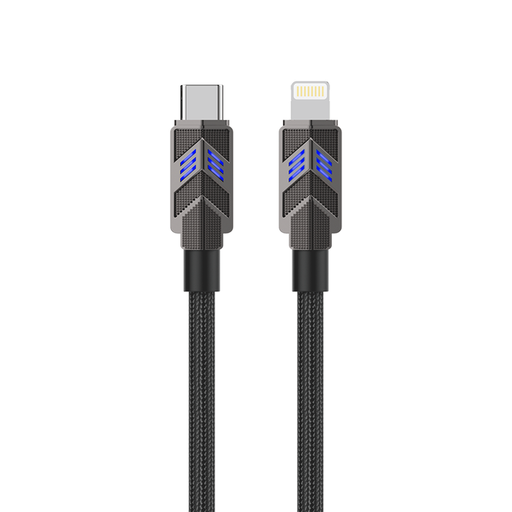
The cables highlighted here represent just a fraction of the available choices. Every user has unique needs, whether it's a specific length, colour or feature set. If these recommendations aren't quite what you're looking for, there are many other solutions to discover.
Explore our full range of fast charging Type C cables to find the perfect match for your devices and lifestyle.
Q: Can I use a 100W USB C to USB C cable with a device that only needs 30W? A: Yes, absolutely. USB Power Delivery (PD) is a smart technology. The cable, charger and your device will communicate to determine the maximum safe power output. Using a higher-rated cable is perfectly safe and a good way to future-proof your setup for when you get more powerful devices.
Q: Do all USB-C cables support 100W charging? A: No, they do not. It is crucial to check the product specifications. Cables are rated for a maximum wattage, such as 30W, 60W or 100W. A cable not rated for 100W will not be able to deliver that level of power, even if used with a 100W charger and device.
Q: Is there a difference between a USB-C charging cable and a data cable? A: While most modern charging cables also transfer data, their speeds can differ significantly. Many cables designed primarily for charging, including some high-wattage ones, are limited to USB 2.0 data transfer speeds (480Mbps). If you frequently transfer large files like 4K video, you should look for a USB C data cable specifically advertised with higher speeds, such as USB 3.1 (5Gbps), USB 3.2 (10-20Gbps) or Thunderbolt (40Gbps).