
24/7 Customer Support

Free returns

Same-day & Next-day Delivery

Quality Guaranteed

Unlock Your Welcome Offers: FREE Delivery | Up to 80% OFF | Free 30-day JoyPlus trial
Download the APP
A 256GB memory card can add substantial storage to a Nintendo Switch, Android phone, camera, drone or action camera. However, capacity alone does not determine whether a card is suitable. Choosing by headline storage or advertised transfer speed can leave you with an incompatible format, slow recording performance or storage that does not match your device.
This guide explains the key specifications to check, common marketing pitfalls and suitable options for different types of UK users.
A full-size SDXC memory card will not fit directly into a microSD slot. Conversely, a microSD card needs a suitable adapter before it can be used in many cameras and laptops.
A microSD card with an SD adapter can be flexible, but the adapter does not increase the card’s speed. Always check whether your device accepts microSDXC, SDXC, UHS-I or microSD Express before ordering.
A headline such as “up to 200MB/s” generally refers to sequential reading under specific conditions. It may require a compatible card reader and does not necessarily represent the sustained write speed during video recording.
For a 4K video memory card, check the speed symbols instead:
A Nintendo Switch memory card must use a compatible microSD format and be formatted by the console before use. Officially licensed options designed for the Nintendo Switch family can simplify compatibility decisions.
Newer handheld hardware may support microSD Express, but standard UHS-I cards and Express cards can perform differently. Check the console’s specification before paying for an Express model that your device cannot use at its advertised speed.
Manufacturers measure storage using decimal units, while operating systems reserve some space for formatting and file management. The available capacity will therefore be lower than the printed 256GB.
For gaming, 256GB is a practical middle ground for downloadable titles and additional content. Photographers should consider file size: RAW images and 4K footage consume storage much faster than Full HD video or JPEG photos.
A UHS-I memory card is widely compatible with cameras, phones, consoles and portable devices. The host device, card reader and software all influence real-world transfer speeds.
For demanding recording, prioritise a card carrying U3 and V30 ratings. For an Android device, an A1 or A2 microSD card may be more relevant if the phone or tablet supports moving applications to external storage.
Outdoor users should look for clearly listed resistance features such as water, temperature, shock and X-ray protection. These features reduce risk during travel or active use, but they do not replace regular backups.
Also check the warranty period and what is included in the box. A memory card with adapter may be more useful than a card alone if you use both microSD and full-size SD equipment.
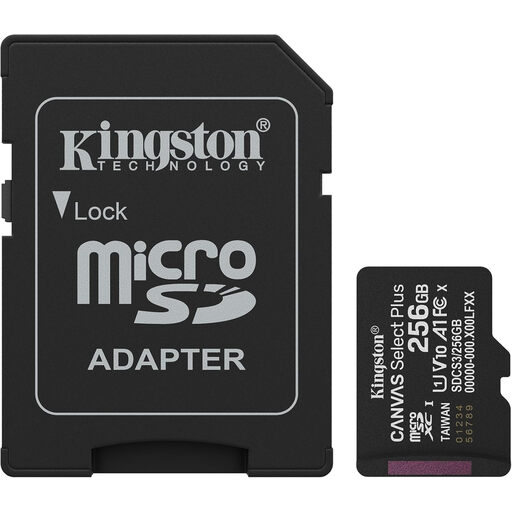
Why This Fits Their Persona: A straightforward storage upgrade for Android users and casual camera owners who want 256GB capacity, UHS-I support and an included SD adapter.
The product listing identifies the microSDXC format, A1 rating and adapter, helping avoid confusion between card size and device compatibility.
Up to 150MB/s read speed, A1 application performance and IPX7 waterproof, temperature-proof and X-ray-proof protection.
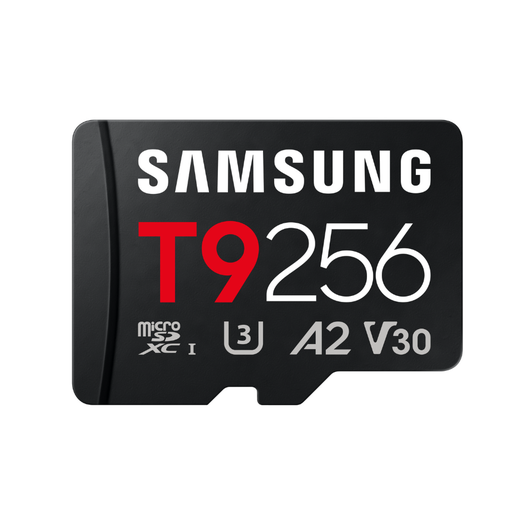
Why This Fits Their Persona: Suited to users moving large files between Android devices, drones, action cameras and gaming consoles who value high listed speeds and extensive protection features.
Its U3 and V30 ratings are stated alongside the headline speeds, making it easier to assess suitability for compatible 4K recording devices.
Up to 200MB/s read and 130MB/s write speeds, with water, temperature, X-ray, magnet, drop and wearout protection listed.
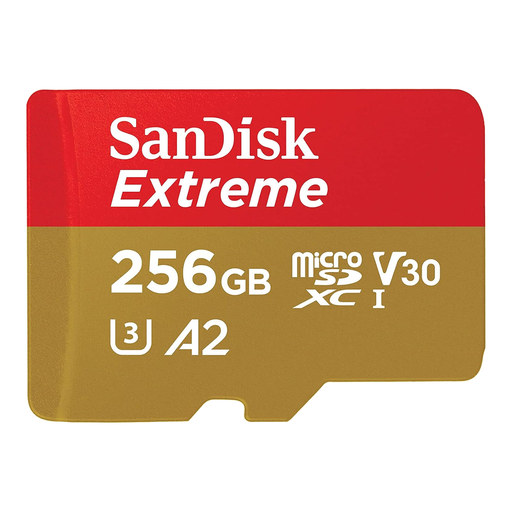
Why This Fits Their Persona: A practical match for drone pilots, action-camera owners and content creators recording high-resolution footage across different devices.
The U3 and V30 markings are more useful for 4K recording decisions than a read-speed figure alone, while the adapter supports full-size SD slots.
Up to 190MB/s read and 130MB/s write speeds, A2 rating and protection against water, shock, temperature and X-rays.
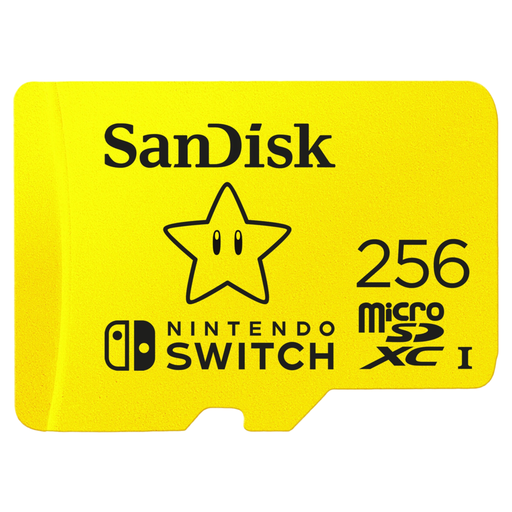
Why This Fits Their Persona: Designed for Nintendo Switch, Nintendo Switch OLED Model and Nintendo Switch Lite users who want additional space for digital games, DLC and screenshots.
It is identified as officially licensed and designed for the Nintendo Switch family, reducing the risk of selecting a card with the wrong physical format.
256GB capacity, sequential read speeds up to 100MB/s and write speeds up to 90MB/s, with a lifetime limited warranty listed.
We have compiled a complete, real-time list of products that fully satisfy these strict selection criteria and UK safety regulations.
Do not judge a card’s remaining life solely by its warranty. Flash storage has finite write cycles and heavy continuous recording can place more demand on a card than occasional photo storage. For dashcams, CCTV or other write-intensive equipment, select a model specifically intended for that workload.
It can provide substantial additional space for digital games, downloadable content and screenshots. The number of titles depends on their individual file sizes, so users with a large digital library may prefer 512GB. Check the console model and format the card through the console before use.
It can be suitable when the camera or action camera supports the capacity and the card has the required sustained speed rating, such as U3 and V30. Always follow the recording device’s own specification, as 4K bit rates vary.
There is no fixed lifespan. Usage frequency, recording volume, heat and removal practices all affect longevity. Regular backups, safe ejection and formatting in the host device can help reduce avoidable file-system problems.