
24/7 Customer Support

Free returns

Same-day & Next-day Delivery

Quality Guaranteed

Unlock Your Welcome Offers: FREE Delivery | Up to 80% OFF | Free 30-day JoyPlus trial
Download the APP
A 4K gaming monitor can improve image detail, motion clarity and desk productivity, but the headline specification does not tell the whole story. A screen advertised as “4K” may still be limited by a 60Hz refresh rate, weak HDR performance or unsuitable connectivity.
For UK buyers, the main challenge is matching the monitor to the hardware and the way it will be used. A competitive PC gamer has different priorities from a console player, photographer or home-office user. The following guide explains the specifications that matter and highlights our top recommendations for distinct usage profiles.
A 4K 240Hz gaming monitor sounds appealing, but your graphics card must render games at very high frame rates to make full use of it. If your PC usually produces 70–120 frames per second at 4K, a 144Hz or 165Hz screen may provide a more balanced specification.
Console users should also check limits carefully. PlayStation 5 and Xbox Series X|S commonly target 4K at up to 120Hz, so HDMI 2.1 support is more relevant than an extremely high PC refresh rate.
HDR10, DisplayHDR 400 and DisplayHDR True Black describe compatibility or certification levels, but they do not guarantee identical brightness or contrast. Check the panel type, peak brightness and black-level performance together. OLED panels can produce very deep blacks, while IPS displays may offer consistent brightness and wide viewing angles.
A quoted 0.03ms or 1ms response time is usually measured under a particular test condition. Motion clarity also depends on refresh rate, overdrive tuning and the game’s frame rate. Look for adaptive-sync support, such as NVIDIA G-SYNC Compatible or AMD FreeSync, to help reduce tearing and stuttering with compatible hardware.
A UHD gaming monitor normally uses 3840 × 2160 pixels. A 27-inch gaming monitor provides a sharp image and suits smaller desks, although Windows scaling may be useful for comfortable text size. A 32-inch gaming monitor offers a more spacious view for games, editing timelines and multiple windows.
Ultra-wide displays use different resolutions and aspect ratios. They can be useful for productivity, but confirm that your games support the format and that your desk is wide enough.
For photo, video and design work, look for stated coverage such as 100% sRGB, 99% DCI-P3 or Adobe RGB, alongside calibration information. A professional 4K monitor may also offer factory calibration, USB-C connectivity and a more adjustable stand.
DisplayPort is often the practical choice for high-refresh PC gaming. HDMI 2.1 is important for current consoles and some high-bandwidth PC setups. A USB-C 4K monitor can carry video, data and power through one cable, although the charging wattage varies considerably.
Also check:
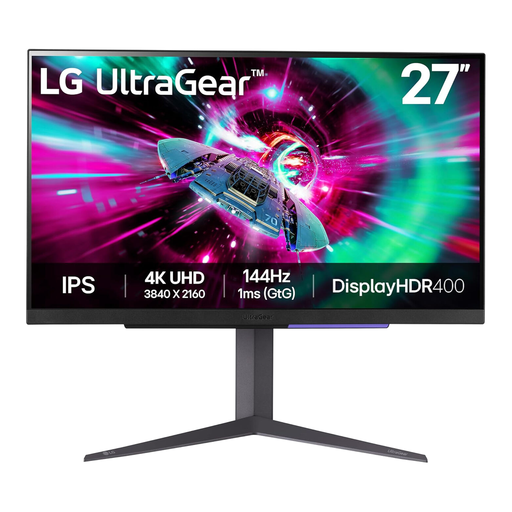
Why This Fits Their Persona: A practical starting point for PC gamers who want sharp 4K visuals without moving to OLED pricing or very demanding 240Hz hardware.
Its IPS panel, 144Hz refresh rate and adaptive-sync compatibility provide a more balanced specification than paying for an unused ultra-high refresh rate.
4K UHD resolution, 144Hz refresh rate, 1ms GtG response time, HDR10 and height, tilt and pivot adjustments.
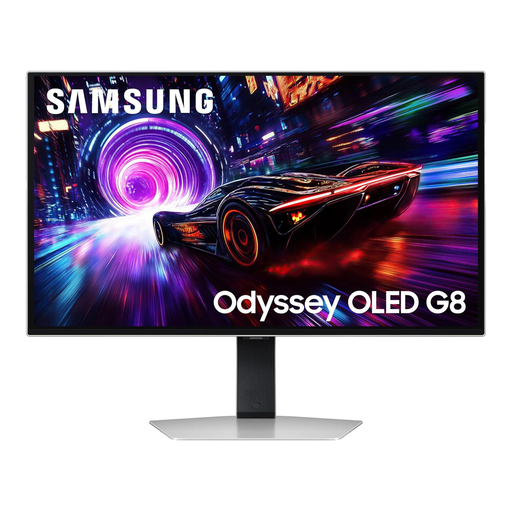
Why This Fits Their Persona: Suits players who want high-end 4K gaming, strong contrast and fast motion for both competitive and cinematic titles.
The QD-OLED panel combines a 240Hz refresh rate with stated OLED protection features, while the anti-glare specification addresses reflections in brighter rooms.
32-inch 4K QD-OLED panel, 240Hz refresh rate, 0.03ms GTG response time and DisplayHDR True Black 400.
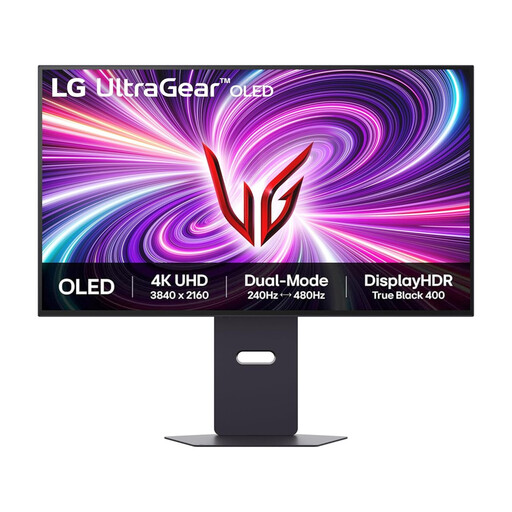
Why This Fits Their Persona: Designed for competitive PC players who want 4K detail for everyday gaming and a faster mode for esports titles.
Its dual-mode design makes the trade-off clear: 4K at 240Hz or Full HD at up to 480Hz, rather than implying both resolutions run at the same maximum rate.
32-inch OLED display, 0.03ms GtG response time, HDMI 2.1, G-SYNC Compatible and FreeSync Premium Pro.
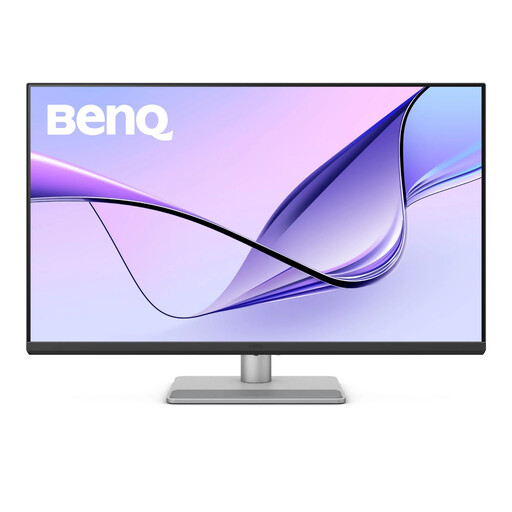
Why This Fits Their Persona: A strong match for MacBook users, editors and professionals who need a large colour-focused workspace alongside occasional gaming.
The product clearly prioritises colour coverage and workflow connectivity rather than presenting gaming refresh rates as its main selling point.
31.5-inch 4K IPS panel, 97% DCI-P3 coverage, DisplayHDR 600 and USB-C with up to 90W Power Delivery.
We have compiled a complete, real-time list of products that fully satisfy these strict selection criteria and UK safety regulations.
It can be, especially for single-player games, editing and general productivity. However, demanding games may require reduced settings or upscaling to reach high frame rates. A 144Hz or 165Hz model can be a sensible match for many systems.
OLED can provide excellent contrast and fast response, but static elements such as taskbars and application toolbars require sensible usage habits. Use built-in panel-care functions, moderate brightness and screen-saving features when appropriate.
Potentially, although total consumption varies by panel size, brightness, HDR mode and connected equipment. Check the manufacturer’s typical and maximum power figures, and use standby or energy-saving settings when the monitor is not needed.