
24/7 Customer Support

Free returns

Same-day & Next-day Delivery

Quality Guaranteed

Unlock Your Welcome Offers: FREE Delivery | Up to 80% OFF | Free 30-day JoyPlus trial
Download the APP
Navigating the world of 4K smart TVs can feel like wading through a swamp of technical jargon and marketing promises. With so many models available, it is easy to end up with a television that looks great on paper but fails to deliver in your living room. As a Joybuy Product Recommendation Officer, my role is to help you sidestep the common purchasing traps and focus on what truly matters for your viewing experience.
Before you start looking at smart TV deals in the UK, let's uncover a few pitfalls that frequently catch buyers out:
To make a confident choice, you only need to focus on a few core specifications. Understanding these will empower you to see past the hype and find a television that fits your needs perfectly.
The type of screen technology is the single biggest factor in picture quality.
A panel's native refresh rate determines how many times per second the image on the screen is updated.
For a truly cinematic experience, picture and sound must work in harmony.
Instead of a generic list, we have matched a few standout models to specific UK households.
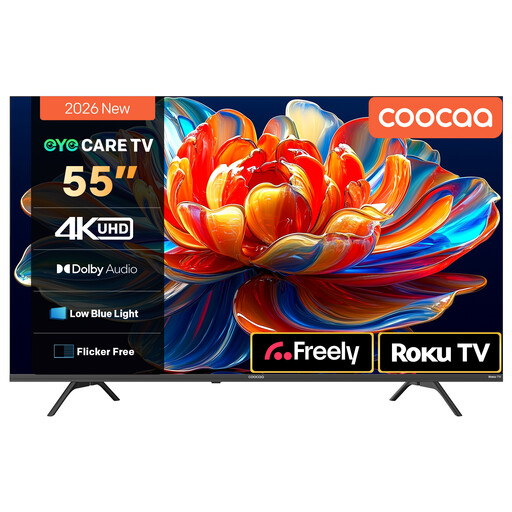
Why This Fits Their Persona: This 55 inch smart TV is ideal for families who want a straightforward, reliable hub for streaming. The Roku TV platform is famously easy to use, giving you quick access to all major UK apps like BBC iPlayer, ITV Hub, Netflix and Freely without any fuss.
It directly counters the "sluggish smart OS" pitfall. Roku is known for its simple interface, fast performance and consistent software updates, ensuring a smooth user experience for years to come.
Features a simple, all-in-one home screen for easy access to streaming apps and live TV. It also includes Dolby Audio for clear sound in everyday viewing.
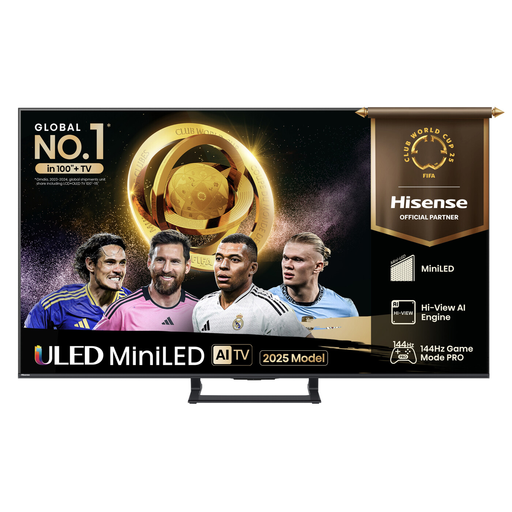
Why This Fits Their Persona: This model is built for performance. For a UK gamer with a PS5 or Xbox Series X, the combination of a high refresh rate panel, Mini LED technology and dedicated gaming features provides a significant competitive advantage and a visually stunning experience.
It avoids the "misleading motion rate" trap by offering a genuine high refresh rate with its 144Hz Game Mode PRO and HDMI 2.1 support. This isn't a software trick; it's hardware designed for smooth, high-frame-rate gaming.
The Mini LED display provides exceptional contrast for seeing details in dark game scenes, while low input lag ensures responsive controls. It also has a built-in subwoofer for more impactful game audio.
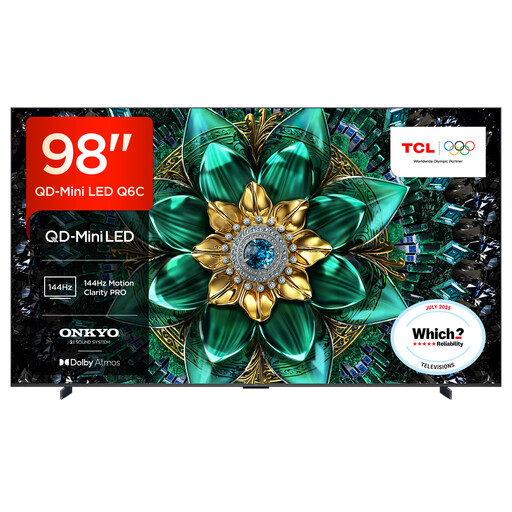
Why This Fits Their Persona: For those looking to create a true private cinema, this colossal 98-inch screen delivers an incredibly immersive experience. The advanced QD-Mini LED panel and Google TV interface make it a premium hub for film nights, offering spectacular scale and quality.
This model demolishes the "fake HDR" trap. Its QD-Mini LED technology with precise local dimming provides the high peak brightness and deep black levels necessary for impactful, genuine HDR performance, especially with Dolby Vision content.
Features a premium 2.1 ONKYO sound system with a built-in subwoofer and Dolby Atmos support for room-filling audio. The 144Hz native refresh rate also ensures motion is exceptionally smooth during action sequences.
We have compiled a complete, real-time list of products that fully satisfy these strict selection criteria and UK safety regulations.
For many users, yes. A QLED 4K TV offers a noticeable improvement in colour vibrancy and brightness. If you primarily watch films, nature documentaries or colourful animated content, the richer and more accurate colours can significantly enhance your viewing experience. For general news and daytime TV, a standard Direct LED model is often sufficient.
A modern 4K smart TV's hardware should last for many years, typically well over five. The more critical factor is software support. Televisions with popular operating systems like Google TV or Roku TV tend to receive app and security updates for longer than those with less common or proprietary systems. This ensures your streaming services continue to work correctly and securely.
Yes, you need a TV Licence if you do any of the following:
This applies to any device you use, including a smart TV, laptop or tablet. You do not need a licence if you only ever watch on-demand content from services other than BBC iPlayer (like Netflix).