
24/7 Customer Support

Free returns

Same-day & Next-day Delivery

Quality Guaranteed

Unlock Your Welcome Offers: FREE Delivery | Up to 80% OFF | Free 30-day JoyPlus trial
Download the APP
Choosing a 4K smart TV involves more than comparing screen size and promotional prices. A television may advertise HDR, QLED, 120Hz gaming or Dolby Atmos, yet the practical experience can vary considerably depending on the panel, input source, room and smart platform.
For UK households, the most common buying mistakes are:
A 4K UHD display generally has a resolution of 3840 × 2160 pixels, providing four times the pixel count of Full HD. This is useful for large screens and close viewing distances, but streamed content must also be available in 4K to show the full benefit.
For smaller rooms, a Full HD smart TV can remain a sensible choice. A 32-inch or 40-inch screen viewed from several metres away may not show a clear difference between Full HD and 4K content.
Panel technology also matters:
HDR support should be checked alongside brightness and content compatibility. Common standards include HDR10, HLG, HDR10+ and Dolby Vision. A TV that supports several formats gives you broader source compatibility, but the visible improvement depends on the programme, streaming service and panel performance.
A standard 50Hz or 60Hz TV can handle everyday broadcast television and most films. Sports viewers and gamers may prefer smoother motion, but the specification needs careful reading.
A 120Hz TV may provide a native 120Hz panel, while some models advertise a gaming accelerator that operates at a lower resolution. For example, the TCL V6C range lists a 120Hz Game Accelerator for Full HD, together with HDMI 2.1, ALLM and VRR features. This is not identical to native 4K at 120Hz.
A 144Hz TV is mainly relevant to PC gaming and selected consoles or graphics hardware. Confirm:
These checks help prevent paying for a gaming feature that your existing equipment cannot use.
The operating system determines app access, recommendations and voice-control functions. Google TV brings supported streaming services into one interface and can work with Google Assistant. Other platforms, such as TiVo OS, Tizen, webOS and VIDAA, offer different app libraries and menus.
If you want a smart TV with Google Assistant, check whether the function is built in or requires a separate device. Also consider the number of HDMI ports, eARC support, Wi-Fi connectivity and Bluetooth.
For sound, Dolby Atmos TV branding indicates support for Atmos processing or playback. It does not mean the built-in speakers will reproduce the same effect as a multi-speaker system. Check speaker output, eARC and soundbar compatibility if film audio is important.
Finally, measure the stand width, wall position and viewing distance. A large-screen TV may need substantial furniture or a suitable VESA wall mount. Keep ventilation openings clear and secure wall-mounted sets correctly, particularly in homes with children.
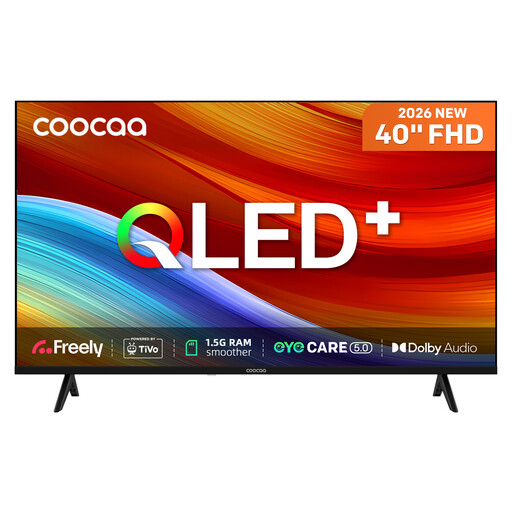
Why This Fits Their Persona: Its 40-inch format suits bedrooms, studios and smaller UK living spaces, while Full HD resolution avoids paying for 4K where viewing distance is greater.
The specification clearly states Full HD 1920 × 1080, 230 cd/m² brightness and a 50Hz refresh rate, helping buyers avoid unclear 4K or gaming claims.
QLED technology, HDR10 and HLG support, built-in Freely access and Dolby Audio.
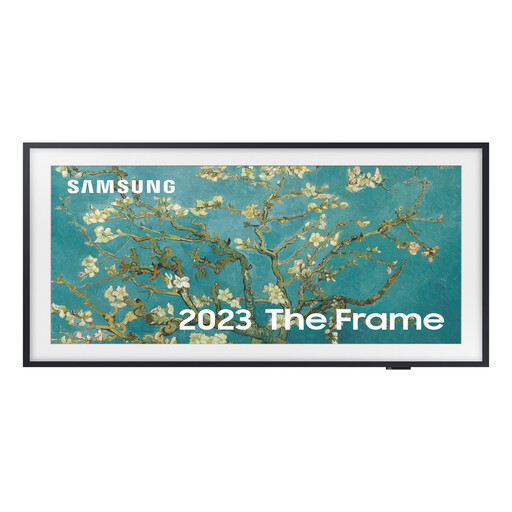
Why This Fits Their Persona: Designed for style-conscious bedrooms, offices and reception areas where the screen should complement the room when switched off.
Its 32-inch Full HD format makes the intended compact-room use clear, while the matte display addresses reflections that can affect bright rooms.
QLED display, HDR10+ support, 50Hz native refresh rate and a frame-style design with customisable bezels.
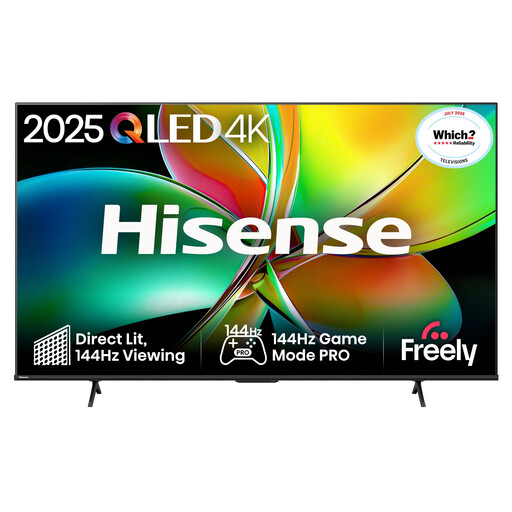
Why This Fits Their Persona: Suitable for a dedicated film, sports or gaming room where a very large screen and high refresh rate are central requirements.
The listing identifies a native 144Hz refresh rate and separate gaming functions including VRR, ALLM and AMD FreeSync Premium PRO.
85-inch 4K QLED display, 144Hz native refresh rate, four HDMI ports and Dolby Atmos support.
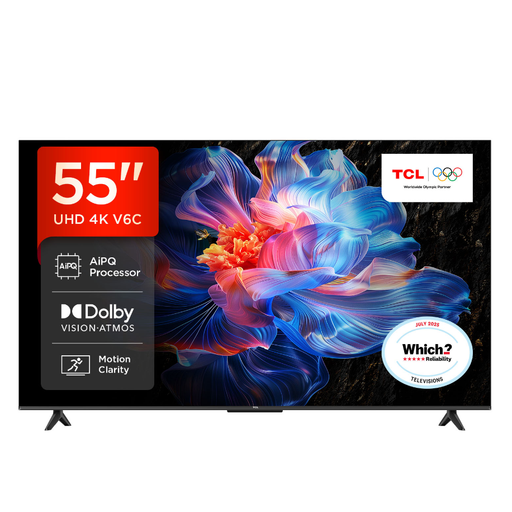
Why This Fits Their Persona: A versatile living-room size for streaming, films, television and occasional console gaming.
Its listing separates 4K HDR viewing from the 120Hz Game Accelerator at FHD, making the gaming limitation easier to identify before purchase.
Google TV with Google Assistant, support for HDR10+, Dolby Vision and Dolby Atmos, plus HDMI 2.1 and VRR features.
We have compiled a complete, real-time list of products that fully satisfy these strict selection criteria and UK safety regulations.
It depends on screen size and viewing distance. For a compact bedroom or kitchen, a Full HD smart TV at 32 or 40 inches may provide sufficient detail. A 4K model becomes more useful on larger screens or when viewers sit relatively close.
Power consumption depends on screen size, brightness, panel technology and usage rather than refresh rate alone. Check the product’s UK energy label and consider using energy-saving settings. Large-screen televisions generally require more power than compact models.
There is no fixed lifespan for every model. Reliability, operating temperature, software support and daily usage all matter. Keep ventilation clear, install software updates, avoid leaving static images on screen for extended periods and use a secure stand or wall mount. Check the manufacturer’s warranty and retailer terms before ordering.