
24/7 Customer Support

Free returns

Same-day & Next-day Delivery

Quality Guaranteed

Unlock Your Welcome Offers: FREE Delivery | Up to 80% OFF | Free 30-day JoyPlus trial
Download the APP
Buying a 4K Smart TV can improve streaming, live television and console gaming, but the specification sheet does not always tell the complete story. A high-resolution panel may still have limited brightness, weak built-in sound or an unsuitable smart platform.
Before comparing prices, watch for these common buying pitfalls:
All the televisions in this guide provide 4K resolution, but their display technologies differ.
A standard Direct LED TV can offer consistent brightness and is often suitable for everyday viewing. A QLED TV adds a quantum-dot layer designed to produce a wider colour range. Mini LED TV models use many smaller backlights and local dimming zones to control bright and dark areas more precisely than a conventional LED design.
For HDR viewing, look beyond the term “HDR Smart TV”. Check the supported formats, such as HDR10, HLG, HDR10+ or Dolby Vision, and consider the screen’s brightness and dimming capabilities. HDR content can look more expressive when the television has sufficient brightness and effective contrast, but the result also depends on the streaming service and source material.
A 50 inch Smart TV usually suits a medium-sized lounge, bedroom or open-plan viewing area. A 55 inch Smart TV offers a more immersive image without the wall presence of a very large screen. A 65 inch Smart TV or 75 inch Smart TV can work well in a larger room, but measure carefully first.
Check:
For a 75-inch model, use two or more people for unpacking and setup. Secure a large television against tipping, particularly in homes with children or pets. Wall mounting should use compatible hardware and a suitable wall structure.
For console gaming, look for HDMI 2.1, ALLM, VRR and a stated refresh rate of 120Hz or higher. These features can help reduce input delay and improve motion consistency, but the console, cable and game must also support the relevant standard. A “gaming TV” with a 144Hz mode may be more suitable for a compatible gaming PC than a standard console.
For home cinema, check audio output rather than relying only on the phrase Dolby Atmos TV. A built-in subwoofer or a higher-power speaker system may produce fuller sound, while eARC makes it easier to connect a compatible soundbar. Also count the HDMI and USB ports if you use a console, set-top box, Blu-ray player and external storage.
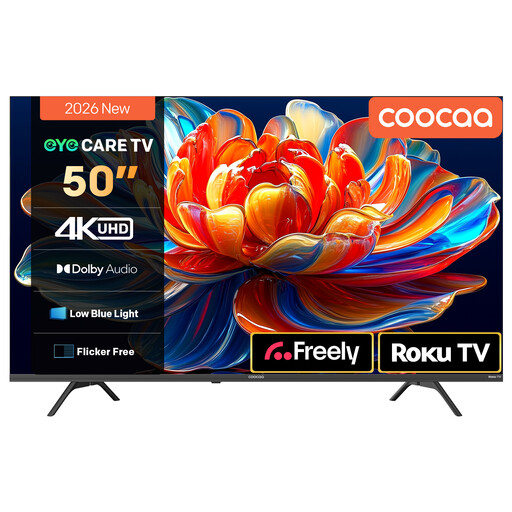
Why This Fits Their Persona: A practical 50-inch option for households wanting 4K streaming, live television access and a straightforward interface without moving to a very large screen.
The listing identifies HDR10 and HLG support, Roku TV access and Dolby Audio rather than relying only on a 4K resolution label.
50-inch Direct LED panel, MEMC motion processing, two 10W speakers and voice-assistant compatibility.
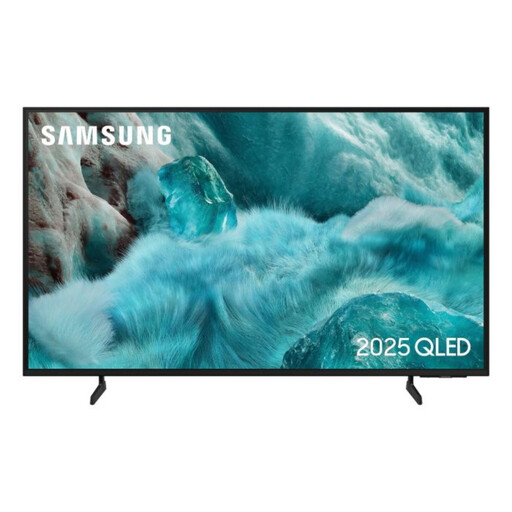
Why This Fits Their Persona: A suitable choice for viewers prioritising QLED colour technology, smart features and a slim 50-inch format for films, television and occasional gaming.
Its specification lists QLED, Quantum HDR and HDR10+ support, helping shoppers distinguish display technology from resolution alone.
Tizen OS, three HDMI ports, Bluetooth, 20W audio and a stated five-year manufacturer warranty upon registration.
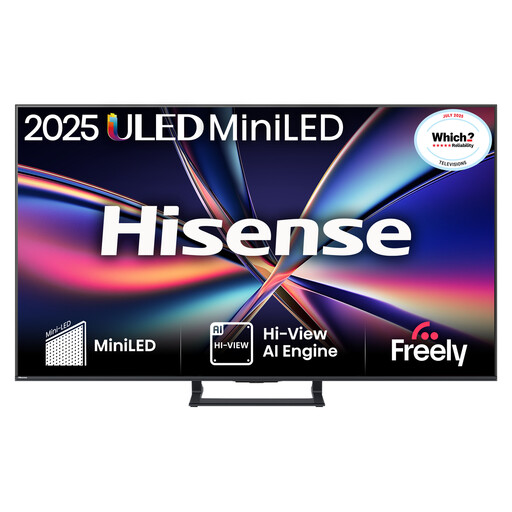
Why This Fits Their Persona: The combination of a 55-inch screen, Mini LED backlighting and gaming connections suits fast-action games, sport and home cinema viewing.
The listing specifies a native 144Hz refresh rate, HDMI 2.1, VRR and ALLM, rather than using an unspecified motion-enhancement claim.
Mini LED with local dimming, Dolby Vision IQ, Dolby Atmos, built-in subwoofer and VESA 400 × 200 compatibility.
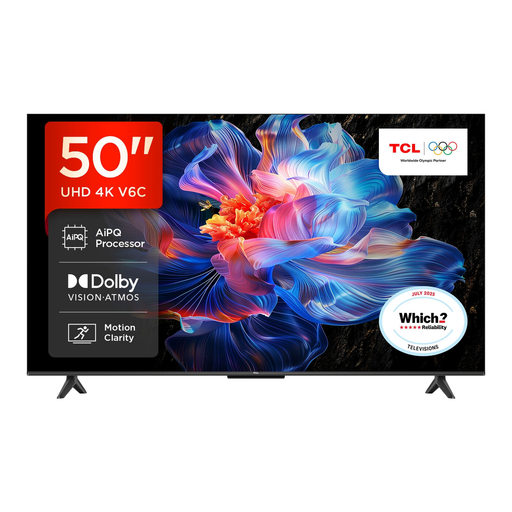
Why This Fits Their Persona: Google TV brings apps and content recommendations together, making this a flexible choice for shared family viewing and everyday streaming.
The specification lists HDR10+, Dolby Vision, HDMI 2.1, VRR and ALLM, giving clearer information about viewing and gaming support.
Google Assistant, Dolby Atmos audio, four HDMI inputs and a bezel-less metal design.
We have compiled a complete, real-time list of products that fully satisfy these strict selection criteria and UK safety regulations.
Many models include a digital tuner, but this is not universal. Check the listing for Freeview or DVB-T2 support if you want live terrestrial channels without an external box. Streaming platforms such as BBC iPlayer and ITVX require a reliable broadband connection.
Lifespan depends on usage, ventilation, software support and component reliability. Keep ventilation openings clear, avoid placing the screen near heat or moisture, and install software updates when offered. Review the manufacturer warranty and seller terms before buying.
Running costs vary according to screen size, brightness settings, HDR use and daily viewing time. Check the UK energy label, including SDR and HDR consumption where provided. Turning off the television rather than leaving it in standby, and using energy-saving settings, can reduce unnecessary consumption.