
24/7 Customer Support

Free returns

Same-day & Next-day Delivery

Quality Guaranteed

Unlock Your Welcome Offers: FREE Delivery | Up to 80% OFF | Free 30-day JoyPlus trial
Download the APP
Navigating the world of televisions can feel like a minefield of technical jargon and ambitious marketing claims. You see the labels on the box—'4K HDR', 'Ultra-Smooth Motion'—but when you get the TV home, the picture can look disappointingly flat, and navigating the apps is a frustratingly slow experience. Many UK shoppers end up with a television that doesn't live up to its promises.
As the Joybuy Product Recommendation Officer, my role is to help you sidestep these issues. Before you spend your hard-earned money, let's look at the common pitfalls that can lead to buyer's remorse.
To ensure you get a television that performs as you expect, focus on these core specifications. They are the true indicators of quality, cutting through the marketing clutter.
The panel is the heart of your TV. While most modern sets are a type of LED, the technology used to create the image varies significantly.
This is arguably the most important specification for anyone with a modern games console like a PlayStation 5 or Xbox Series X.
The operating system (OS) dictates your entire user experience. A good smart OS should be fast, intuitive and have access to all the UK streaming apps you need (BBC iPlayer, ITVX, Netflix, Disney+, etc.).
Based on these critical factors, we've identified several models that align with the needs of different UK households.
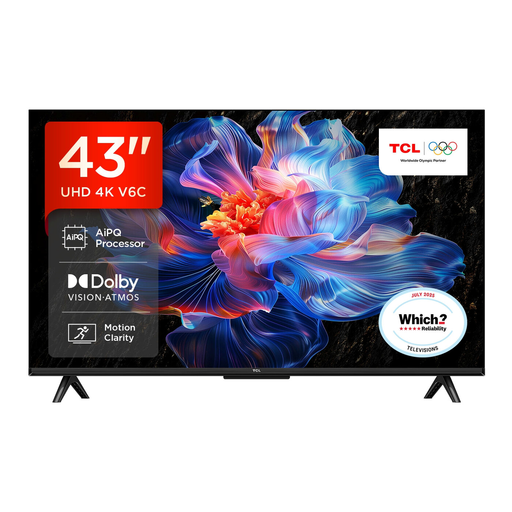
Why This Fits Their Persona: Ideal for a bedroom, study or smaller living room, this TV provides a full 4K and smart experience without a hefty price tag. It's a perfect entry into the world of 4K streaming for those prioritising value.
It runs on the responsive Google TV platform, sidestepping the sluggish OS pitfall common in many budget smart TVs. It also supports multiple HDR formats, including Dolby Vision.
Features a modern, bezel-less design and includes support for Dolby Atmos audio, offering a more immersive sound experience than many competitors in its price bracket.
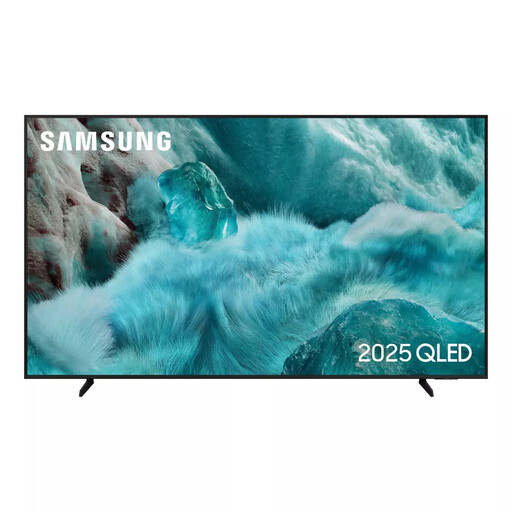
Why This Fits Their Persona: A great choice for the main family TV. The 55 inch smart TV size is perfect for most UK living rooms, and the QLED panel delivers the vibrant picture quality needed for movie nights and everyday viewing.
The Quantum Dot technology provides a genuine, visible improvement in colour and brightness, avoiding the "HDR on paper" trap. The Tizen OS is also famously quick and easy to use.
Features Object Tracking Sound Lite (OTS Lite) for more immersive audio that follows the on-screen action and a 4K upscaling processor that enhances older, lower-resolution content.
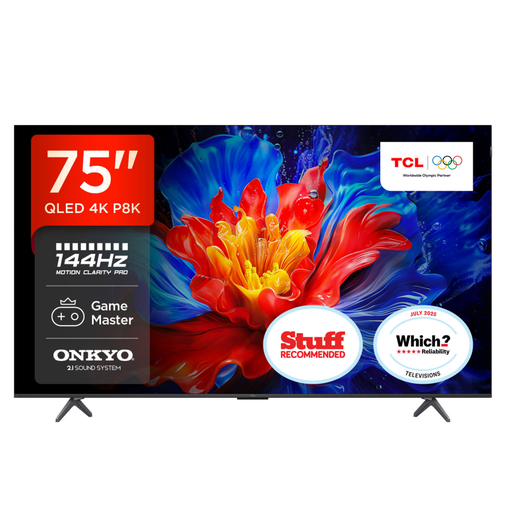
Why This Fits Their Persona: This large-screen 65 inch 4K TV (and larger) is built for performance. It's for the user who wants a competitive edge in gaming and a cinematic experience for movies, with features that deliver on both fronts.
It directly counters the motion smoothing myth by offering a native 120Hz/144Hz VRR panel and four HDMI 2.1 ports, providing genuine high-frame-rate performance, not just software tricks.
Features a powerful AiPQ Pro Processor for excellent picture optimisation and an integrated ONKYO 2.1 Sound System with a built-in subwoofer and Dolby Atmos support for impressive, room-filling audio straight out of the box.
We have compiled a complete, real-time list of products that fully satisfy these strict selection criteria and UK safety regulations.
A modern 4K smart TV from a reputable brand should provide reliable service for approximately 5 to 7 years under typical household usage. The panel itself can often last longer, but factors like software updates ceasing for the smart platform or changes in streaming technology might prompt an upgrade sooner.
For many users, yes. If you watch a lot of high-quality 4K content, especially films and shows in HDR, the superior colour volume and brightness of a QLED TV offer a clearly visible and more immersive experience. For more casual viewing, such as in a kitchen or a secondary bedroom, a standard Direct LED TV can still provide a perfectly good picture and may be the more sensible choice.
Not necessarily. If you plan to exclusively use internet-based streaming apps like Netflix, BBC iPlayer, Prime Video and Disney+ via your Wi-Fi connection, you do not need an aerial. However, if you want to watch live digital terrestrial channels (Freeview) through the TV's built-in tuner, you will need to connect it to a working aerial. Some newer TVs also include services like Freely, which can stream many of these live channels over the internet, removing the need for an aerial.