
24/7 Customer Support

Free returns

Same-day & Next-day Delivery

Quality Guaranteed

Unlock Your Welcome Offers: FREE Delivery | Up to 80% OFF | Free 30-day JoyPlus trial
Download the APP
Choosing a 4K Smart TV for a UK home involves more than comparing screen size and a headline price. A television can advertise 4K resolution yet differ significantly in HDR performance, motion handling, operating system, sound and gaming connectivity.
This guide cuts through common marketing traps and matches selected models to practical household needs, from compact secondary screens to large-screen home cinema setups.
A 4K panel has a resolution of 3840 × 2160 pixels, but resolution alone does not determine how bright, colourful or contrast-rich the image appears. A standard LED television, QLED TV and Mini LED TV can all offer 4K resolution while using different backlighting and colour technologies.
Also check:
HDR content may look more detailed in highlights and shadows, but the result depends on the screen’s brightness, local dimming capability and the content source.
Some televisions use motion processing or a gaming accelerator to improve fluidity, while others have a higher native panel refresh rate. These are not interchangeable specifications.
For console and PC gaming, look for HDMI 2.1, ALLM and VRR. These features can help compatible equipment switch into a lower-latency mode and synchronise the display refresh rate with the game output. Always check how many HDMI ports support the required specification, particularly if you own a console, gaming PC and soundbar.
The operating system affects app availability, navigation and voice control. Google TV brings streaming services and recommendations into one interface, while Tizen Smart TV provides Samsung’s app ecosystem and connected-device features. VIDAA Smart TV is used by several affordable models and offers access to key streaming services.
For UK households, check whether the model includes the live television services you use. A TV with Freely TV support may stream compatible live and on-demand channels over broadband, but availability can depend on the service, region and internet connection. A built-in tuner may still be useful if you rely on an aerial, cable or satellite signal.
A larger screen is not automatically more suitable. Measure the available width, stand depth and wall area before ordering. Remember that the quoted diagonal excludes the bezel and stand.
Check the product dimensions with and without the stand. If wall mounting, confirm the VESA mounting pattern, bracket weight rating and wall construction. Secure the television according to the manufacturer’s instructions and leave adequate ventilation around it.
A Direct LED model can provide even backlighting across a conventional panel. A QLED TV adds a quantum-dot layer intended to support a wider colour range, while a Mini LED TV uses much smaller backlight LEDs and local dimming zones.
The TCL 75Q6C, for example, lists QD-Mini LED technology, a 144Hz native display, VRR and support for Dolby Vision IQ, HDR10+, HLG and HDR10. Its performance is specified for compatible content and sources, so it is worth checking the formats used by your streaming services and devices.
A gaming TV should be selected around your equipment rather than the highest number on the box. Check:
For film and sports viewing, motion processing may help with fast scenes, but preferences vary. Built-in audio also differs. A Dolby Atmos TV can process compatible soundtracks, although the effect from built-in speakers will not be the same as a dedicated surround system. Models with a 2.1-channel speaker arrangement or higher rated output may reduce the immediate need for a soundbar.
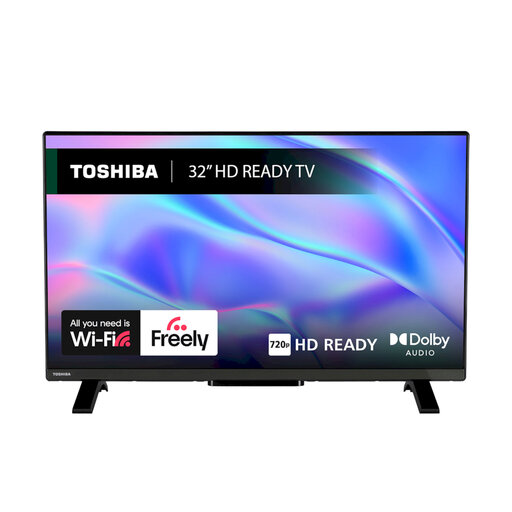
Why This Fits Their Persona: A compact option for a bedroom, student room or secondary viewing space where 4K resolution is not essential at a shorter viewing distance.
Its HD Ready resolution is clearly specified, avoiding the assumption that every Smart TV is 4K. It also lists Freely support, Wi-Fi, Ethernet and two HDMI inputs.
32-inch size, VIDAA OS, HDR10 and HLG support, plus Dolby Audio processing.
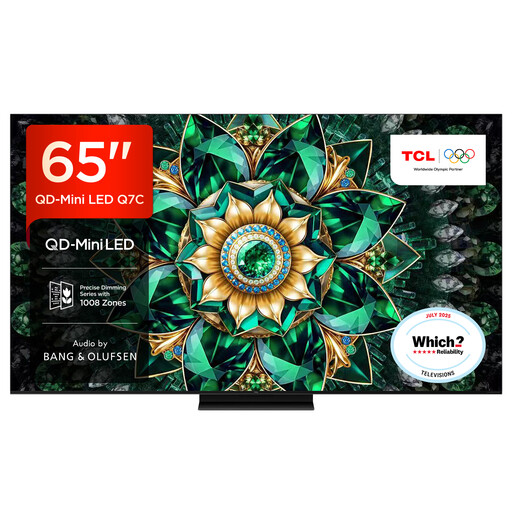
Why This Fits Their Persona: Suited to viewers wanting a larger home-cinema screen with advanced backlighting, broad HDR support and Google TV navigation.
The product specification identifies QD-Mini LED, local dimming zones, native refresh rate and supported HDR formats rather than relying on a generic “premium picture” description.
65-inch display, 144Hz native refresh rate, HDMI 2.1, VRR and Dolby Vision support.
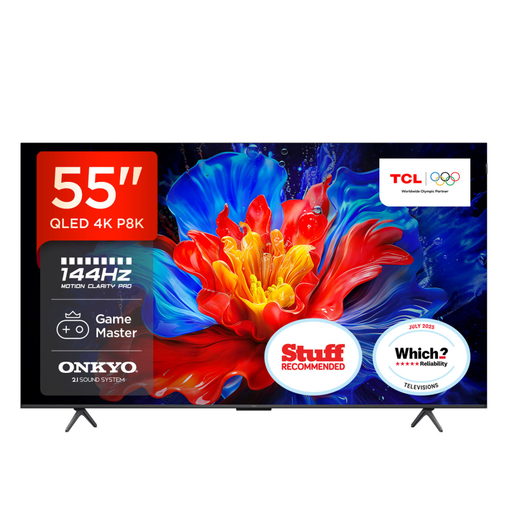
Why This Fits Their Persona: A practical 55-inch 4K TV format for households combining streaming, console gaming and everyday broadcast viewing.
Its gaming specification separates HDMI 2.1, ALLM and VRR from general motion claims, making it easier to compare with your console or PC output.
QLED display, up to 144Hz VRR for gaming, four HDMI 2.1 inputs and 35W 2.1-channel Onkyo audio with Dolby Atmos support.
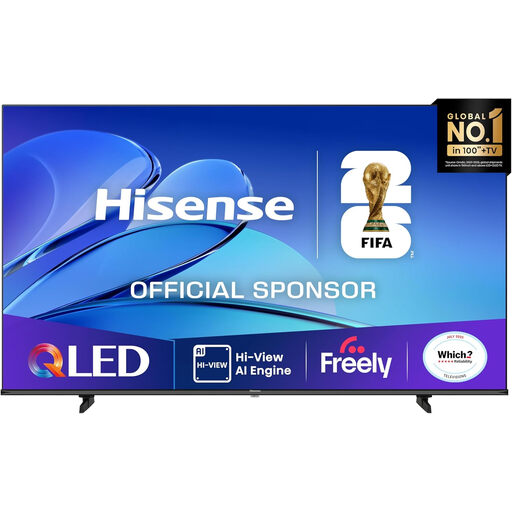
Why This Fits Their Persona: Designed for households with a spacious lounge, longer viewing distance and a preference for a very large screen.
The listed dimensions, energy class, input details and warranty information help buyers assess room fit, running considerations and installation planning.
85-inch QLED screen, Dolby Vision and HDR10+ support, VIDAA OS, VRR and ALLM.
We have compiled a complete, real-time list of products that fully satisfy these strict selection criteria and UK safety regulations.
It can be worthwhile if you watch 4K films, sports or supported content and sit close enough to see the additional detail. Streaming quality also depends on broadband speed, subscription tier and the app. Lower-resolution broadcasts can be upscaled, but upscaling does not create the same detail as native 4K content.
Consumption varies by screen size, brightness, picture mode and usage. Larger screens generally use more power. Check the product’s energy label, stated wattage and energy consumption figures rather than estimating from the resolution. Using an energy-saving mode and switching the TV fully off when appropriate can reduce unnecessary standby use.
There is no single guaranteed lifespan. Panel usage, software support, ventilation and operating conditions all matter. Before buying, check the manufacturer’s warranty, update information, ventilation requirements and available replacement accessories. A model with the right ports and smart platform for your household is less likely to need early replacement.