
24/7 Customer Support

Free returns

Same-day & Next-day Delivery

Quality Guaranteed

Unlock Your Welcome Offers: FREE Delivery | Up to 80% OFF | Free 30-day JoyPlus trial
Download the APP
A 55-inch 4K Smart TV can become the centre of a living room, gaming setup or home cinema. However, comparing models by screen size and price alone can lead to an unsuitable purchase. A television may advertise HDR, high refresh rates or smart features without offering the connectivity, app support or panel performance you actually need.
As the Joybuy Product Recommendation Officer, I focus on separating useful specifications from attention-grabbing sales language. This guide explains the main buying pitfalls, the technical details worth checking and which types of 55-inch 4K UHD TV may suit different UK households.
A television described as having “motion enhancement” or a “game accelerator” may not have a genuinely high native refresh rate. Entry-level screens commonly operate at 50Hz or 60Hz, which is suitable for ordinary television, films and most streaming.
If you watch a lot of sport or play fast-paced console games, check the specification for a native 120Hz TV, 144Hz or higher panel rather than relying on branded motion-processing terms. Also confirm which input supports the advertised rate.
HDR support is not a guarantee of identical picture quality. HDR10, HLG, Dolby Vision and HDR10+ are formats; the visible result also depends on panel brightness, contrast, local dimming and source content.
A standard Direct LED television can provide an attractive 4K picture, while a QLED TV generally uses quantum-dot technology to produce a wider range of vivid colours. Mini-LED and Neo QLED models add more precise backlight control, while an OLED TV uses self-lit pixels for deep black levels. Each option has different costs and viewing characteristics.
Slim televisions often have limited room for speakers. Dolby Atmos processing can help create a broader sound field, but it does not automatically mean the built-in speakers will replace a dedicated soundbar.
Also check whether the television includes the live-TV services you use. Freeview tuners, Freely over Wi-Fi and individual streaming apps are not interchangeable. Finally, measure the cabinet or wall carefully: a 55-inch screen is roughly 122–124cm wide, and the stand width may be greater than expected.
A 55-inch 4K UHD TV should list a resolution of 3,840 × 2,160 pixels. This is useful for detailed streaming, UHD discs, compatible broadcasts and modern games. Upscaling can improve lower-resolution content, but it cannot turn standard-definition footage into native 4K.
Choose the panel type according to your room and priorities:
For casual gaming, a 50Hz or 60Hz screen with ALLM may be sufficient. More demanding users should look for:
Do not assume every HDMI port supports every feature. Some televisions reserve higher refresh rates or VRR for particular inputs.
For a family room, three HDMI ports can be practical for a set-top box, soundbar and console. Four HDMI 2.1 ports are more suitable for several modern gaming devices. Check for eARC if you plan to connect a soundbar or AV receiver.
A Dolby Atmos TV may provide compatible audio decoding, while models with a larger speaker system or built-in subwoofer can offer more substantial sound. For wall mounting, check the VESA pattern, wall strength and cable access before ordering. A wall-mountable TV still requires a compatible bracket and secure installation.
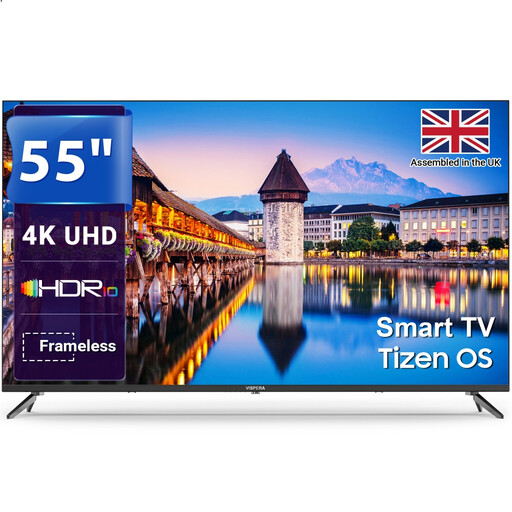
Why This Fits Their Persona: A practical choice for households wanting 4K streaming, Freeview HD and familiar apps without prioritising premium gaming features.
Its specification states a 60Hz refresh rate, helping buyers set realistic expectations rather than assuming a gaming-focused panel.
Tizen OS, 3 HDMI ports, 2 USB ports, Freeview HD and VESA 200 × 200mm mounting support.
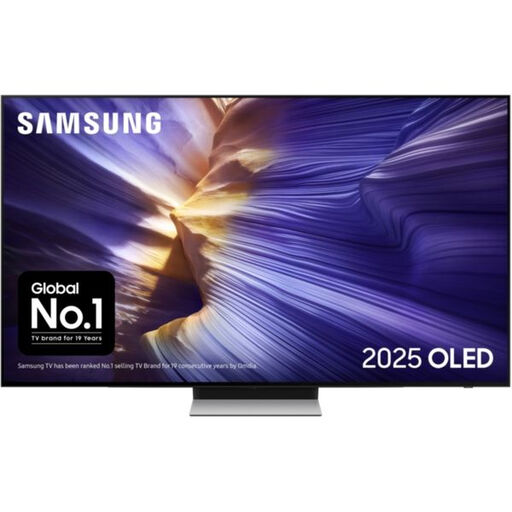
Why This Fits Their Persona: Suits film-focused viewers and households seeking an OLED panel with strong connectivity for premium entertainment.
The listing identifies OLED technology and supports HDR10+, HLG, VRR and ALLM, rather than relying only on a generic HDR label.
Four HDMI ports, 144Hz supported refresh rate, Dolby Atmos and 60W 2.1.2-channel audio specification.

Why This Fits Their Persona: Designed for dedicated gamers, sports viewers and home-cinema users who can make use of high refresh rates and advanced picture control.
The listing specifies 165Hz, four HDMI 2.1 ports, VRR and ALLM, making the gaming-related hardware easier to verify.
Mini-LED with local dimming, QLED colour, built-in subwoofer, Dolby Atmos and a two-year manufacturer warranty.
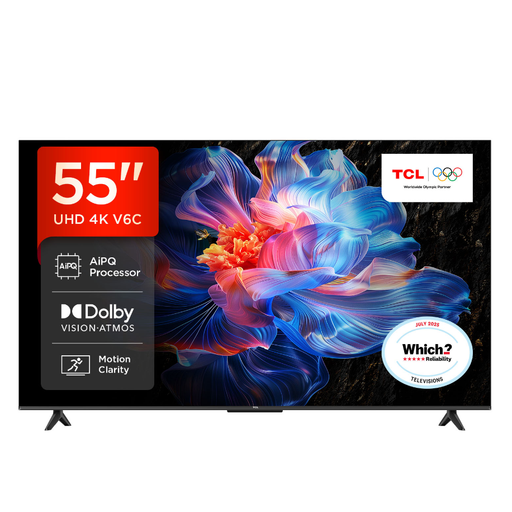
Why This Fits Their Persona: A flexible living-room option for shared streaming, films, sport and occasional console gaming through Google TV.
Its listing separates 4K picture processing from Game Master features and identifies HDMI 2.1, VRR and ALLM support.
Google TV, Dolby Atmos, HDR10+, Dolby Vision, three HDMI ports and built-in voice control.
We have compiled a complete, real-time list of products that fully satisfy these strict selection criteria and UK safety regulations.
It depends on seating distance and room layout. Measure the wall or TV unit, then allow ventilation space around the television. A 55-inch model typically works well as a main living-room screen, provided viewers are not positioned uncomfortably close.
Not necessarily. Traditional live television requires a suitable aerial connection, but services such as Freely can stream supported live channels over Wi-Fi. Check the individual model’s tuner and app support before removing an existing aerial or set-top box.
Running costs vary by screen technology, brightness settings, content and energy rating. Compare the product’s UK energy label and stated kWh consumption rather than judging from the panel type alone. Energy-saving modes can reduce consumption, although they may alter brightness.