
24/7 Customer Support

Free returns

Same-day & Next-day Delivery

Quality Guaranteed

Unlock Your Welcome Offers: FREE Delivery | Up to 80% OFF | Free 30-day JoyPlus trial
Download the APP
A 55-inch 4K Smart TV can suit a typical UK living room, home cinema or gaming setup, but the headline specifications do not tell the whole story. Two televisions may both advertise 4K HDR while differing considerably in panel technology, refresh rate, sound output, smart platform and energy use.
The most common buying mistakes are easy to overlook:
The following points can help you compare models more accurately before spending.
A conventional LED or Direct LED 55-inch 4K UHD TV may provide a practical price point for everyday viewing. QLED TVs add a quantum-dot layer designed to produce a wider colour range, while Mini LED TV and Neo QLED TV models use smaller backlight zones to improve control over bright and dark areas.
An OLED TV uses self-lit pixels rather than a conventional backlight. This can produce very dark blacks and a slim design, but shoppers should consider the room environment, viewing habits and manufacturer guidance before choosing one.
HDR support is also worth checking in detail. Common formats include HDR10, HLG, HDR10+ and Dolby Vision. A television may support one or several of these formats, but the visible result also depends on panel brightness, local dimming and the source content. HDR is not automatically superior simply because it appears on the specification sheet.
For films and most broadcast television, a 50Hz or 60Hz panel may be adequate. Sports viewers and console gamers should look more closely at motion handling and input features.
A gaming TV intended for current consoles or a gaming PC should ideally offer:
A listed “144Hz TV” or “165Hz TV” may require compatible hardware, a particular HDMI input or a specific resolution. Check the full technical specification rather than relying on a promotional label. For example, some models offer higher refresh rates for PC gaming while consoles remain limited by their own output capabilities.
Slim screens often have limited internal speaker space. Check the RMS audio output, channel configuration and supported formats such as Dolby Atmos. A soundbar can improve dialogue and low-frequency impact, but confirm that the TV has eARC if you want to pass compatible high-bandwidth audio.
The smart platform also affects daily convenience:
For UK live television, check whether the model includes a conventional tuner for Freeview TV, supports a Wi-Fi-based service such as Freely, or requires an external aerial or set-top box.
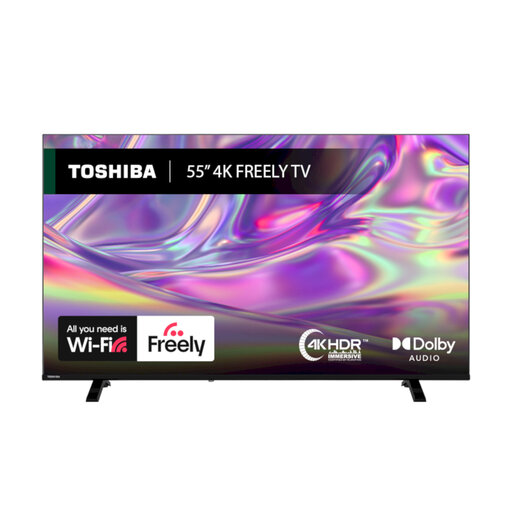
Why This Fits Their Persona: A practical option for households wanting a large screen for streaming, broadcast viewing and occasional gaming without prioritising advanced panel technology.
Its listed HDR support includes Dolby Vision, HDR10 and HLG, while the VIDAA platform and Freely support make UK content access more transparent.
Direct LED display, Dolby Audio, Wi-Fi, Ethernet, Bluetooth and a stated D energy class.
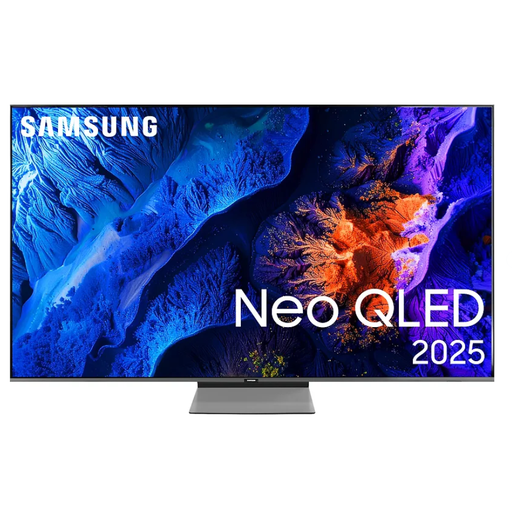
Why This Fits Their Persona: Suits viewers building a polished living-room or home-cinema setup with an emphasis on high refresh-rate support, smart features and integrated audio processing.
The specification separates a 100Hz native refresh rate from supported refresh rates up to 144Hz, making the capability easier to assess.
Neo QLED display, four HDMI ports, VRR, FreeSync Premium Pro, Dolby Atmos decoding and VESA 200 x 200 mounting.
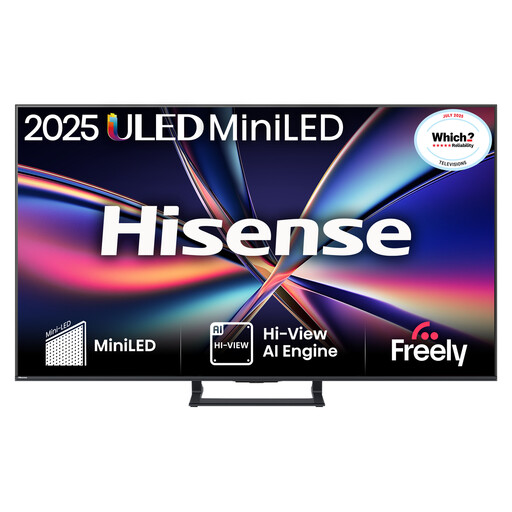
Why This Fits Their Persona: Designed for households combining fast-action sport, gaming, films and regular streaming, with a feature set aimed at demanding use.
Its specification states a native 144Hz refresh rate, HDMI 2.1, VRR and ALLM rather than relying only on general motion-smoothing language.
Mini LED with QLED colour technology, Dolby Vision IQ, Dolby Atmos with built-in subwoofer and VESA 400 x 200 support.
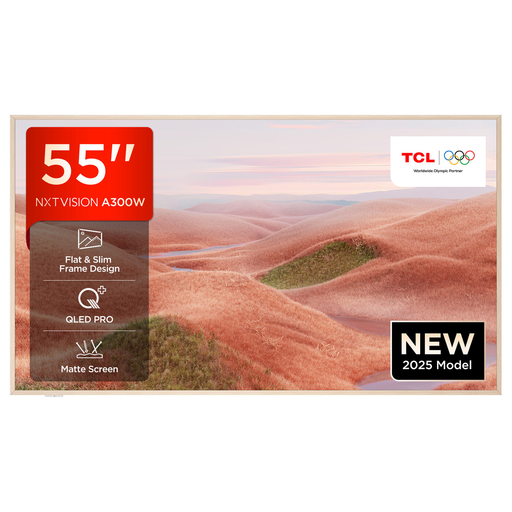
Why This Fits Their Persona: A suitable match for shoppers who want gaming connections, Google TV convenience and a slim, design-led screen for a modern room.
The listing identifies HDMI 2.1, VRR and ALLM alongside its stated 144Hz capability, allowing gamers to compare the relevant connections.
QLED panel, Google TV, Dolby Vision support, built-in voice control and wall-mount-ready design.
We have compiled a complete, real-time list of products that fully satisfy these strict selection criteria and UK safety regulations.
It depends on seating distance and room layout. Measure from the intended viewing position to the screen, and consider whether subtitles, sports graphics and menus are comfortable to read. A 55-inch panel can work well in many living rooms, but a smaller model may be more practical where seating is close.
Not always. A television with a built-in tuner can receive Freeview through a compatible aerial, while services such as Freely use an internet connection. Check the product specification and your broadband reliability before choosing an aerial-free setup.