
24/7 Customer Support

Free returns

Same-day & Next-day Delivery

Quality Guaranteed

Unlock Your Welcome Offers: FREE Delivery | Up to 80% OFF | Free 30-day JoyPlus trial
Download the APP
A 55-inch 4K Smart TV can suit a typical UK living room, but comparing models by screen size and price alone can lead to an unsuitable purchase. A television may advertise HDR, gaming modes or “AI” picture processing while lacking the panel performance, ports or smart apps needed for your daily viewing.
The most common buying pitfalls are:
Every model in this guide uses a 4K Ultra HD resolution of 3840 × 2160 pixels, which provides detailed images from compatible broadcasts, films, games and streaming services. Picture performance varies significantly by panel type.
Look beyond labels such as “cinematic” or “AI-powered”. Check the stated HDR formats, viewing environment and whether the model includes local dimming or an OLED panel.
For ordinary broadcast television, a 50Hz or 60Hz panel may be sufficient. Fast sports and console gaming benefit from smoother motion, but the specification must be read as a complete system.
Look for:
For example, the Samsung Neo QE55QN85FAUXXH lists a 100Hz native refresh rate, support for up to 144Hz, AMD FreeSync Premium Pro, VRR and ALLM. By contrast, the Samsung U8000F UE55U8092FU has a 50Hz native refresh rate with ALLM and VRR, making it more appropriate for general viewing and casual gaming than high-frame-rate play.
A Wi-Fi Smart TV should provide access to the services you actually use, including BBC iPlayer, ITVX, Channel 4, Netflix, Prime Video or Disney+. Platforms differ in interface and app availability:
For sound, check the RMS output, channel configuration and whether the model supports eARC for a soundbar. Dolby Atmos processing does not necessarily mean the television has dedicated upward-firing speakers. A model with 2.0-channel audio may still benefit from an external sound system.
Finally, compare the energy label from A to G and the stated kWh per 1,000 hours. For example, the Samsung Q8F lists an SDR class of E and 64kWh per 1,000 hours, while several other models in this selection list class G. Actual electricity use depends on brightness, viewing time and settings.
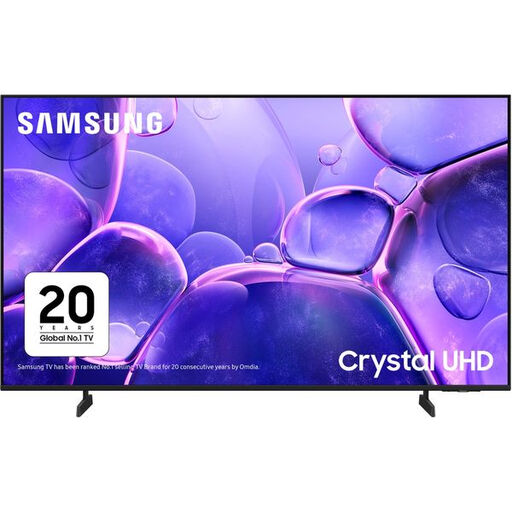
Why This Fits Their Persona: A sensible option for households wanting Samsung’s Tizen platform, 4K upscaling and everyday streaming without prioritising premium panel technology.
Its specification clearly states a 50Hz native refresh rate, so buyers are less likely to mistake motion processing for a high-refresh gaming panel.
Tizen TV, three HDMI ports, Wi-Fi, Ethernet, ALLM and VRR support.
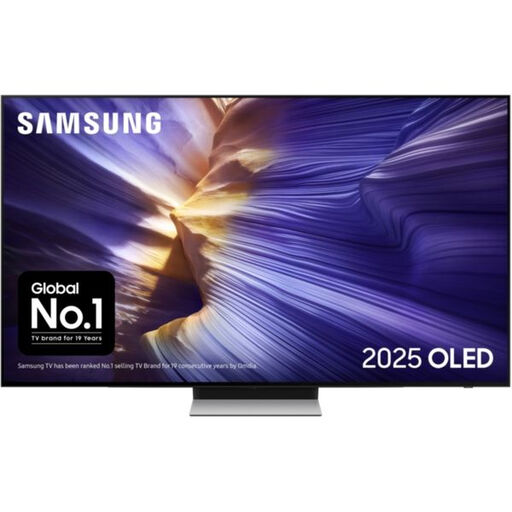
Why This Fits Their Persona: Suited to film viewers and gamers who value OLED contrast, a slim design and higher-refresh performance.
The listing specifies OLED technology, 100Hz native refresh, up to 144Hz support, VRR and four HDMI ports rather than relying only on promotional motion wording.
OLED panel, Dolby Atmos decoding, 60W audio output and FreeSync Premium Pro.

Why This Fits Their Persona: Designed for console or PC gamers, sports viewers and households wanting strong built-in audio alongside a fast panel.
It lists four HDMI 2.1 inputs, VRR up to 165Hz, ALLM and a stated input lag of up to 7ms at 4K 120Hz input.
Mini-LED with local dimming, Dolby Vision IQ, Dolby Atmos and a 2.1.2-channel audio system.
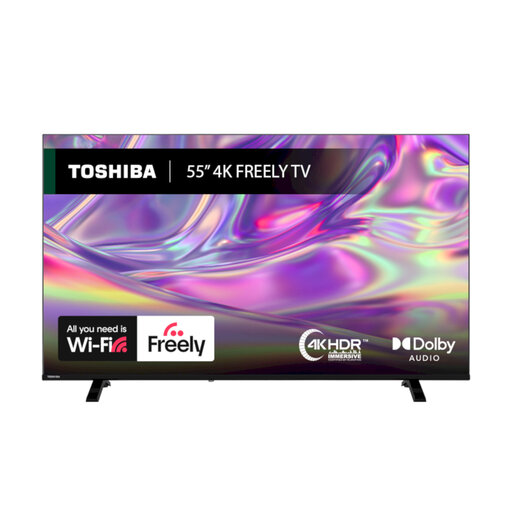
Why This Fits Their Persona: A practical choice for viewers who want films, free live channels and common streaming apps through Wi-Fi.
The specification identifies Dolby Vision, HDR10 and HLG support, plus Freely over Wi-Fi, rather than leaving live-TV access unclear.
VIDAA OS, Freely support, Dolby Audio, Bluetooth and a stated energy class D.
We have compiled a complete, real-time list of products that fully satisfy these strict selection criteria and UK safety regulations.
It can suit many living rooms, particularly when the main seating position is around 2 to 3 metres from the screen. The correct distance depends on personal preference, room layout and content quality. Measure the available width before ordering, as the screen diagonal does not include the stand or bezel.
Consumption varies by panel, brightness, HDR viewing and daily usage. Compare the energy label and the listed kWh per 1,000 hours rather than relying on the product’s standby figure alone. Energy-saving modes and automatic brightness controls can reduce use, although results differ between households.
Service life depends on operating hours, ventilation, software support and component reliability. Avoid blocking vents, use a surge-protected socket where appropriate, update the software and do not leave static images on screen for extended periods. Check the retailer’s warranty and support terms before purchase.