What to consider before choosing
Identify the task that is difficult on your current device, then try its built-in accessibility features before adding hardware or software. For workplace use, discuss the adjustment route before deciding what to purchase.
| Concern |
What to check when buying |
Who this matters to |
| Operating keys and controls |
Distinguish key visibility, physical key size and layout; check connection and setup requirements. |
If I find keys or controls difficult to operate repeatedly, I need the physical input to match the action I can manage. Consumers who put reliable physical interaction first account for roughly 20%. |
| Screen access and navigation |
Try the intended screen reader with the applications, documents or websites you need to use. |
I need to read content and navigate controls, not just hear text read aloud. Consumers who prioritise screen access make up around 20%. |
| Voice input and correction |
Check operating-system requirements, microphone selection and a representative dictation, correction and control task. Microsoft Voice access requires Windows 11 version 22H2 or later and internet access for initial setup. |
If speaking is a workable way for me to enter text or control a device, I need to test the whole workflow. Consumers who put voice input first represent about 20%. |
| Task prompts and planning |
Try creating a task, adding steps, setting an alert and responding to it using your usual access method. |
I need reminders I can create, notice and act on. Consumers whose main priority is organising tasks and prompts account for roughly 20%. |
| Purchase and support route |
For workplace use, clarify the employer adjustment route, any assessment and the terms of any support decision before proceeding. |
If arranging suitable equipment or support is my main concern, I need to know which route applies before choosing a product. Consumers who prioritise acquisition and support make up around 20%. |
Joybuy product options
These options cover microphone-based audio input and physical keyboard input for computer tasks. They do not replace screen-reader, speech-recognition or planning software.
 No image available
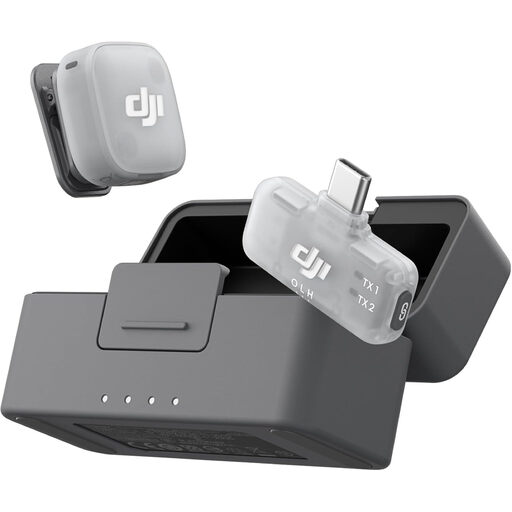
DJI Mic Mini 2 (1 TX + 1 Mobile RX + Charging Case)
For voice-input or digital-communication tasks, this kit is described for audio capture with phones, computers and tablets; check the connection for your device.
The listed kit includes one transmitter, one mobile receiver and a charging case.
View on Joybuy
 No image available
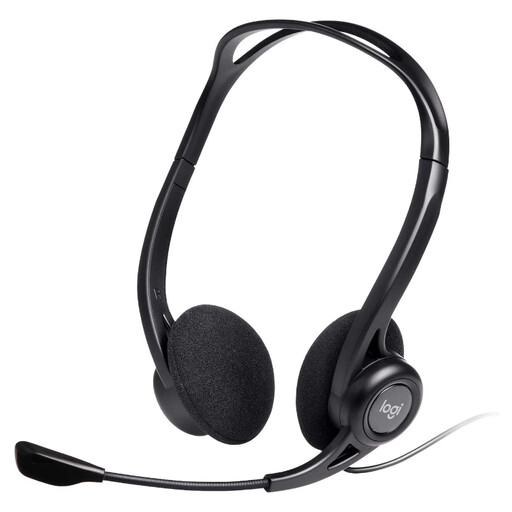
Logitech 960 Wired USB Headset
For computer communication or voice-input tasks, consider whether a wired headset suits your setup; test it with the application and audio input you intend to use.
The product name specifies an inline remote and a noise-cancelling microphone.
View on Joybuy
 No image available
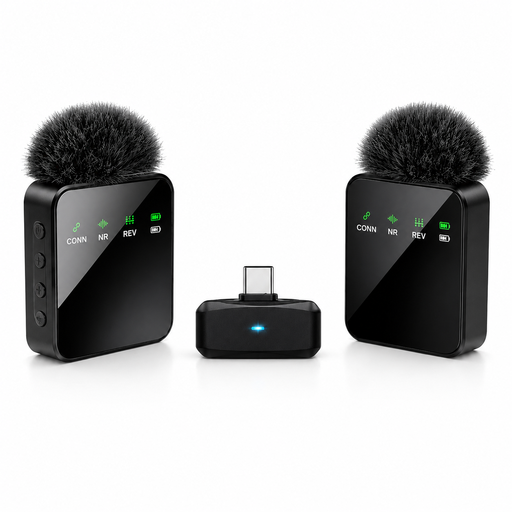
Verbex ST5 Dual-Mic Type-C Wireless Lapel Microphone
For voice capture in calls or recordings, check that the Type-C interface suits your device and that a lapel microphone fits the way you need to use it.
The product name identifies a dual-microphone wireless lapel design with a Type-C interface.
View on Joybuy
 No image available
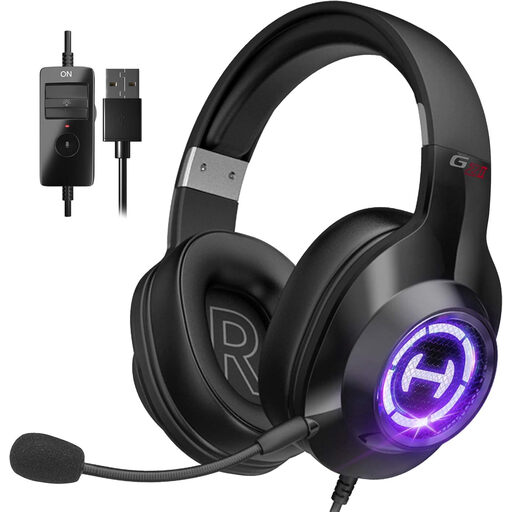
Edifier G2II USB Wired Gaming Headset
For computer communication, this is a wired headset with a microphone; gaming positioning does not establish suitability for dictation.
The product name specifies a USB connection and a noise-cancelling microphone.
View on Joybuy
 No image available
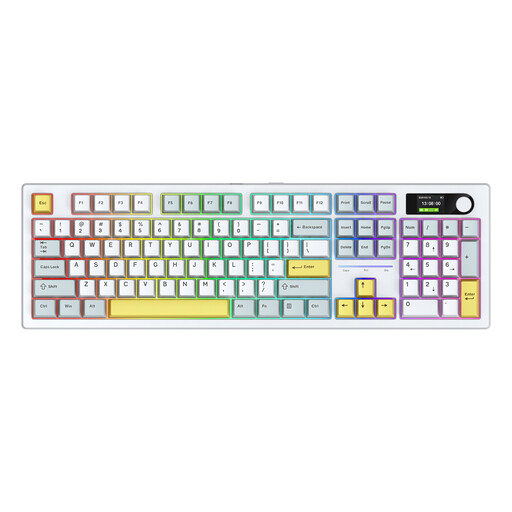
Siukie ACH105 104-Key Mechanical Keyboard, Alice Blue and White
For physical computer typing, check whether this 104-key keyboard’s layout and key positions suit the movements you can manage.
The product name identifies an Alice blue and white variant with a colour display and detachable switches.
View on Joybuy
Frequently asked questions
What should I record before asking for an equipment recommendation?
Describe a task you cannot complete reliably, where the difficulty occurs, your device and operating-system version, essential applications and any settings you have tried. For a keyboard, distinguish difficulty seeing the legends from difficulty operating the keys; for voice input, include a recording and correction test.
Do I need a formal needs assessment before every personal purchase?
A formal needs assessment is not established as a prerequisite for every personal purchase. For workplace support, the Department for Work and Pensions says Access to Work may arrange an assessor, and its decision letter sets out the award and what it should cover.
Can I ask for a workplace adjustment instead of choosing equipment myself?
In Great Britain, employers must make reasonable adjustments where the relevant duty applies, and the adjustment is specific to the individual and circumstances. Discuss the barrier with your employer; Northern Ireland has its own disability-discrimination framework and reasonable-adjustment duties.
Will Access to Work automatically pay for the equipment I choose?
No; individual eligibility and payment for a particular item are not automatic. In Great Britain, Access to Work has eligibility conditions and does not pay for reasonable adjustments that an employer must make; an assessment and decision determine the support and items covered. Northern Ireland has a different scheme.
How can I test a microphone before buying another one?
In Windows, connect the microphone, select the intended input in Settings > System > Sound and run the microphone test. Speak normally, play back the sample and adjust input volume if needed, then test the actual communication or voice-input application. Microsoft notes that a recording test does not establish speech-recognition accuracy.


