Snorkellers seeking depth margin
You expect repeated submersion and want to compare waterproof ratings without a housing before deciding whether to carry a case.


Choose an action camera whose waterproof rating without a housing covers your planned submersion depth, then consider how you will frame and secure it while swimming. Among the three models compared here, DJI rates the Osmo Action 5 Pro to 20 m without a case, Insta360 rates the Ace Pro 2 to 12 m and GoPro rates the HERO13 Black to 10 m; the right choice depends on whether that depth margin or the cameras’ different recording features matter more to you. Check the maker’s conditions for using a housing, and plan for seawater care after the session.
You expect repeated submersion and want to compare waterproof ratings without a housing before deciding whether to carry a case.
You want a wide view and a secure way to hold or attach the camera, without letting filming take attention away from companions and changing water conditions.
You care about framing and recording modes for footage you plan to edit, provided the camera’s waterproof conditions suit your swim.
Check the depth and seal conditions first. Once those fit your session, compare recording features, how you will keep hold of the camera and what the exact bundle includes.
Consider it when: You want the greatest waterproof-depth allowance without a case among these three models: DJI specifies 20 m.
Bear in mind: DJI lists 4K as its maximum video resolution and recommends its Waterproof Case for long underwater sessions or high water-impact pressure.
Consider it when: GoPro’s 10 m rating without housing covers your plans and you want its listed 5.3K recording and snorkelling accessories.
Bear in mind: Its rating without housing is shallower than the DJI and Insta360 ratings compared here; check the contents of the particular accessory bundle.
Consider it when: Insta360’s 12 m rating without a Dive Case is sufficient and you value its flip screen and listed 8K30 recording mode.
Bear in mind: Its rating without a case is shallower than DJI’s 20 m rating, and underwater use requires clean, securely closed covers.
| Concern | What to check | Who this matters to |
|---|---|---|
| Waterproof depth and seals | Compare the exact model’s depth limit without a housing with your planned depth. Check its cover and seal instructions, plus when the maker calls for a housing. | If I expect to dip below the surface repeatedly, I want enough depth margin and clear instructions for keeping the seals closed. Around 40% of consumers put that need first. |
| Footage and framing | Compare the stated video modes, field of view and screen arrangement on models whose waterproof conditions already suit your swim. | When I am recording a broad underwater scene, I want to frame it before entering the water and have footage that suits my editing plans. For around 30% of consumers, that is the primary concern. |
| Secure handling | Check mount compatibility and whether the exact bundle includes a suitable grip, float or retention attachment. | I want the camera to stay attached while I swim, so I can pay attention to companions and conditions rather than continually adjusting it. This comes first for around 20% of consumers. |
| Bundle and care | Check the exact contents for a housing, grip and storage, and read the maker’s instructions for cleaning after seawater use. | If I am preparing for a trip, I want to know which separate items I would need and how to care for the camera afterwards. Around 10% of consumers make that their main priority. |
The limits without a housing differ: DJI specifies 20 m for Osmo Action 5 Pro, Insta360 specifies 12 m for Ace Pro 2 and GoPro specifies 10 m for HERO13 Black. Each rating also depends on the maker’s conditions for closed covers and seals.
Match the exact model’s rating to your planned depth and conditions; check its housing guidance before a deeper or longer underwater session.
A camera-body listing does not establish which grip, float or mount comes in the box. Bundle names alone are not a dependable way to compare contents.
Decide how you will hold or attach the camera, then check that the exact bundle supplies the compatible parts you need.
Saltwater care and clean seals matter after the swim as well as before it. GoPro, DJI and Insta360 give model-specific freshwater rinsing and drying instructions.
Keep covers closed while following the maker’s cleaning instructions, and let the camera dry before opening them.
The RNLI warns that coastal conditions can change quickly. A mount or float does not make a swim safer or replace attention to the water.
Set up the camera before entering and stop recording whenever conditions, navigation or fatigue need your attention.
DJI’s Osmo Action 5 Pro is worth considering when the waterproof rating without a case is a deciding factor.
The HERO13 Black offers a snorkelling-accessory route for swimmers whose plans fit its stated rating without housing.
The Ace Pro 2 may appeal to swimmers who want its flip touchscreen and listed high-resolution modes alongside a 12 m rating without a case.
These action cameras offer different camera-and-case configurations for planning a snorkelling recording setup. Compare the stated waterproof conditions for each model, then check the exact bundle for a way to keep the camera secure in the water.
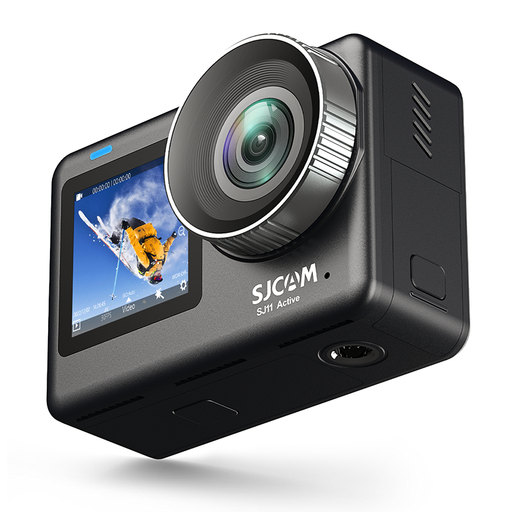 No image available
Consider this model if you want to compare recording with and without its waterproof case. The product title states 5 m waterproofing without a case and 30 m with one, plus 4K at 30 fps and 6-axis electronic image stabilisation. Check that the exact bundle includes a suitable way to keep it secure while swimming.
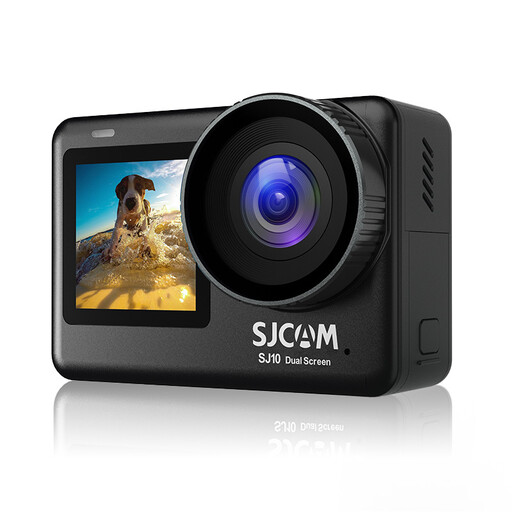 No image available
Consider this model for a setup using its waterproof case. The product title specifies a 30 m rating with the case, 4K video and front and rear displays. Before swimming without the case, confirm the camera body’s own depth conditions; also check the bundle’s retention accessories and the maker’s seawater-care instructions.
 No image available
Consider the C400 if you plan to record using a waterproof case and want its dual-touchscreen arrangement. The product title states a 30 m rating with a case and a 154° wide-angle lens. Confirm the camera body’s depth limit before using it without the case, and check how you would secure it while swimming.
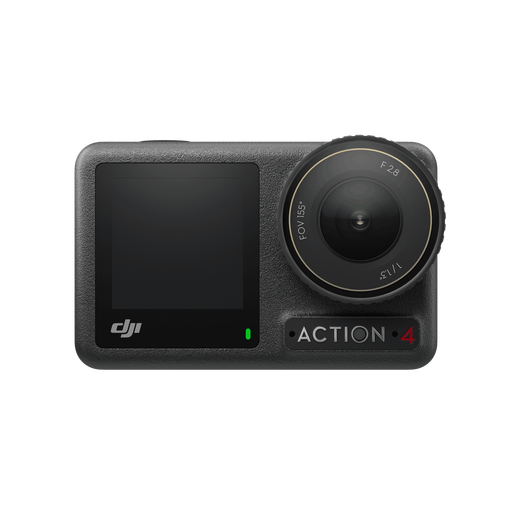 No image available
Consider this distinct DJI model if you prefer to assess a camera-and-battery combo for your session. Its product title lists 4K at up to 120 fps, a 155° field of view and three extra batteries. Check the Osmo Action 4’s waterproof conditions for your planned depth and whether this exact combo provides the retention accessories you need.
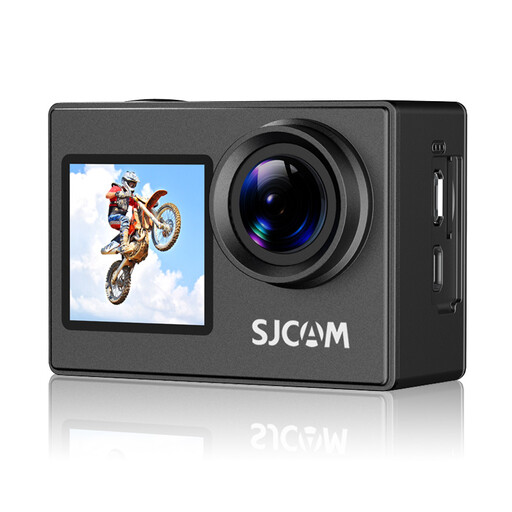 No image available
Consider this model for a housed setup if its wide-angle view suits what you plan to record. The product title states a 30 m rating with a case and a 170° lens; its listed 4K mode is interpolated, so do not treat that label as native 4K capture. Confirm the depth limit without the case and check the exact bundle for a secure grip or attachment.
Not necessarily, if your planned depth and conditions fit the exact camera’s rating without a housing and its covers and seals are correctly closed. DJI rates Osmo Action 5 Pro to 20 m without its case, Insta360 rates Ace Pro 2 to 12 m and GoPro rates HERO13 Black to 10 m. Check the relevant maker’s housing instructions too: DJI recommends its Waterproof Case for long underwater sessions or high water-impact pressure.
Follow the instructions for your exact model before opening any covers. GoPro calls for freshwater rinsing and drying after salty exposure, DJI specifies rinsing and drying after diving or surfing, and Insta360 specifies freshwater soaking, rinsing and complete drying for the Ace Pro 2.
GoPro says the HERO13 Black touchscreen is designed to work when wet, but touch sensing may require wiping the screen. GoPro advises locking the screen and using the buttons underwater, so practise the controls before your swim.
Check with the relevant landowner or local authority when your plans involve organised filming or footage for public viewing. Requirements depend on the location and activity: Dorset Council, for example, requires a permit for broadcast or public-viewing filming on its land. Do not assume that its rule applies to every beach.
No: keep filming secondary to your awareness of the water and your own limits. The RNLI warns that coastal conditions can change quickly; set up the camera before entering and stop recording when conditions or navigation need your attention.