Moving-footage riders
You want a stable forward-facing recording while cycling or moving quickly, with a mount that suits your equipment and does not compromise safe handling.


For a forward-facing view while cycling or moving quickly, a conventional action camera is the direct option to consider; choose a 360 camera if you want to select the framing afterwards. A rugged compact is more suited to handheld photos, close-ups and zoom, while an existing phone may be enough for less exposed recording if its protection and mount suit the activity. In every case, check the exact camera’s water-use instructions, audio setup and mounting compatibility rather than relying on resolution or a depth rating alone.
You want a stable forward-facing recording while cycling or moving quickly, with a mount that suits your equipment and does not compromise safe handling.
You need to match the camera’s stated water rating and instructions to the activity, housing and seals you plan to use.
You may want to choose a viewpoint after recording, or take handheld photos, close-ups and video; these needs point to different camera styles.
Which? identifies stabilisation, durability, image quality and audio as relevant factors when choosing an action camera; the right priorities depend on how and where you will record.
Consider it when: you want a forward-facing mounted view and stabilised footage while moving.
Trade-off: check the mount, audio arrangement and water-use instructions for the exact model.
Consider it when: you want to record in multiple directions and choose a view afterwards.
Trade-off: allow for reframing work and take account of exposed lenses and underwater shooting guidance.
Consider it when: handheld photos, close-ups and optical zoom matter alongside video.
Trade-off: do not assume a rugged compact offers the same mounting or point-of-view handling as an action camera.
Consider it when: you need occasional footage in a less exposed setting and already own a suitable phone.
Trade-off: the specific phone, case and mount must suit the activity; water resistance can change with wear.
| Concern | What to check when buying | Who this matters to |
|---|---|---|
| Stable moving footage | Check stabilisation for the recording mode and view you plan to use, plus the intended mounting position. | On a fast ride, I want a steady forward-facing view without needing to adjust the camera while moving; consumers who put stable moving footage first make up around 33%. |
| Water and weather exposure | Check the exact model’s rating, seal instructions and guidance for your water activity or housing. | If I am recording around or in water, I need the camera and setup to suit the conditions and shooting mode; consumers who prioritise water and weather suitability make up around 27%. |
| Mounting and sound | Confirm the camera-to-mount connection and surface; check the exact microphone and housing combination. | For hands-free recording, I need an attachment that suits my equipment and audio that works for the activity; consumers who put mounting and sound first make up around 20%. |
| Framing and handheld use | Decide whether you want to reframe 360 footage later or take handheld photos with zoom and close-up options. | If the viewpoint may change or I also want handheld photos, I need a camera that fits that way of shooting; consumers who prioritise flexible framing or handheld versatility make up around 20%. |
A stated depth rating does not settle whether a camera suits a particular water activity or shooting mode. Insta360 warns of possible underwater 360 stitching issues with the X5, while DJI distinguishes the Osmo Action 5 Pro’s bare-camera rating from its guidance on prolonged underwater filming and high water impact.
Match the camera, housing and recording mode to your intended use, and follow the model’s seal instructions.
A suitable housing may be needed for the intended underwater footage or water-impact conditions.
A camera connection alone does not establish that a mount is appropriate for a helmet or other surface. GoPro’s adhesive-mount guidance specifies a clean, smooth surface and directs helmet users to their helmet maker’s instructions.
Check both the mount and equipment instructions before attaching anything, and do not alter a helmet contrary to its maker’s guidance.
A different mount or replacement adhesive may be needed for the intended setup.
A 360 recording and a reframed output are different stages of the workflow. Insta360 describes recording all directions and choosing a view later, so the headline 360 mode alone does not tell you which output mode you will use.
Check the recording and export modes you need, and decide whether selecting and exporting a view afterwards suits your workflow.
Allow time to select and export the view you want.
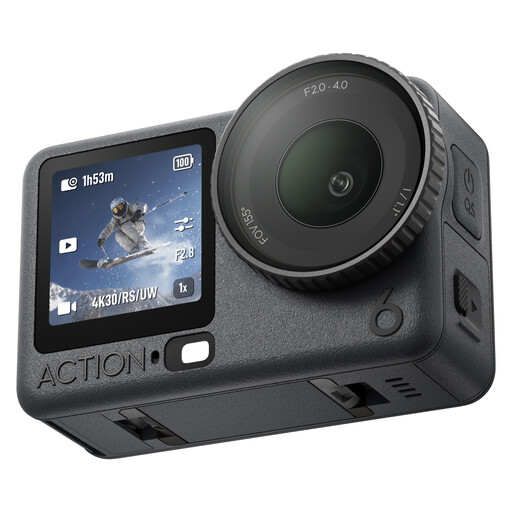
The Osmo Action 5 Pro represents a conventional mounted-action option for riders considering stabilised footage and a specified microphone connection.
HERO13 Black represents a conventional action-camera option when a forward-facing mounted view is the priority.
The X5 represents a 360-degree action-camera option for recording in multiple directions and selecting a view afterwards.
The Tough TG-7 represents a rugged-compact alternative for handheld outdoor photos, close-ups, zoom and video.
An existing iPhone is one possible smartphone route for less exposed recording when the particular phone, case and mount suit the activity.
These options cover 360-degree recording and conventional action-camera filming for active trips; check each bundle and the exact setup against your activity.
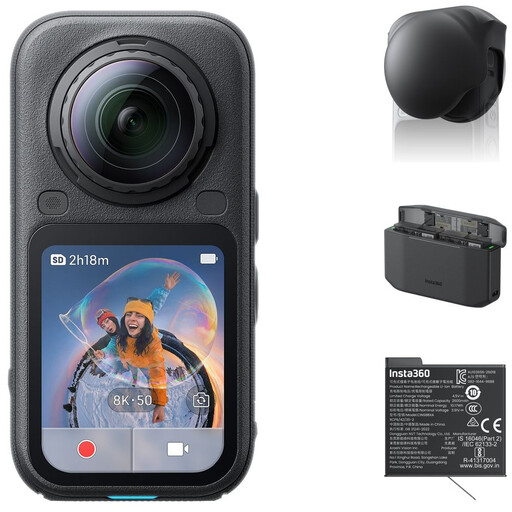 No image available
For recording in multiple directions when you want to choose the framing later; the listing describes windproof microphones for outdoor audio.
The listing states 8K 50fps 360° video, 5K 60fps or 4K 120fps in single-lens use, and AI-assisted reframing.
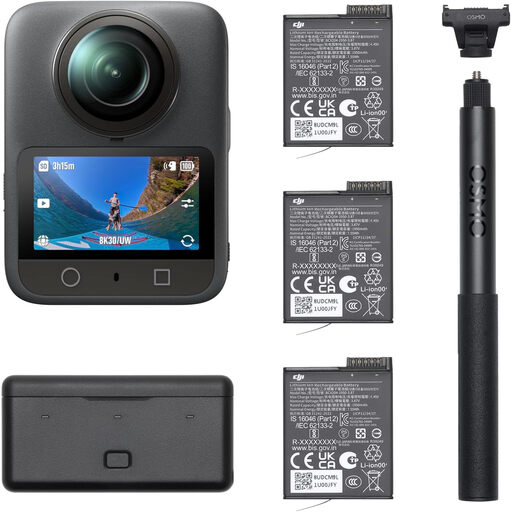 No image available
For capturing a 360-degree view when you want to choose the framing afterwards; check which accessories are included in this combo.
The listing states a 1-inch 360° imaging system, native 8K 360° video, 4K/120fps and 170° Boost Video, with three batteries.
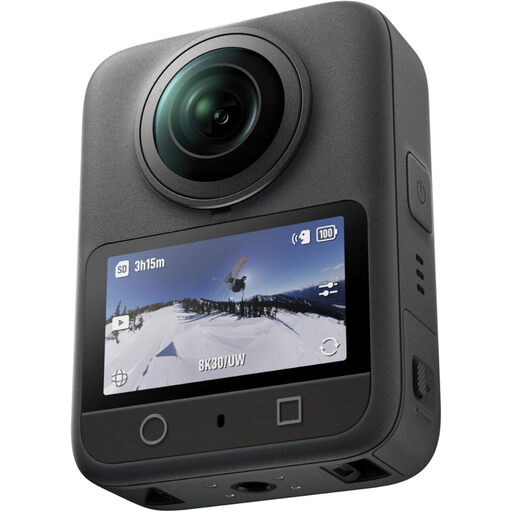 No image available
For recording action from multiple directions when you want immersive footage or a view to select later.
The listing states 8K/30fps 360° video, 4K/120fps ultra-wide video and image stabilisation.
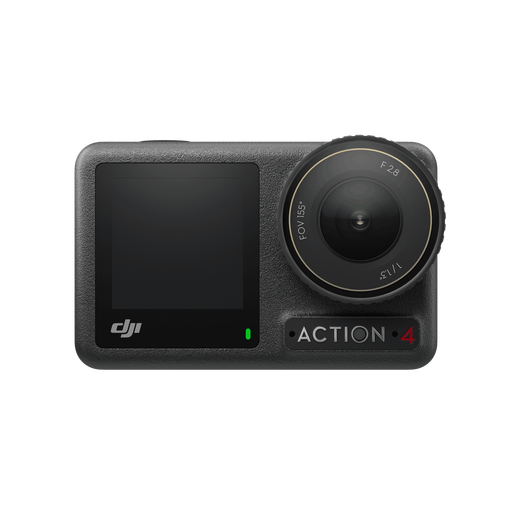 No image available
For a conventional action-camera view while moving; check the mount and accessory arrangement for your activity.
The listing states 4K/120fps video, waterproofing to 18 m without a case, a 1/1.3-inch sensor and three extra batteries.
 No image available
For conventional action-camera recording when a forward-facing view suits the activity; check the exact water-use and audio setup before filming.
The listing states a 1/1.1-inch square sensor, variable aperture, a 4-hour battery and 4K video.
There is no single permission rule that applies to every destination or event. The National Trust says private, non-commercial filming is welcome at most of its places, subject to location-specific limits, while filming at places in its care to earn money requires a signed contract. Natural England says a licence may be needed if filming cannot avoid disturbing protected birds or animals. Check with the venue, organiser, land manager and destination before filming.
No: check the helmet maker’s instructions and the mount maker’s guidance for the surface and attachment. GoPro says its adhesive mount needs a clean, smooth surface and at least 24 hours at room temperature to adhere; that instruction applies to that mount, not every mounting system. Make sure the setup does not interfere with helmet fit or riding.
Check the exact model, housing and intended water conditions, then follow its seal instructions. DJI tells Osmo Action 5 Pro users to close the battery and USB-C covers and tighten the lens cover, and recommends a waterproof case for prolonged underwater use or high-impact water. Insta360 recommends a dive case for underwater X5 360 footage because of possible stitching issues.
That depends on the activity and the exact bundle. Check whether the mount, water housing, audio equipment, storage and power arrangements you need are included. DJI Store UK lists different Osmo Action 5 Pro bundles, including Standard, cycling, diving and microphone options, so check the contents of the specific bundle rather than assuming every accessory is included.
Do not infer a blanket prohibition or permission from owning a camera. Information Commissioner’s Office guidance distinguishes purely personal or household activity from organisational surveillance, while a venue may also set filming conditions. Consider the purpose and how footage will be shared, particularly before public or commercial publication.