What matters when choosing?
Decide whether quiet desk use, a clear work surface or airflow beyond your chair is the main priority; then compare the controls and space each option requires.
| Concern |
What to check |
Who this matters to |
| Quiet, controllable airflow |
Check the speed or mode behind a stated noise figure, and whether the timer and controls suit your routine. |
If I work in the room and wind down there later, I need an airflow setting I can tolerate without disrupting concentration. Around 40% of consumers put low-disruption operation first. |
| Desk fit and direction |
Measure the base and available surface; check tilt or other directional adjustment. |
With little room beside my screen, I need a fan that fits securely and does not blow straight at my papers or eyes. Roughly 30% of consumers prioritise desk fit and aiming. |
| Airflow beyond the desk |
Check oscillation or head adjustment, height options and the space available for a floor position. |
If I want air movement elsewhere in the bedroom as well as at my chair, a single fixed direction may not meet my needs. Around 30% of consumers put wider-room reach first. |
Joybuy products for desk-side airflow
These fans cover compact desk and personal-airflow uses, plus one oscillating multi-function appliance for a bedroom or home office. Check each one's placement and controls against your main priority rather than treating the list as a single fan format.
 No image available
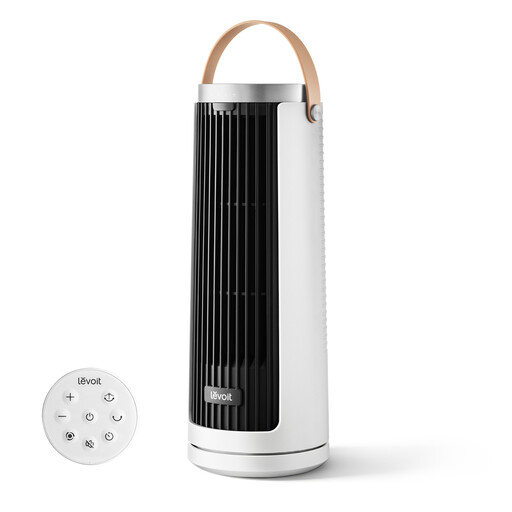
Levoit Windi Mini Plus Tower Fan
Consider this portable option if you want to move a fan between a desk and bedside position. Its title specifies USB Type-C recharging and multiple airflow modes. Check its dimensions, directional adjustment and noise at the setting you would use, as well as what charging equipment is supplied.
View on Joybuy
 No image available
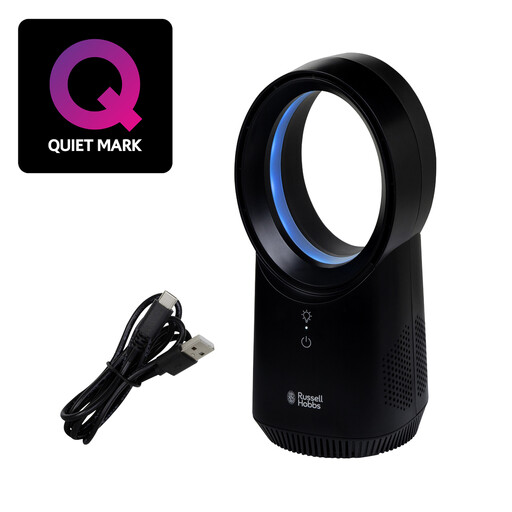
Russell Hobbs RHBLDLUSB25B Wireless Bladeless Desk Fan, Black
This desk format is worth considering if cordless placement and a choice of settings matter to you. The title specifies three speeds and USB charging. Measure the intended space and check low-speed noise, airflow direction and the supplied charging equipment before choosing it for a bedroom desk.
View on Joybuy
 No image available
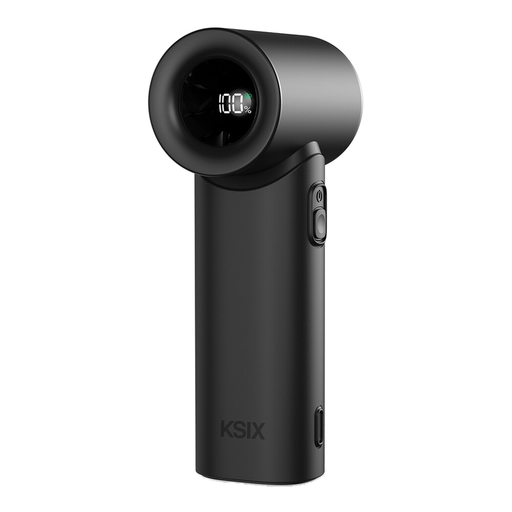
KSIX AirGo Turbo Portable Fan, Black
This handheld format may suit close-range personal airflow if you can position it securely for desk use. Its title specifies five speeds, an LED display and USB-C charging. Check how it rests on the desk, its noise at your preferred speed and its battery runtime before relying on it for longer sessions.
View on Joybuy
 No image available
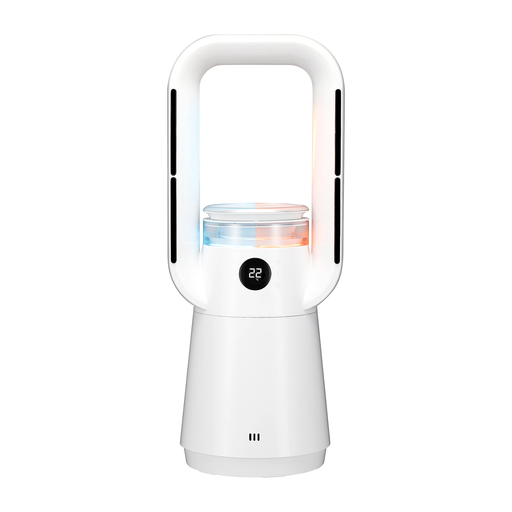
TCP 4-in-1 Oscillating Air Circulator
Consider this appliance if oscillation and its additional heater, humidifier and filter functions fit your intended use. The title specifies 65° oscillation and an included HEPA filter. Confirm its dimensions and placement format before assigning it desk or floor space, and check the instructions for cleaning and filter care.
View on Joybuy
 No image available
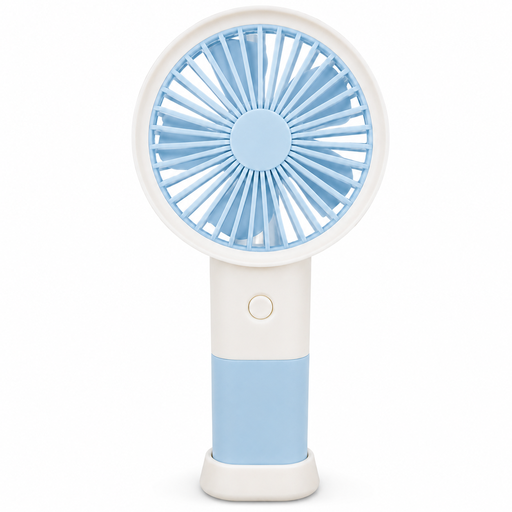
HHFBL Handheld Fan with Table Stand, Blue
The included table stand makes this a personal-airflow option to consider for a desk rather than a substitute for an established room-circulation setup. Its title specifies three speeds and Type-C charging. Check the stand's fit and stability, the noise at your chosen speed and what charging equipment is supplied.
View on Joybuy
Common questions
Can I leave a bedroom desk fan running overnight?
Electrical Safety First advises against leaving an electric fan running overnight or while you are out. A timer can limit running time, but it does not replace stable placement, an undamaged cable or attending to the appliance while it is in use.
Is a desk fan or a pedestal fan more suitable for a bedroom desk?
Choose a desk fan when close-range placement and portability are your priorities; consider a pedestal fan when you want to keep the desktop clear and have room for its base. Electrical Safety First notes that pedestal fans can serve larger rooms but take up more space.
Where should I put an air circulator near my desk?
Put it on a stable, flat, dry surface where the cable cannot be pulled or tripped over. Keep it away from the desk edge, and use any available tilt or oscillation to direct air around your workspace rather than straight at loose papers or your eyes.
What should I check on a plug-in fan for use in Great Britain?
Check that the exact fan and its plug are intended for UK use, and follow its supplied instructions. Electrical Safety First advises using an electric fan with a UK three-pin fused plug; for a USB-charged model, check what charging equipment is included and use a suitable power source.
How should I clean a bedroom desk fan?
Unplug the fan before cleaning it and follow the manufacturer's instructions for its particular design. Inspect the cable after storage; if it is damaged, or the fan makes an unusual noise or gives off a burning smell, unplug it and contact the retailer or manufacturer.


