
24/7 Customer Support

Free returns

Same-day & Next-day Delivery

Quality Guaranteed

Unlock Your Welcome Offers: FREE Delivery | Up to 80% OFF | Free 30-day JoyPlus trial
Download the APP
Navigating the world of Apple Pencils can feel a little confusing. With several models on the market, each with its own set of features and a specific list of compatible iPads, it's easy to feel unsure about which one to choose. You have the iPad, you know you want a stylus for it, but the key question remains: which Apple Pencil is the right one for your device and your needs?
As the Joybuy Product Recommendation Officer, my role is to help you make sense of the options. This guide is designed to cut through the clutter, providing clear, practical information to help you determine your Apple Pencil compatibility. We will break down the current models, explain their key differences, and match them to the correct iPad, so you can make a confident choice for your creative, academic or professional tasks.
Before diving into our recommendations, here are a few key points to consider. Getting these right will ensure you select an iPad stylus that not only works with your device but also suits your workflow.
This is the most important step. Apple Pencil compatibility is not universal; it is tied directly to your specific iPad model. To find your model:
Knowing this information is essential, as it will immediately narrow down your choices.
What will you be using your Apple Pencil for most often? Your answer will help you decide which features are essential.
Each Apple Pencil model has a different method for pairing and charging, which can impact convenience.
Here’s a breakdown of the current Apple Pencil lineup, highlighting their features and ideal user profiles.
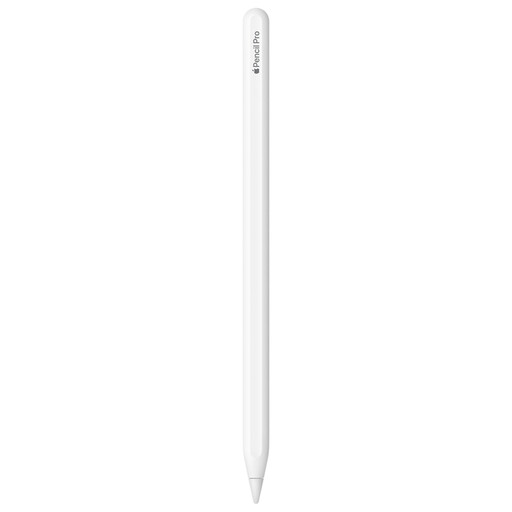
Why It Stands Out: The Apple Pencil Pro is the most feature-rich option, designed for creative professionals who demand the highest level of control and interactivity. It introduces several new gestures that streamline complex workflows.
Pros:
Who is it for? Digital artists, illustrators and designers using the latest iPad Pro or iPad Air models. If your work involves intricate brushwork and you want the most intuitive and responsive experience available, the Pro is the clear choice.
Compatibility:
View Apple Pencil Pro on Joybuy
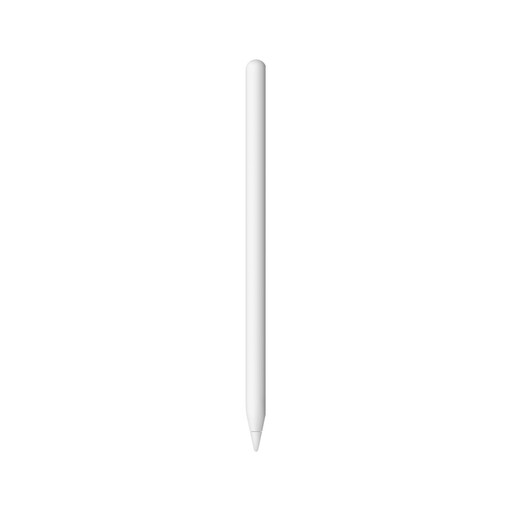
Why It Stands Out: For years, the Apple Pencil (2nd Generation) has been the standard for a high-quality digital stylus experience. It offers professional-grade precision and the convenience of magnetic charging, making it a superb all-rounder.
Pros:
Who is it for? A broad range of users, including students, professionals and hobbyists. It’s an excellent choice for anyone with a compatible Apple Pencil for iPad Air, iPad Pro or iPad mini who needs a reliable, high-performance stylus for both note-taking and creative work.
Compatibility:
View Apple Pencil (2nd Generation) on Joybuy
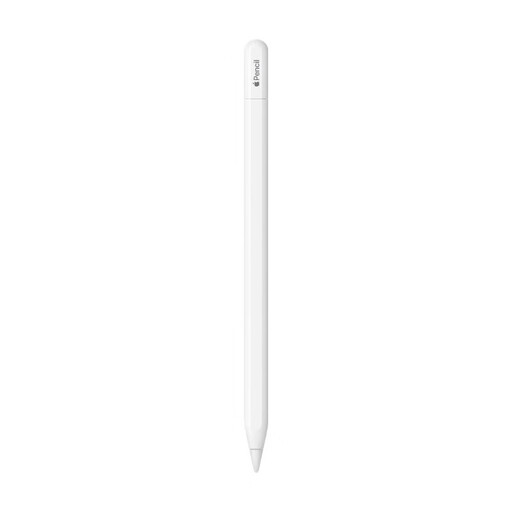
Why It Stands Out: The Apple Pencil (USB-C) is the most accessible model in the lineup. It provides the core Apple Pencil experience with wide compatibility and a more approachable price point, making it a fantastic entry-level option.
Pros:
Who is it for? Students, educators and general users who primarily need a stylus for note-taking, marking up PDFs and light sketching. While it lacks pressure sensitivity, its precision and responsiveness are more than sufficient for everyday tasks.
Compatibility:
View Apple Pencil (USB-C) on Joybuy
The Apple Pencil is a purpose-built tool for the iPad, but your setup might need more. If you are exploring other styluses or require accessories like screen protectors, keyboards or cases to complete your tablet experience, we have a wide selection to choose from.
Explore All Tablet Accessories on Joybuy
1. Can I use any Apple Pencil with any iPad? No, Apple Pencil compatibility is highly specific. Each Pencil generation is designed to work only with certain iPad models. It is crucial to check your iPad model in Settings > General > About and compare it against the compatibility list for the Pencil you intend to buy.
2. What is the main difference in the Apple Pencil Pro vs 2nd gen debate? The key difference lies in the advanced features. The Apple Pencil Pro introduces new interactions like the squeeze gesture, barrel roll for rotating tools and haptic feedback. The Apple Pencil (2nd Generation) has core professional features like pressure sensitivity and double-tap. The Pro is aimed at creative professionals seeking the most advanced toolset, while the 2nd Gen remains a powerful and versatile option for a wide audience.