What matters when choosing?
Decide where the recordings will go and whether you need separate microphones before comparing convenience features.
| Concern | What to check | Who this matters to |
|---|
| Preservation and files |
Ask the receiving archive about its required format and transfer process; check the recorder’s WAV mode and storage method. |
If I plan to deposit interviews, I need to know that I can produce and preserve the files the archive will accept. Around 42% of consumers put this workflow first. |
| Separate microphones |
Check the number and type of inputs against the microphones you intend to connect. |
When interviewer and narrator need their own external microphones, connected inputs shape my choice. Roughly 33% of consumers make this their primary concern. |
| Simple one-to-one recording |
Check the controls, recording mode and power method you would use during an interview. |
I want to keep my attention on one narrator rather than manage a complicated setup. About 25% of consumers prioritise ease of operation. |
Joybuy recorder choices
These choices focus on portable recorders for straightforward interview capture. If an archive will receive the files, check its requirements and each recorder’s recording and transfer options before buying.
 No image available
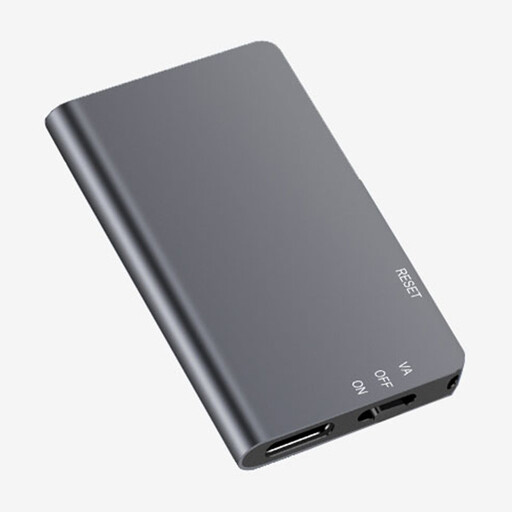
Rexsun L810 64GB Digital Voice Recorder
Consider this one-touch model if you want a straightforward start to a one-to-one interview.
The title specifies 64GB capacity. If you plan to deposit recordings, confirm the WAV settings and the receiving archive’s requirements; check that its file-transfer process suits your backup plan.
View on Joybuy
 No image available
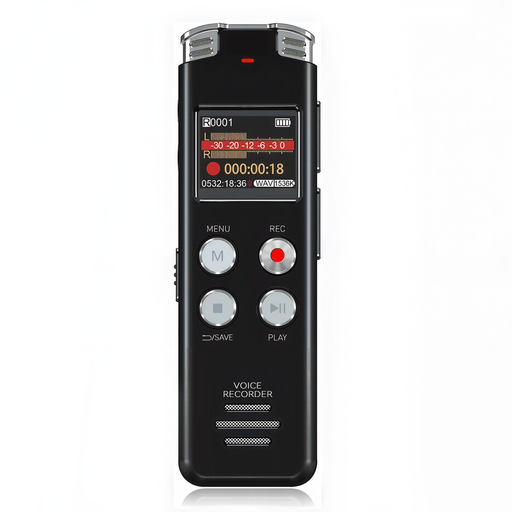
Rexsun L357 128GB Digital Voice Recorder with LCD
This portable recorder may suit an interviewer who wants a screen while managing recordings.
The title specifies 128GB capacity and an LCD screen. For archive deposit or removable-media use, confirm the recording settings and storage arrangement before buying.
View on Joybuy
 No image available
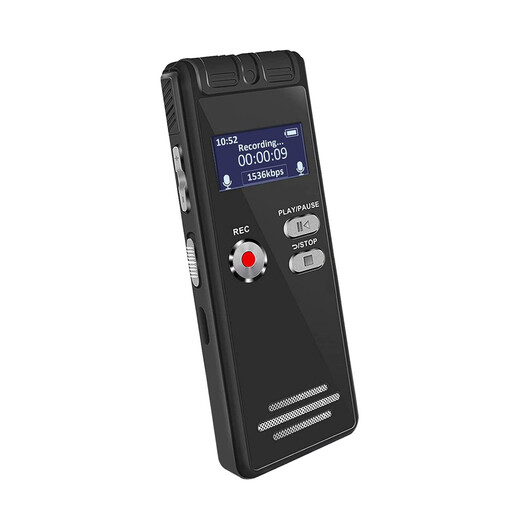
Rexsun L15 64GB Digital Voice Recorder with LCD
Consider this portable model if a simple recording start and a screen suit your interview setup.
The title specifies 64GB capacity. Confirm whether this variant uses detachable or internal storage before planning transfers, and check its WAV settings against any archive requirements.
View on Joybuy
 No image available
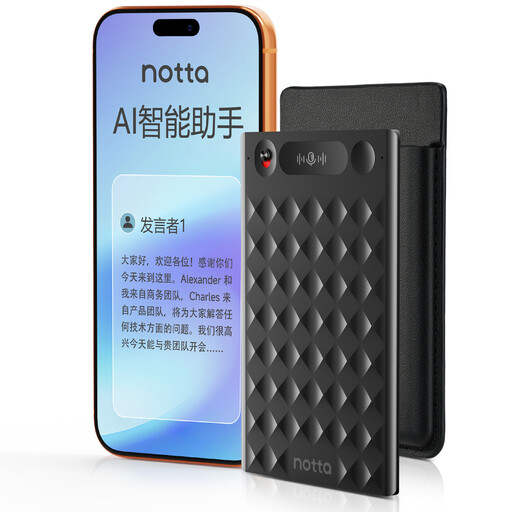
32GB AI Voice Recorder with Case
This is an option to examine if transcription features are part of your planned interview workflow, rather than a substitute for checking the original audio files.
The title specifies 32GB capacity and a claimed 30-hour battery life. Confirm the recording format and export method if you need an archive master; before using app or cloud features, check how interview recordings will be handled.
View on Joybuy
Frequently asked questions
Should I speak to an archive before buying a recorder?
Yes, if you intend to deposit the interviews. The Oral History Society advises discussing recording plans with the archive that will preserve them; ask what files and accompanying information it will accept before treating a recorder’s specifications as sufficient.
Should I record a preservation master as WAV rather than MP3?
Uncompressed WAV-PCM is a sensible format to discuss with the receiving archive: the US National Archives and Records Administration recommends it for recording or digitising preservation audio and identifies 24-bit audio as preferred. That guidance is not a universal UK deposit requirement, so follow the archive’s own specification.
Do I need two XLR inputs for a one-to-one interview?
Not necessarily. Two XLR/TRS inputs matter when your setup calls for separately connected microphones or sources; the Oral History Society notes that one recorder may be sufficient when recording one interview at a time.
Does an encrypted recorder make an oral-history project compliant with UK data-protection rules?
No compliance conclusion follows from the recorder alone. The Oral History Society says it and the British Library do not consider encrypted recorders necessary for data-protection compliance; organisations must assess their actual handling of personal data, including an appropriate lawful basis. The Information Commissioner’s Office explains that consent is one possible lawful basis and must be assessed for suitability.
Does 32-bit float remove the need to plan the recording setup?
No. Zoom says the H1essential’s 32-bit-float recording removes the need to adjust recording levels, but that feature does not settle microphone placement, background noise, backups or archive requirements.


