First-time booth narrator
You want to start recording chapters without an elaborate setup, then move the files to a computer for editing. A repeatable recorder position matters as much as getting started quickly.


Choose a compact recorder with built-in microphones if you want a self-contained setup and can keep its position consistent in a quiet booth. If you plan to use a dedicated microphone, choose by that microphone’s connector and power requirements instead: XLR/TRS and 3.5 mm inputs serve different setups. A 32-bit-float mode can ease level-setting, but you still need to monitor and edit each chapter and check the finished files against your distributor’s requirements.
You want to start recording chapters without an elaborate setup, then move the files to a computer for editing. A repeatable recorder position matters as much as getting started quickly.
You own or plan to buy an external microphone. Its connector and power requirements should determine which recorder inputs you consider, alongside monitoring and your computer workflow.
You need a recording and review routine, not just a recorder specification. ACX identifies technical checks for submitted audio and says its automated Audio Lab does not detect noise-floor or editing problems.
Decide whether you will use the recorder’s microphones or a particular external microphone before comparing inputs. Then check how you will monitor takes and move chapter files into your editing workflow.
| Concern | What to check | Who this matters to |
|---|---|---|
| Repeatable chapter capture | Check for headphone monitoring and a recording format suitable for your editing workflow. Keep microphone placement consistent. | I need to hear problems during a take and produce chapters I can review properly; around 36% of consumers put repeatable capture first. |
| External-microphone compatibility | Match the exact microphone’s connector and power requirements to the recorder’s input and available power. | If I already have a narration microphone, I do not want to buy a recorder it cannot use; approximately 29% of consumers prioritise microphone compatibility. |
| Recording and editing workflow | Check standalone storage, file transfer and whether any claimed USB-microphone or audio-interface mode works with your computer. | I want to get a chapter from the recorder into my editing software without changing my planned setup; roughly 21% of consumers place this workflow first. |
| Long-session practicality | Check the power source and stated endurance in the recording mode you intend to use, as well as how you will operate the controls during a take. | For repeated chapter sessions, I need a recorder I can position and operate without interrupting narration; around 14% of consumers put session practicality first. |
32-bit-float recording addresses level-setting concerns, not unwanted sounds or editing faults. ACX says its automated Audio Lab does not detect noise-floor or editing problems.
Monitor takes, listen through the edited chapter and check the finished file as well as any automated results.
Noise or editing faults left in a chapter can mean another recording or editing session.
Zoom lists locking XLR/TRS inputs on the H1 XLR, while the H1essential and TASCAM DR-05XP describe 3.5 mm inputs for specified compatible microphones. A matching-looking socket alone does not settle microphone power requirements.
Identify your exact microphone model and confirm its connector and power needs against the recorder before choosing either one.
ACX checks finished files for technical conditions including levels and file properties; its automated checks do not replace listening for noise and editing faults. Another distributor may set different requirements.
Plan separate editing, export and final-review steps against the requirements of the distributor you will use.
Zoom’s cited handheld models cover different microphone connections and computer-recording workflows.
The cited DR-05XP offers a built-in-microphone route with an option to connect a compatible external microphone.
The PCM-A10 is relevant to a compact Linear PCM recording workflow with built-in storage.
These portable voice recorders offer ways to start capturing chapters in a small booth. Before choosing one, check that its microphone arrangement, monitoring and audio-export options fit how you intend to record and edit.
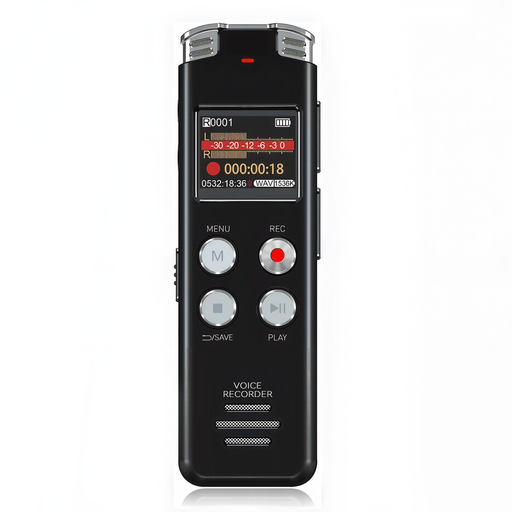 No image available
A portable option if you want a recorder with its own LCD screen for chapter takes.
Grey ABS and aluminium-alloy variant. Confirm the microphone connections, headphone monitoring and audio files available for editing before choosing it for narration.
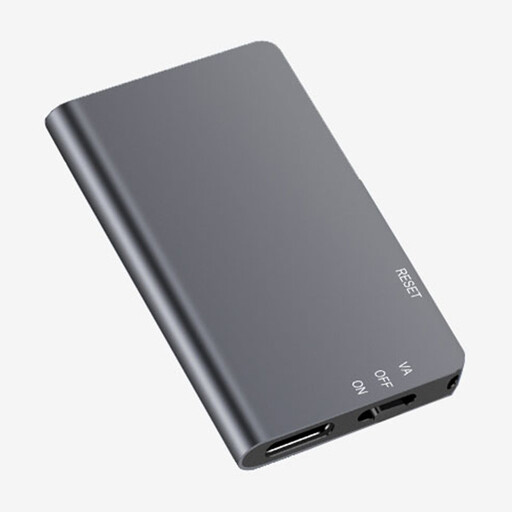 No image available
One-touch recording may suit narrators who want a straightforward start to each take.
Grey ABS and aluminium-alloy variant. Check its microphone connections and whether headphones can monitor audio while recording, not just during playback.
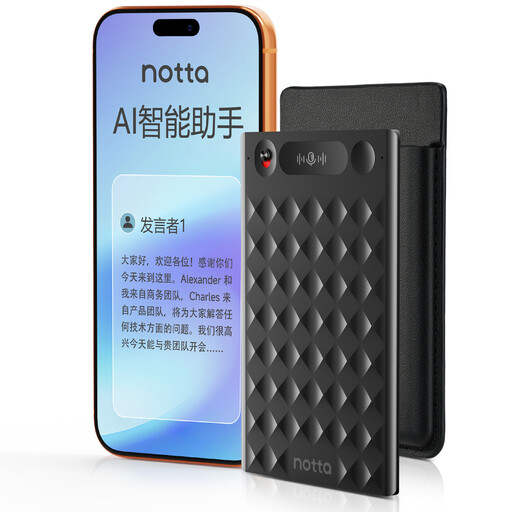 No image available
One-press recording suits a simple start to a booth take without selecting a separate microphone for the listed setup.
The product name states 30 hours of battery operation. Confirm the recorded audio format, how to export files for editing and whether you can monitor through headphones during a take; transcription features do not establish audiobook delivery quality.
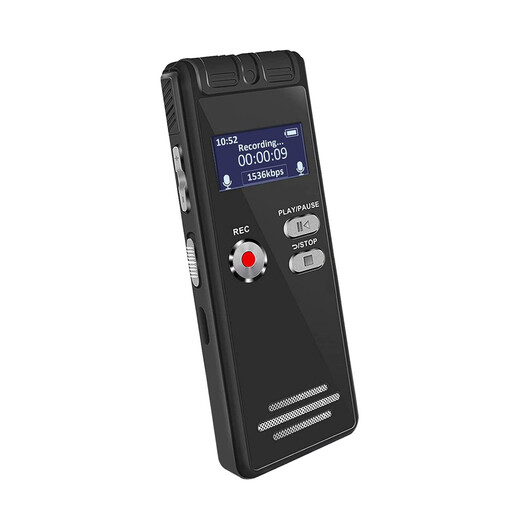 No image available
A portable recorder with an LCD screen for a straightforward chapter-recording setup.
Grey ABS and aluminium-alloy variant. Confirm whether the stated 64GB is built-in or supplied on a removable card, along with the recording format, file-transfer method and headphone monitoring.
No: 32-bit float can ease level-setting on the cited Zoom and TASCAM recorders, but it is not a requirement established for every narration setup. It does not correct booth noise, inconsistent microphone placement or editing faults, so review the finished chapters separately.
Built-in microphones suit a compact setup if you can keep the recorder in a repeatable position; an external microphone is worth considering when you have a specific compatible microphone and want to build the setup around it. Zoom’s H1 XLR has XLR/TRS combo inputs, while the cited H1essential and TASCAM DR-05XP offer 3.5 mm inputs for their stated compatible microphone types. Check power requirements as well as the connector.
Check the finished files against ACX’s submission requirements and listen through each chapter yourself. ACX says its Audio Lab checks technical file conditions including levels, but does not detect noise-floor or editing problems.