What matters when choosing?
For one speaker, settle microphone position and room sound before deciding how much recording-format or input flexibility you need.
| Concern | What to check | Who this matters to |
|---|
| Competing classroom sound |
Check whether a mono or directional mode is available and whether you can position the microphone near the presenter. |
If other activity may be audible, I want my narration to remain the focus rather than capture the whole room. Around 40% of consumers put control of competing sound first. |
| Quick solo recording |
Check the recording mode, controls and how you will transfer files to your editing computer. |
When I have limited time to record my slides, I want to start promptly and retrieve the voiceover without a complicated setup. For around 30% of consumers, ease of solo recording is the primary need. |
| External-source workflow |
Match the input connector and microphone power needs to your source; check USB-interface operation if you plan to record into a computer. |
If the recorder must take a separate microphone or mixer feed, I need that connection to work with my existing equipment. External-source compatibility comes first for around 30% of consumers. |
Joybuy products for voice recording
These choices cover compact digital voice recorders for straightforward spoken capture and a wireless microphone kit that calls for a different recording workflow. Check placement, file transfer and any required connections against your classroom setup.
 No image available
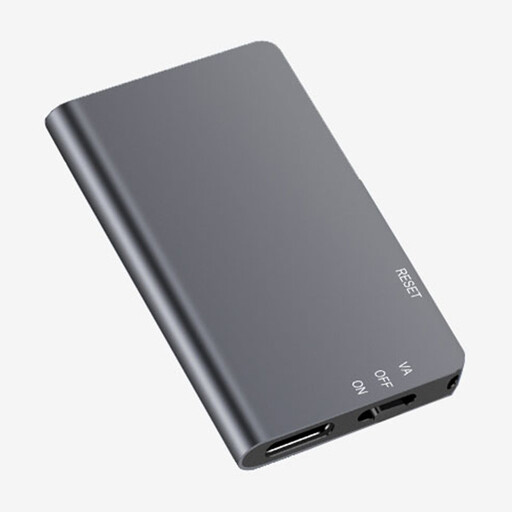
Rexsun L357 128GB Digital Voice Recorder, Grey
Consider this portable recorder for a solo voiceover if you can place it near the presenter. The listed variant has 128GB storage and an LCD screen; check its pickup options and connections if room noise or an external microphone shapes your plan.
View on Joybuy
 No image available
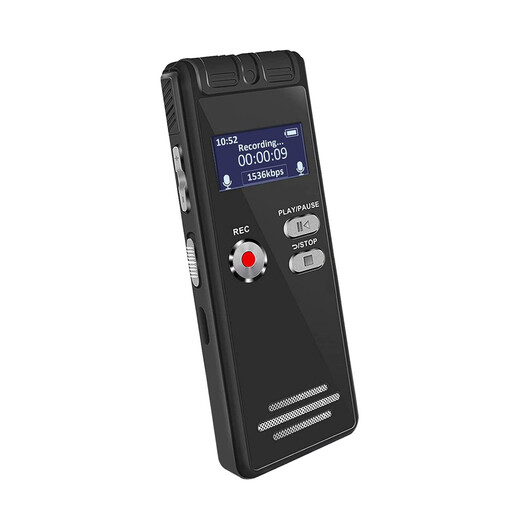
Rexsun L810 64GB One-Touch Voice Recorder, Grey
Its one-touch control may suit a short solo narration when the recorder can sit close to the speaker. This 64GB variant does not, by its title alone, establish how it handles competing classroom sound; check pickup and input options if those are priorities.
View on Joybuy
 No image available
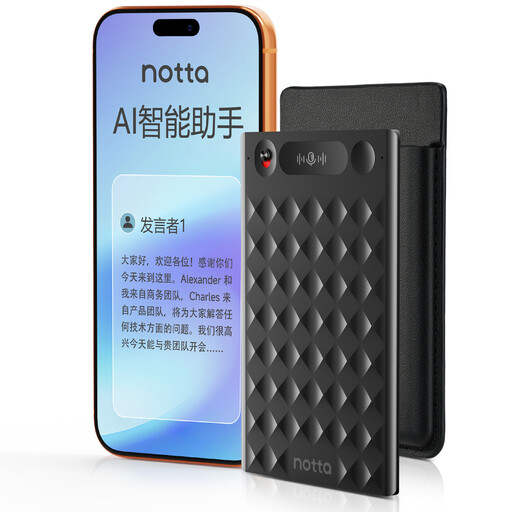
32GB AI Voice Recorder with Case, Black
One-press recording may suit a solo voiceover, provided its files fit your editing workflow. The title lists 32GB storage and a case; check how you can export recordings and whether any app or cloud use meets your school’s procedures.
View on Joybuy
 No image available
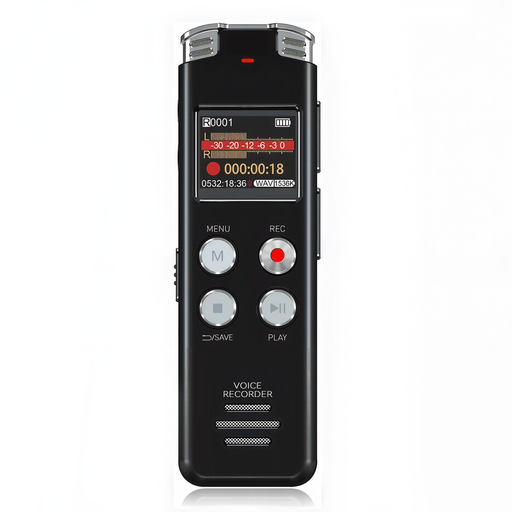
Rexsun L15 64GB Digital Voice Recorder, Grey
This portable recorder is an option for spoken capture when you can manage microphone placement. The listed L15 variant has 64GB storage and an LCD screen; confirm file transfer and any external-microphone needs before relying on it for presentation editing.
View on Joybuy
 No image available
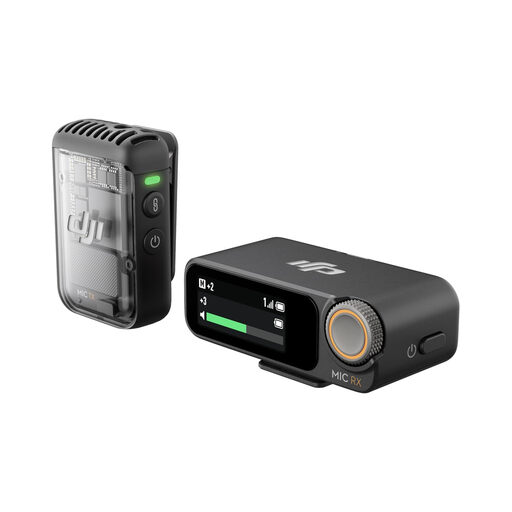
DJI Mic 2 Wireless Microphone (1 TX + 1 RX)
Consider this wireless microphone kit if your voiceover plan calls for a microphone separate from the recording device, rather than a conventional handheld recorder. The title lists 32-bit-float recording; confirm how this kit records and transfers the files you need.
View on Joybuy
Common questions
Do I need 32-bit-float recording for a classroom voiceover?
Not necessarily: it can reduce manual level-setting when your speaking level varies, but it will not remove classroom noise or reverberation. Put microphone placement first, then decide whether that recording mode helps your workflow.
How can I reduce unwanted sound while recording?
Record close to the presenter and away from avoidable noise, using mono or directional pickup if the recorder offers it. The British Association of Teachers of Deaf Children and Young People identifies noise, reverberation and distance as challenges for classroom speech intelligibility, so test the setup in the room before the full voiceover.
When is a separate microphone worth considering?
Consider one when the recorder itself cannot sit close to the narrator or when you need a lavalier, wired microphone or classroom mixer feed. Check the recorder’s connector and the microphone’s power requirements before buying.
What should I check before a recording session?
Check the exact recorder’s storage and power requirements, then test both recording and file transfer. Tascam’s DR-07XP manual, for example, lists a microSD card and two AA batteries as necessary for recording and playback; check the listing for what your chosen package contains.
What if other pupils or staff might be audible?
Follow your school’s procedures before recording identifiable people, and seek advice from the relevant manager or data protection officer if you are unsure. Department for Education guidance directs school staff to handle personal information appropriately and follow local procedures.


