Local video checkers
You want to see and hear a child on a separate screen from another room. Check whether the parent unit’s coverage and battery arrangements fit your home and routine.


For routine checks from another room, a dedicated local video monitor suits you if you want a separate parent screen and do not need internet viewing; choose a Wi-Fi model when an authorised carer genuinely needs app access away from home. Audio-only can suit a routine where hearing is enough, while a smart camera calls for model-specific checks on alerts and parent-unit features. A monitor is a way to check in, not a replacement for adult supervision or safer-sleep practices.
You want to see and hear a child on a separate screen from another room. Check whether the parent unit’s coverage and battery arrangements fit your home and routine.
You need an authorised carer to view from outside the home. Account access, software updates, sharing controls and the model’s connection behaviour matter to that choice.
You mainly need to hear when a child stirs and do not need a picture or stored footage. Compare sound indicators, charging and coverage.
Choose it when: You want a portable parent unit to see and hear a child elsewhere in the home without app-based internet viewing.
Trade-off: It does not provide an out-of-home feed, and rated range or battery life may not match your home or use.
Choose it when: An authorised carer needs app access away from home or you need a particular model’s app alerts or sharing features.
Trade-off: App access brings account and update decisions; check whether local viewing and alerts still work during an internet or app outage.
Choose it when: Hearing the child from another room is enough and a visual check would not change your routine.
Trade-off: You cannot see the room, so audio will not meet a need for visual checking.
Consider it when: App video and optional recording are the main needs, and you are prepared to check the exact camera’s alert and account features.
Trade-off: Which? cautions that general security cameras are not interchangeable with baby monitors; features such as a parent unit or sound indicators may differ.
For routine at-home check-ins, decide which need leads your choice: dependable local viewing, access while away, connected privacy, hearing only or saving footage.
| Concern | What to check when buying | Who this matters to |
|---|---|---|
| Local coverage | Check the exact camera bundle, parent-unit battery mode and reception in the rooms you use; do not treat a stated range as a guarantee for your layout. | If I carry a parent unit between rooms, I want reception through my own walls rather than relying on a quoted range. Around 28% of consumers put local coverage first. |
| Viewing while away | Confirm that the exact model offers app viewing, which alerts need internet access and whether a separate local parent-unit connection works independently. | When an authorised carer needs to check from outside the home, app access matters more than a local screen alone. Around 22% of consumers prioritise away-from-home access. |
| Connected privacy | The UK National Cyber Security Centre advises disabling internet remote viewing if it is not needed. Check account controls, update information and whether disabling remote access affects alerts you rely on. | If I use internet viewing, I want to understand account controls and software support before enabling remote access. Around 22% of consumers put connected privacy and support first. |
| Audio-only use | Compare sound indicators, charging arrangements and coverage; choose video instead if seeing the child or room is important to your routine. | If hearing a stir is enough, I would focus on sound alerts and charging rather than picture features. Around 17% of consumers prioritise audio-only simplicity. |
| Recording | Confirm whether the exact model records, where footage is stored, whether a compatible card is included and what subscription or retention terms apply. | If I want to save or review footage, I need to know how the chosen model stores it, not just whether it offers live viewing. Around 11% of consumers put recording first. |
Which? points to differences such as viewing angle, sound-indicator lights and temperature features. A general camera may not provide the alerts or parent-unit setup you expect.
Check the exact camera’s sound-alert behaviour and how you will notice an alert during your routine before choosing it instead of a dedicated monitor.
Manufacturer ratings describe particular conditions and models; walls, floors and the way you use a parent unit can affect whether its coverage and battery arrangements suit your routine.
Check the stated battery-use mode and test reception in the rooms where you plan to use the monitor.
Some dual-mode models describe a direct parent-unit connection as well as app access. The two viewing routes are not interchangeable.
Decide where the viewer will be and confirm the exact model’s local and internet connection paths, including what happens during an outage.
Live viewing and saving footage are separate needs. For the C225 V2, TP-Link lists local microSD storage and an optional cloud-storage service with separate requirements.
If you want recordings, confirm the supported method, what is included and the current storage and retention terms for that model.
Its PRO and MaxView lines include local-video arrangements for shoppers considering a separate parent screen.
VTech offers distinct audio-only and dedicated-video lines, including the VM3254 video monitor.
The BM01 is a non-Wi-Fi parent-screen option; the BM04 is a different model with app and parent-unit modes.
Mumsnet’s UK shortlist includes the E21 as a model to investigate for households comparing local and app viewing.
The C225 V2 is a general-purpose indoor Wi-Fi camera arrangement, rather than a dedicated baby-monitor line.
These Joybuy choices cover audio-only check-ins, local video, app-connected viewing and a Wi-Fi indoor-camera arrangement. Compare each model’s connection route and features with the way you plan to check in.
 No image available
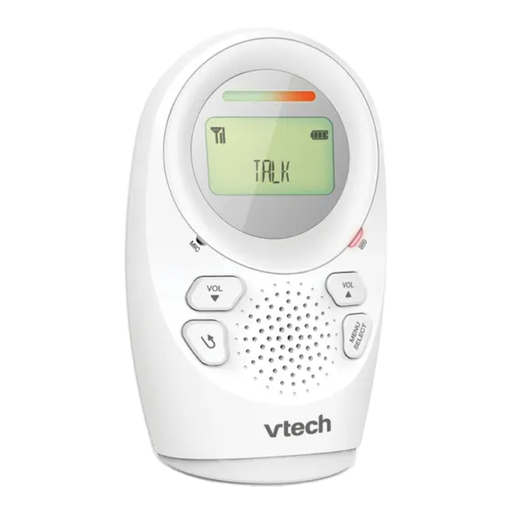
An audio-only option for consumers who need to hear check-ins from another room rather than see the room.
The product information lists DECT, two-way talk, a rechargeable parent unit, a temperature sensor and a belt clip. It does not provide a visual room check.
 No image available
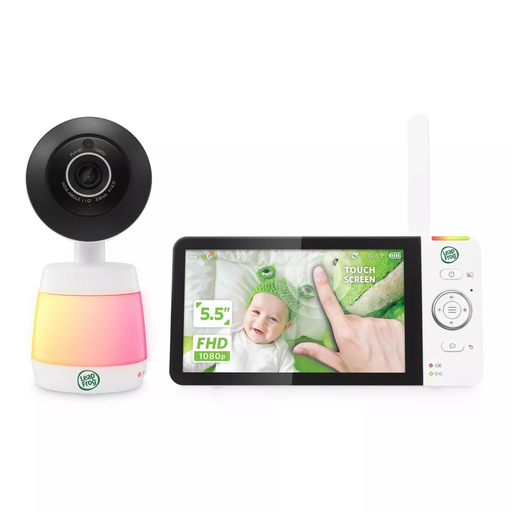
A parent-unit and app-viewing option for consumers who want local checks as well as phone access away from home.
Product information lists a 5.5-inch 1080p parent unit, app viewing, two-way audio, motion and sound alerts, colour night vision, and temperature and humidity sensors. Check which functions depend on the app or an internet connection.
 No image available
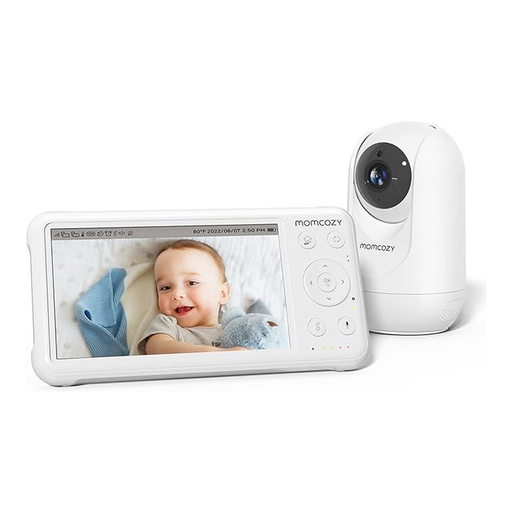
A local video option for consumers who want a screen at home without Wi-Fi-based viewing.
Product information lists infrared night vision, split-screen, loop playback, a rechargeable parent-unit battery, VOX alerts and two-way talk. This is described as a non-Wi-Fi model, not an app-based internet-viewing option.
 No image available
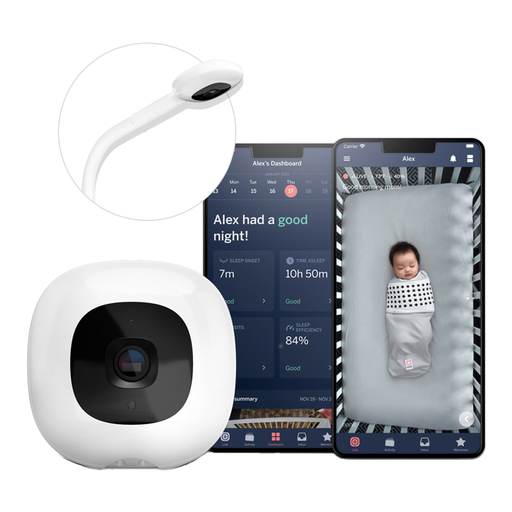
An app-viewing option for consumers who want video check-ins and alerts on a phone.
Product information lists Nanit app viewing, motion and sound alerts, two-way audio and an adjustable floor stand that can be moved between rooms. Check the app and connection requirements for the functions you plan to use.
 No image available
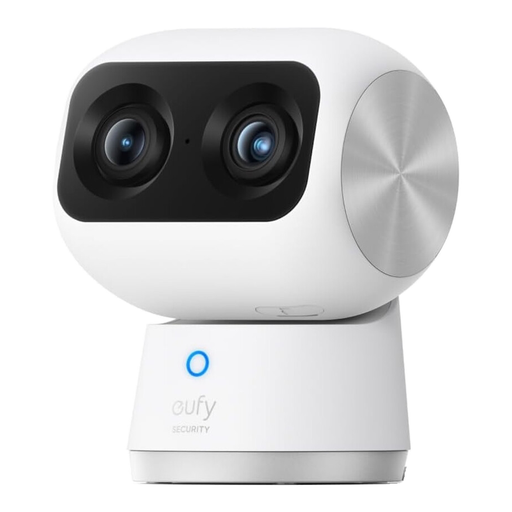
This Wi-Fi indoor-camera arrangement may suit consumers focused on phone-based room viewing, but check it against baby-monitor-specific needs rather than assuming it includes a dedicated parent unit.
Product information lists dual cameras, pan and tilt, tracking, night vision, smartphone compatibility and human or pet alerts. Confirm that its alert behaviour suits your routine.
No. The Lullaby Trust says a monitor does not replace a parent’s or carer’s supervision and that research has not shown monitors prevent SIDS. Treat video, temperature displays and alerts as check-in conveniences, not medical or safety guarantees.
Check the exact model’s parent-unit battery mode and camera bundle, then test reception, sound and picture in the rooms where you plan to use it. Keep the control unit and cables out of the child’s reach and follow the manufacturer’s installation instructions.
The UK National Cyber Security Centre advises replacing any supplied guessable default password, installing camera software updates or enabling automatic updates where offered, and disabling internet remote viewing if you do not need it. Disabling remote access may affect movement alerts or integrations, so check the model’s behaviour. Review the account’s available two-step-verification settings and the manufacturer’s stated minimum security-update period.
It depends on the model and recording method. For the C225 V2, TP-Link lists a separately purchased compatible microSD card for local storage or a separately subscribed Tapo Care cloud option; check the current terms for the arrangement you choose.
UK consumer-connectable-product security rules have applied since 29 April 2024. GOV.UK guidance excludes products supplied in Northern Ireland to which relevant legislation applies. These are supplier and manufacturer requirements, not proof that a particular monitor complies; check the documentation for the exact model.