Joybuy storage options
These external drives, a USB flash drive and a microSD card are options for local computer backups or selected-file copies. Choose a compatible backup method separately if you need a restorable phone or computer backup.
 No image available
Samsung MU-PG1T0B 1 TB USB Type-C, Black
A 1 TB local-storage option for files you want to copy separately from your device. Its name specifies USB Type-C and USB 3.2 Gen 2x2; check the connection on the device you will use and whether your chosen backup tool can schedule copies.
 No image available
Samsung T7 Shield Portable SSD 1 TB, Blue
A portable 1 TB SSD to consider for a local copy of photos, videos or documents. The name specifies USB 3.2 Gen 2; check the intended device and cable, and set up a backup schedule separately if you need recurring copies.
 No image available
Western Digital Elements Portable 4 TB USB 3.0, Black
The 4 TB capacity provides space to consider for a larger local collection of files. Check its format and connection before using it with your computer; a Mac may require reformatting. Arrange recurring backups through a compatible tool if that is your aim.
 No image available
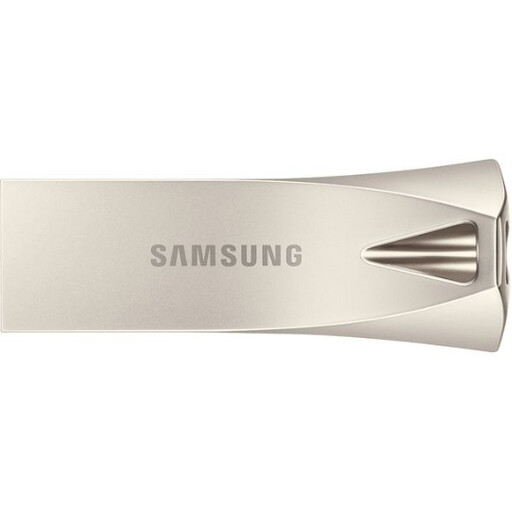
Samsung MUF-512BE3 512 GB USB Type-A, Silver
A removable option for a defined set of files rather than an assumed full-device restore. Its name specifies USB 3.2 Gen 1; confirm that the device you will use has a compatible USB Type-A connection, then check the copied files.
 No image available
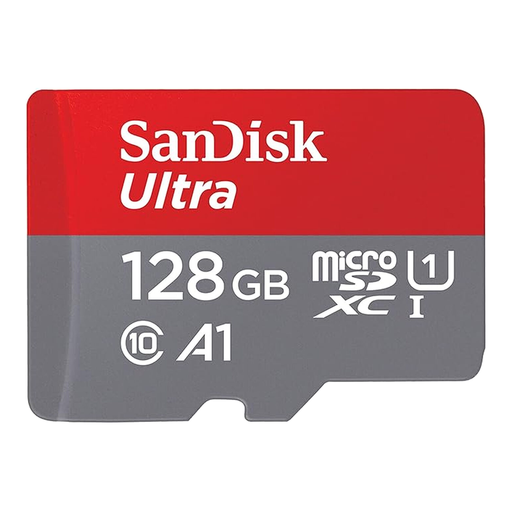
SanDisk Ultra microSDXC 128 GB with SD adapter
Consider this card for selected files on a device that supports its format and capacity; the included SD adapter offers another compatible slot type. Check exactly which files any backup app copies before relying on the card for a phone change.
Backup questions answered
Is cloud syncing the same as a backup?
Not necessarily. Apple Support says iCloud Backup excludes data already synced to iCloud, such as iCloud Photos. Check how synced content and device-backup data can each be recovered rather than assuming one setting creates a separate copy of everything.
What should I check before erasing an iPhone or iPad?
Confirm the date and time of the last completed backup and check that the account has enough available storage. Apple Support also describes computer backup as an alternative; choose an encrypted computer backup if you need to retain Health, Activity or Keychain data through that route.
Can I restore an Android backup to any new phone?
No. Google Help says restoration varies by phone and Android version, a backup from a higher Android version cannot be restored to a lower one, and some apps do not restore all settings or data. Check the replacement phone and the apps that matter before resetting the old device.
How large should a Mac Time Machine drive be?
Apple Support recommends a backup disk with at least twice the Mac’s storage capacity for Time Machine. That recommendation concerns recurring Time Machine backups, not a small manual copy of selected documents.
Should an external backup drive stay plugged in?
Disconnect removable backup storage when it is not being used, as the National Cyber Security Centre advises. A connected drive can be affected alongside the computer in a malware incident, so arrange access for backups without leaving your separate copy connected all the time.


