What matters when choosing a backup?
Start with the files you must recover and how you will test a restore, then choose a local, cloud or combined approach that fits your access and backup routine.
For personal and small-organisation backups, the National Cyber Security Centre emphasises keeping recoverable copies and disconnecting removable devices when they are not being used for a backup.
| Concern |
What to check when buying |
Who this matters to |
| Restoring the right files |
List the files and folders you need; check deletion or version recovery and test restoring a representative file. |
I need the photos, contacts or work files I choose to be present and restorable, not just synced. Around 33% of consumers put recovery of the right files first. |
| Keeping copies up to date |
Check the backup schedule, completion notices and date of the last successful restore. |
If I rely on a recent copy, I need a routine that does not depend on remembering every time. Around 25% of consumers prioritise keeping backups current. |
| Separating and protecting copies |
Check secure storage and disconnection for removable devices; for cloud accounts, review access protection and recovery arrangements. |
For work or sensitive files, I want a copy separated from the device and access I can still recover. Around 25% of consumers put separation and security first. |
| Capacity and ongoing commitment |
Measure the current backup set and expected growth; check usable capacity and any continuing cloud-plan terms. |
I need enough room for my files without taking on an unsuitable ongoing commitment. Around 17% of consumers put capacity and cost first. |
Joybuy storage choices for local backups
These Joybuy options are removable local-storage choices for backups. Compare the stated capacity with your measured file set and check that your device accepts the connection type.
 Image unavailable
Samsung Portable SSD T7 2 TB USB Type-C 3.2 Gen 2, Blue
Consider it for a local removable copy if your measured backup set fits within its stated 2 TB capacity.
Product name specifies USB Type-C, USB 3.2 Gen 2 and Blue. Disconnect the drive between backups and store it securely.
View on Joybuy
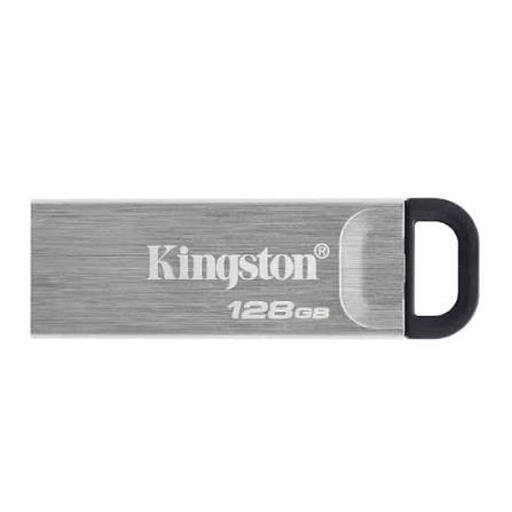 Image unavailable
Kingston DataTraveler Kyson USB stick, 128GB
Consider this removable option if your measured backup set fits within 128GB.
Check that your device has a compatible USB-A port. Disconnect the stick between backups and store it securely.
View on Joybuy
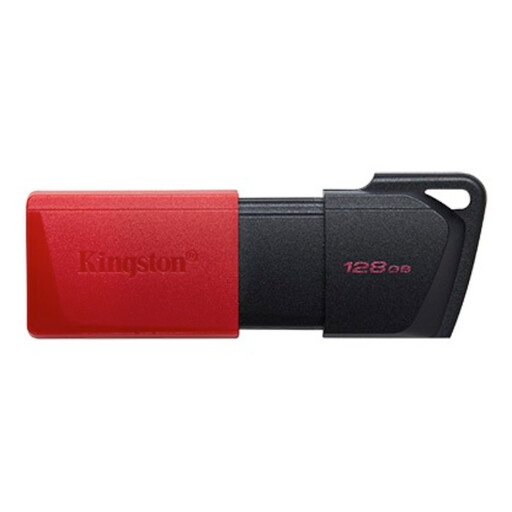 Image unavailable
Kingston DataTraveler Exodia M 128GB, USB 3.2 Gen 1, Black + Red
Consider it for a removable local copy if the files you need to protect fit within 128GB.
The product name specifies USB 3.2 Gen 1 and Black + Red. Check for a compatible USB-A port, then disconnect and securely store the stick between backups.
View on Joybuy
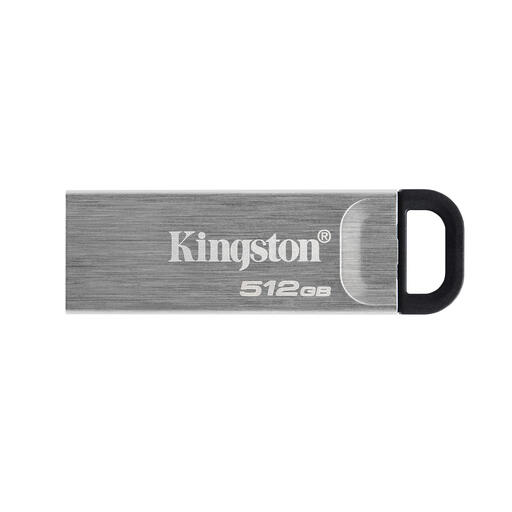 Image unavailable
Kingston DataTraveler Kyson USB flash drive, 512GB
Consider this removable option if your measured backup set fits within 512GB.
Check that your device has a compatible USB-A port. Disconnect the drive between backups and store it securely.
View on Joybuy
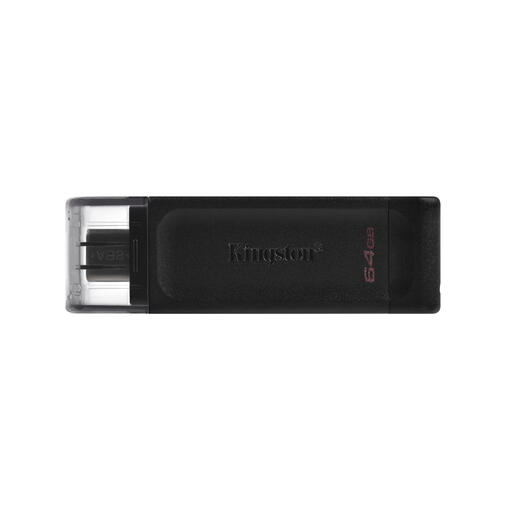 Image unavailable
Kingston DataTraveler 64GB USB-C 3.2 Gen 1 70
Consider it for a smaller removable backup set that fits within 64GB and is used with a USB-C device.
The product name specifies USB-C and USB 3.2 Gen 1. Check that the device has a compatible USB-C port, then disconnect and securely store the stick between backups.
View on Joybuy
Backup questions answered
How do I check a backup before replacing my device?
Identify the files you need, confirm they appear in the backup and restore a representative selection to a device that can read them. For organisational personal data, the Information Commissioner's Office advises regularly testing backup and recovery processes.
Can I leave an external backup drive plugged in?
Disconnect a removable backup drive when you are not making a backup, and keep it in a secure location. The National Cyber Security Centre warns that connected devices can also be affected when a computer is infected.
Will any portable drive work with both Windows and Mac without preparation?
Not necessarily. Western Digital says its WD Elements Portable may require reformatting for other operating systems, while Seagate says Basic requires reformatting for Mac use. Check the exact model and destination device before relying on the drive as your only backup.
Is a cloud-synced photo library an independent backup?
Do not assume it is. Apple says iCloud Photos deletions propagate across devices, those photos are not duplicated in iCloud Backup, and deleted photos can be recovered for 30 days. Keep another copy if you need longer or independent recovery.
Does UK law require every personal backup to be encrypted or stored in the UK?
The cited guidance does not establish a single rule applying to every personal backup. The Information Commissioner's Office says purely personal or household processing is outside the UK GDPR; organisations processing personal information must use appropriate security measures, with encryption assessed according to risk. An organisation making a restricted international transfer must also assess the applicable transfer rules and mechanism.


