For history lectures in a bedroom, choose a screen size that fits your viewing distance, and favour a 32-inch Full HD TV over an HD-ready alternative when slides, maps or captions contain fine detail. Check how the lecture reaches the TV and whether captions are supplied; sound-processing and picture-feature claims are not substitutes for those checks.
Who needs which features?
Slide and map readers
If lectures regularly show dates, quotations, timelines or historical maps, pay particular attention to resolution and how far you will sit from the screen. A Full HD specification offers more pixels than the HD alternatives cited by LG UK and Hisense UK, but the source material and viewing position still affect what you can read.
Caption and dialogue followers
If you rely on captions or need to follow spoken explanations, check the lecture provider’s caption controls and listen to a representative recording. A TV’s sound-feature claims do not establish how clearly that recording will play in your bedroom.
Laptop-connected bedroom learners
If lectures come from a course portal, browser or connected device, establish the connection route before choosing a TV. Check that the proposed screen position also leaves room for the device and its cables.
What matters when choosing?
For consumers choosing a bedroom TV primarily for history lectures, establish how you will play the lecture, then judge the picture, sound and placement from your usual viewing position.
| Concern |
What to check |
Who this matters to |
| Slide and caption detail |
Check the exact screen resolution and preview a typical lecture slide from your usual viewing position. |
Small map labels, quotations and captions need to remain readable from the bed. Around 33% of consumers would put visual detail first. |
| Speech and access |
Check the provider’s captions and listen to a representative lecture at your normal volume. |
If missing a spoken date or qualification would make the lecture hard to follow, intelligible speech or captions take priority; around 27% of consumers would make that their main concern. |
| Bedroom placement |
Measure from your viewing position to the proposed screen location, and check the stand or mounting arrangement. |
A screen needs to sit comfortably within the available furniture space and viewing angle. For around 20% of consumers, fit and positioning would come first. |
| Lecture access |
Confirm whether your lecture uses a supported TV app, casting or a connected computer. |
If a course portal is essential, I need a dependable way to get it onto the screen rather than assuming a streaming app will do the job. Around 20% of consumers would prioritise that access route. |
Mistakes to avoid
-
Choosing HD-ready when small slide text is the priority
Hisense UK specifies 1366 × 768 for the 32A4NTUK, compared with 1920 × 1080 for its Full HD 32A5NQTUK. The Full HD screen has more pixels available for fine detail, although resolution alone cannot fix a low-quality recording or text that is too small at your viewing distance.
Compare the exact model’s resolution and preview the sort of maps and slides you expect to watch.
-
Assuming a smart TV will open your course platform
Entertainment apps listed for a smart TV do not establish that a university portal, webinar tool or browser-based lecture will work on it.
Identify your lecture source, then confirm a suitable TV app, casting method or computer connection before buying.
-
Treating captions and clear speech as guaranteed TV features
Ofcom describes subtitling as an access service for broadcast and on-demand content; availability depends on the programme and provider. A manufacturer’s audio-feature name is not a test of your particular lecture recording.
Check captions on the lecture platform and try representative dialogue at your usual listening level.
-
Deciding licence requirements from the device alone
TV Licensing distinguishes what you watch and how you watch it, rather than whether the screen is a TV, laptop or tablet.
If you watch live TV or use BBC iPlayer, check your household’s TV Licence position against TV Licensing’s guidance.
Relevant brands to consider
LG
A reference point for a 32-inch Full HD smart TV for secondary-room viewing.
- LG UK lists the 32LQ63006LA with webOS, Freeview Play and AI Sound.
- Those features do not establish access to a particular lecture website or how intelligible its recordings will sound.
Samsung
A reference point for a 32-inch Full HD TV using Samsung’s Tizen smart platform.
- Samsung UK lists the UE32F6000FKXXU with Full HD, Tizen and Object Tracking Sound Lite.
- The named sound feature is not proof of speech clarity for a history lecture; check the intended source and recording.
Hisense
A reference point when comparing 32-inch Full HD and HD options or considering stand-mounted, close-range viewing.
- Hisense UK specifies Full HD and an 8-degree tilted stand position for the 32A5NQTUK; it specifies 1366 × 768 HD for the 32A4NTUK.
- The tilt applies to the stated stand configuration. Check furniture dimensions and wall-mount requirements separately.
Joybuy TVs for bedroom viewing
These TVs cover compact Full HD viewing, a larger Full HD screen to assess against your room, and a 32-inch HD option for lectures with larger, simpler visuals. For any model, confirm your lecture connection and caption source before deciding.
 No image available
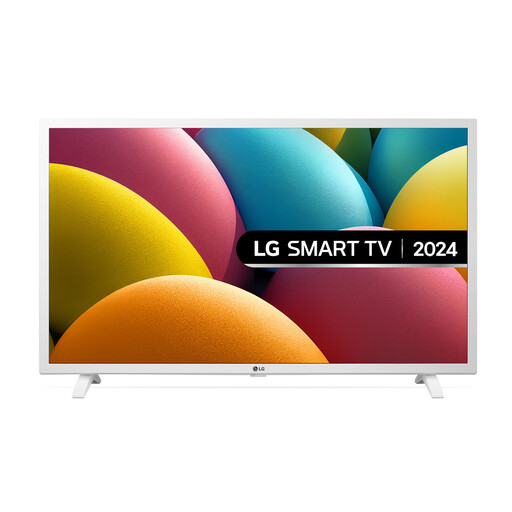
LG 32LQ63806LC 32-inch Full HD Smart TV, White
Consider this compact Full HD option if your lectures contain detailed slides or maps. Confirm how your lecture service will connect and whether it supplies captions.
View on Joybuy
 No image available
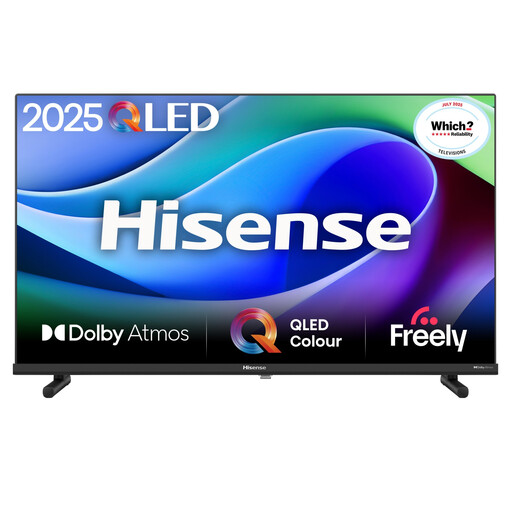
Hisense 32E5QTUK 32-inch Full HD VIDAA TV
This model is worth assessing for a compact, stand-mounted lecture setup. Its product name specifies a dual-position arrangement; check how that arrangement fits your furniture and viewing height, as well as your lecture connection.
View on Joybuy
 No image available
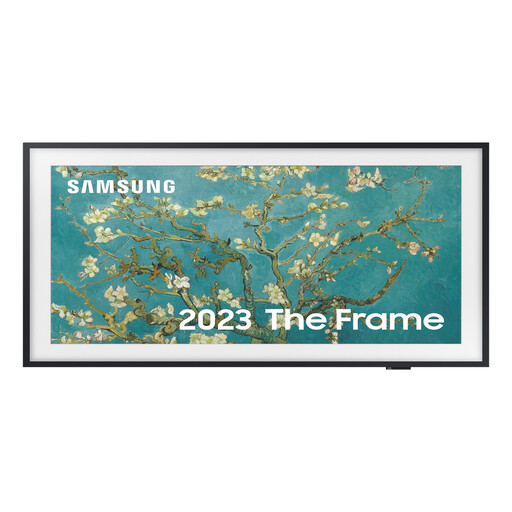
Samsung The Frame QE32LS03CBUXXU 32-inch Full HD TV
Consider this Full HD model if a 32-inch screen suits your bedroom. The product name also specifies Wi-Fi; confirm that your intended lecture service or connected device works with the TV before relying on it.
View on Joybuy
 No image available
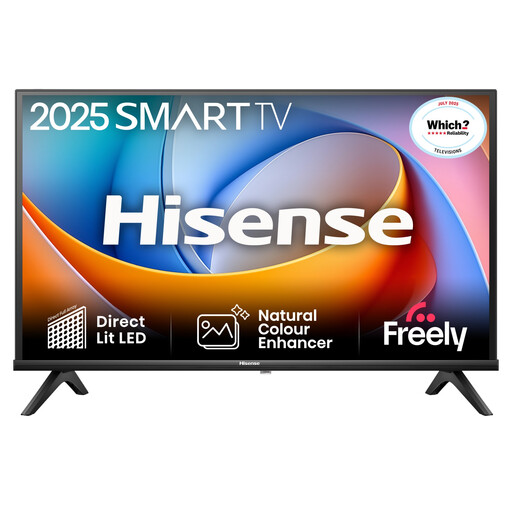
Hisense 40A4QTUK 40-inch Full HD VIDAA TV
Assess this larger Full HD screen if you watch from farther across the bedroom. Measure the proposed position and viewing distance rather than assuming a 40-inch TV will fit comfortably, and confirm the lecture access route.
View on Joybuy
 No image available
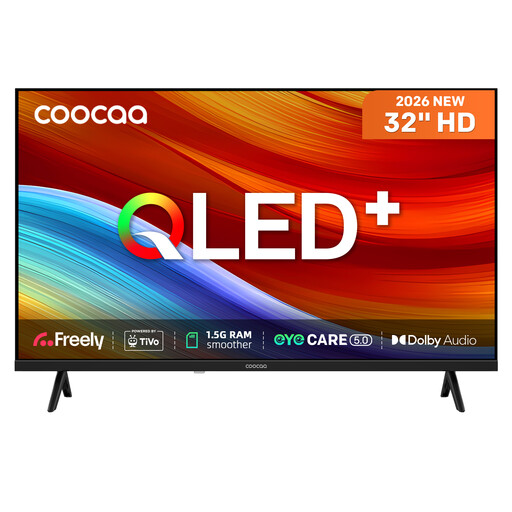
Coocaa 32CTQH38ZUK 32-inch HD TiVo QLED TV
Consider this HD option if your lectures mainly use larger, simpler visuals rather than dense text. Compare its resolution with Full HD alternatives for the slides you watch, and check access to your lecture source.
View on Joybuy
Frequently asked questions
Is Full HD worth choosing over HD-ready for bedroom lectures?
Full HD is the more relevant specification when you need to read dense slides, maps or captions. Hisense UK specifies 1920 × 1080 for the Full HD 32A5NQTUK and 1366 × 768 for the HD 32A4NTUK; what you can actually read also depends on the recording, text size and viewing distance.
Will a smart TV automatically provide captions for my lecture?
No: check whether the lecture provider supplies captions for the particular recording. Ofcom identifies subtitling as an access service, but a TV’s smart operating system does not create captions for every video.
Do I need a TV Licence for an on-demand history lecture?
Not necessarily; the viewing method matters more than the screen you use. TV Licensing says a licence is required to watch live TV or use BBC iPlayer, while on-demand viewing on other services is treated differently. Check how your particular lecture is delivered.
Does a UKCA or CE mark show that a TV will play my lectures?
No. GOV.UK explains that these markings indicate the manufacturer’s belief that a product meets relevant requirements for placement on the Great Britain market; they do not establish compatibility with a particular lecture service. Check the service and connection method separately.


