Choose the screen size from your usual bed-to-screen distance before deciding whether to consider OLED: Which? gives about 2.0 m for a 32-inch TV and about 2.6 m for a 48–50-inch TV as viewing-distance reference points. For opera recordings in a dim bedroom, OLED is worth comparing if stage contrast matters to you, but manufacturer picture claims do not establish how every model will look in your room. If you listen quietly or use a soundbar, check the exact TV’s headphone connections or eARC port before choosing it.
Who is this for?
Opera picture-detail seekers
You want to follow performers, costumes and subtitles while retaining detail in dark stage scenes. OLED makers describe individually controlled pixels and deep blacks, but those claims do not establish that every OLED TV will suit your room or recordings.
Quiet-evening listeners
You often watch at a modest volume or share the room with someone else. A suitable headphone connection or soundbar route may matter more to you than a TV’s built-in audio description; check the connections on the exact model.
Bedroom-space planners
You need a screen that fits the available furniture or wall space and remains comfortable to watch from your usual position on the bed. Measure both the viewing distance and the proposed installation space.
What matters when choosing?
Settle screen size and placement first. Then compare how the TVs handle the recordings you use and whether their audio and playback connections suit your evening routine.
| Concern |
What to check |
Who this matters to |
| Stage picture and subtitles |
Compare picture modes in your usual lighting and check that subtitles are comfortable to read from the bed. Do not expect a 4K panel to add genuine detail to an older recording. |
If dark stage scenes, costumes and subtitles are central to my viewing, I want a picture I find natural without losing track of the action. Around 31% of consumers put stage picture and subtitle visibility first. |
| Quiet listening |
Confirm the exact model’s headphone output or soundbar connection, including any eARC port you intend to use. Check pairing and lip-sync behaviour for wireless headphones. |
When I watch late, I need to hear singers and dialogue without turning the volume up for everyone nearby. Roughly 25% of consumers make quiet, intelligible listening their primary concern. |
| Screen size and room fit |
Measure from your normal viewing position to the screen location, then compare the TV’s width and stand depth with the available space. |
I do not want the display to dominate the bedroom or leave subtitles too small to follow from the bed. Around 25% of consumers put comfortable room fit ahead of the other factors. |
| Recording sources |
Check the app, casting method or HDMI input needed by your streaming service, disc player or media device. |
If my recordings come from a particular service or player, I need a straightforward way to use it on the TV. About 19% of consumers place playback compatibility first. |
Buying pitfalls
-
Choosing a size because the room is called a bedroom
The distance from your usual viewing position matters more than the room label. A small screen may make subtitles harder to follow from farther away, while a larger set may occupy more space than you want.
Measure the viewing distance and furniture first. Which? gives about 2.0 m for 32 inches, 2.45 m for 40 inches and 2.6 m for 48–50 inches as reference points, rather than rules for every viewer.
-
Assuming picture or audio branding settles the sound question
OLED describes a display technology, while an audio-format label does not tell you whether voices will be clear at your preferred volume. Built-in sound and headphone behaviour need separate consideration.
If private listening matters, check the exact TV’s headphone options. If you plan to use a soundbar, confirm its connection against the TV’s labelled audio port.
Adding external audio may also mean finding space for a soundbar or using headphones, cables or adapters.
-
Assuming every smart TV plays your recordings
An opera recording might be in an app, on a disc or played through another device. A smart-TV label alone does not establish that your particular service or playback method will work.
List the sources you use and check their app, casting or HDMI requirements against the exact TV. Panasonic notes that casting on its TX-48MZ800B is optimised for selected services.
Some services require a subscription; another playback device may be needed if your chosen method cannot run directly on the TV.
Brands to consider for this use
These model ranges illustrate features worth checking; a brand name alone does not establish the connections, dimensions or picture you will get from a particular TV.
LG
LG lists 42-inch and 48-inch choices in its UK C5E OLED range, making it relevant when you want to compare compact OLED sizes.
- LG describes pixel-level blacks and colour fidelity for this range; assess those claims alongside the picture you prefer.
- Check the connections, dimensions and energy label for the exact C5E size you are considering.
Samsung
Samsung’s UK S90F OLED range includes 42-inch and 48-inch choices for comparing bedroom screen sizes.
- Both listed sizes offer a compact OLED range to investigate.
- Use the exact size’s full specifications to check its audio connections and other requirements.
Sony
Sony’s OLED range is relevant if you want to investigate screen-aligned built-in sound as well as OLED picture characteristics.
- Sony describes individually controlled OLED pixels and says its Acoustic Surface Audio+ technology produces sound from the screen.
- Confirm which BRAVIA model and size has the features and external-audio connections you need.
Panasonic
Panasonic has 48-inch OLED models with documented audio options worth examining for quiet or external listening.
- Panasonic specifies Bluetooth headphone pairing for the TX-48MZ800B and eARC on HDMI input 2 for the TV-48Z90B.
- Those are different models; do not assume that either connection is present on every Panasonic TV.
Joybuy product choices
These 42- and 43-inch TVs are choices to examine if you want a relatively compact screen for bedroom opera viewing. They include different display types; compare the exact connections and your viewing distance rather than treating the list order as a picture or sound comparison.
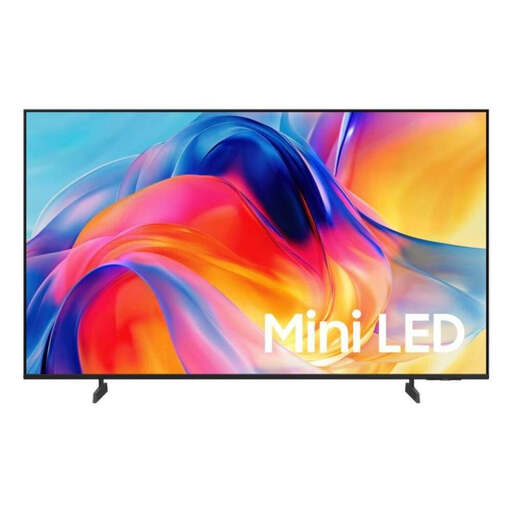 Image unavailable
Samsung M70H 43-inch 4K smart TV
Consider its 43-inch screen if that size works from your usual viewing position. The product name identifies a 4K smart TV with Wi-Fi; check its audio connections and stand dimensions against your setup.
View on Joybuy
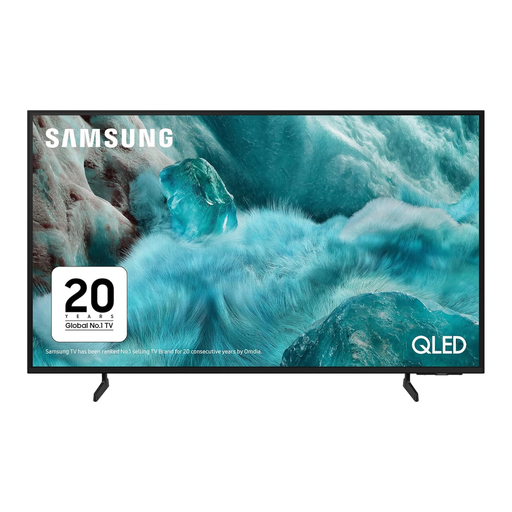 Image unavailable
Samsung Q7F QE43Q7FAAU 43-inch 4K smart TV
This is another 43-inch option to assess against your bed-to-screen distance. Its product name identifies 4K smart-TV and Wi-Fi features; confirm the footprint and any headphone or soundbar connection you plan to use.
View on Joybuy
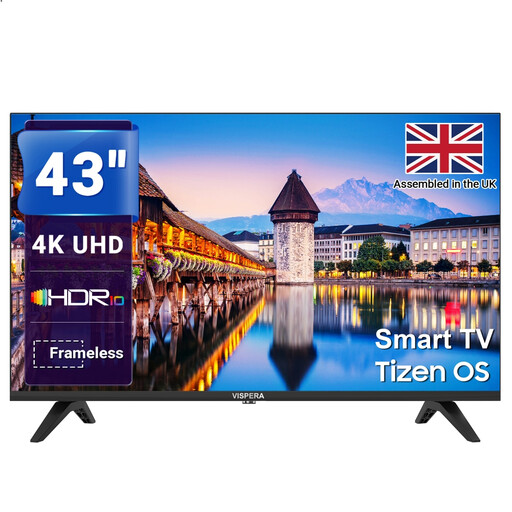 Image unavailable
VISPERA TI43ULTRA 43-inch 4K Direct LED TV
Consider this model if a 43-inch Direct LED screen fits your room and you use a Tizen-based smart TV. The product name also specifies HDR and Dolby Audio; check the HDR formats against your recordings and confirm the audio output needed for private listening.
View on Joybuy
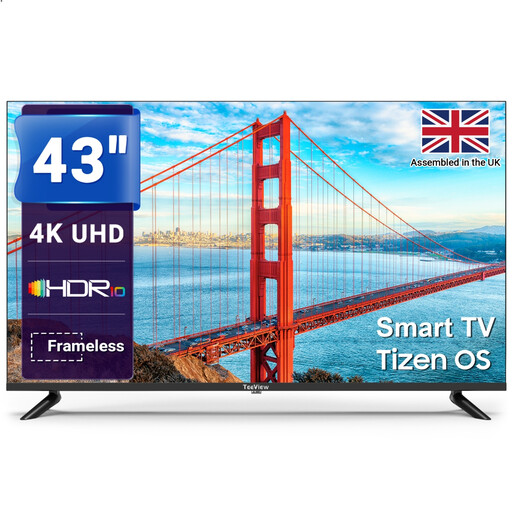 Image unavailable
TeeView TV43QUT-UK 43-inch 4K smart TV
This 43-inch model is worth checking if you want a Tizen-based TV for your recording sources. Its product name specifies 4K UHD; verify that your services and any headphones work as intended, and check its dimensions before choosing a position.
View on Joybuy
 Image unavailable
Sony BRAVIA A90 XR42A90K 42-inch 4K OLED TV
Consider this 42-inch OLED model if you want to compare its picture in dim-room opera scenes with other display types. Its product name specifies Google TV and Dolby Vision; check the exact headphone and soundbar connections, physical dimensions and energy label for your setup.
View on Joybuy
Frequently asked questions
What TV size should I start with for a bedroom?
Start with the distance from where you normally watch to where the screen will go. Which? gives about 2.0 m for 32 inches, 2.45 m for 40 inches and 2.6 m for 48–50 inches as reference distances; then account for your subtitle comfort and the space available for the TV.
Can I use wireless headphones for opera recordings?
You can if the exact TV supports a suitable headphone connection. Panasonic specifies Bluetooth headphone pairing for the TX-48MZ800B, but that does not establish how another model works; check pairing, lip-sync and whether you need its speakers to remain on at the same time.
What should I check before adding a soundbar?
Check the labelled audio connection on both the TV and soundbar, then make sure enough inputs remain for your playback devices. Panasonic specifies eARC on HDMI input 2 of the TV-48Z90B; the port location is specific to that model.
How can I compare TV electricity use?
Compare the UK energy labels and product information sheets for the exact models you are considering. GOV.UK’s television energy-label specification includes on-mode consumption in kWh per 1,000 hours for SDR content and separate efficiency information for HDR, so compare like-for-like figures.


