What matters when choosing?
Start with room fit, then decide which picture features and streaming setup you will actually use for travel programmes.
| Concern |
What to check |
Who this matters to |
| Screen size and fit |
Measure the viewing distance, TV width and stand depth; check the exact mounting requirements if it will go on a wall. John Lewis & Partners suggests 39–46 inches at 1.5–2 metres. |
If the screen will sit near my bed, I need it to fit the furniture and feel comfortable from where I watch. Around 33% of consumers put room fit first. |
| Picture for travel scenes |
Compare the exact models’ panel types and supported HDR formats, especially for dim-room viewing. A format label alone does not establish picture quality. |
When I watch scenery and night-time footage, contrast and colour matter more to me than extra smart-TV features. For around 42% of consumers, picture presentation is the primary concern. |
| Streaming access |
Confirm your required apps, account requirements and bedroom Wi-Fi connection on the exact TV. |
I mainly want to open my travel programmes on the TV without relying on separate equipment. Streaming access comes first for around 25% of consumers. |
Joybuy TVs for this setup
These 42- and 43-inch TVs provide OLED, LED and QLED options to consider for bedroom travel-programme viewing. Check each model against your viewing distance, available space and preferred services.
 No image available
Sony BRAVIA A90 XR42A90K 42-inch OLED 4K Google TV
Consider this 42-inch OLED if a smaller screen and dark-room viewing are priorities. The product name lists 4K HDR, Google Cast and Dolby Vision; check its full dimensions, mounting requirements and required apps for your setup.
View on Joybuy
 No image available
TCL 43V6C 43-inch Direct LED 4K Google TV
This is a 43-inch option to compare if you want Google TV and a Direct LED screen. The product name lists 4K HDR; confirm the stand footprint, mounting requirements and availability of your preferred apps.
View on Joybuy
 No image available
Haier H43S80GUF 43-inch 4K QLED TV with Fire TV and Freely
Consider this 43-inch model if Fire TV and Freely are part of your planned viewing setup. The product name lists HDR10+; check its width and stand footprint, and confirm that your preferred Freely services and live-TV arrangement meet your needs.
View on Joybuy
 No image available
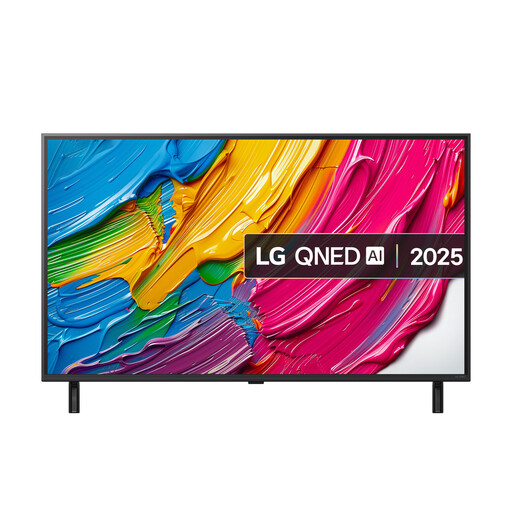
LG 43QNED80A6A 43-inch QNED 4K webOS TV
This 43-inch option may suit you if you want to compare a webOS smart-TV setup with other platforms. The product name identifies a QNED 4K TV; confirm your required apps, the TV’s dimensions and mount compatibility before choosing it.
View on Joybuy
 No image available
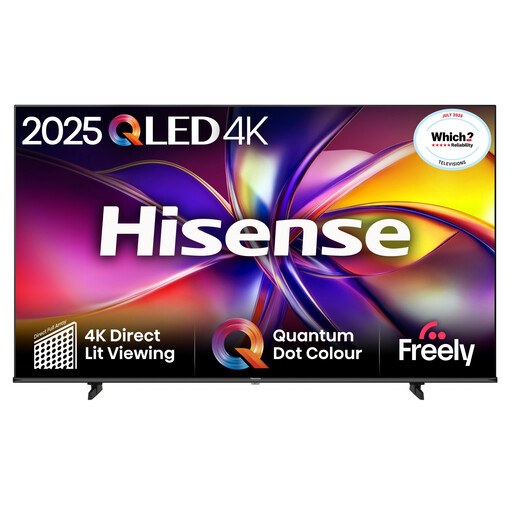
Hisense 43E78QTUK 43-inch QLED 4K VIDAA TV
Compare this 43-inch model if VIDAA is a smart-TV platform you would use. Its product name lists Dolby Vision and HDR; check your required apps, the stand footprint and the exact mounting specification.
View on Joybuy
Frequently asked questions
What TV size should I start with for a bedroom?
Start by measuring from your usual viewing position to the proposed screen position. John Lewis & Partners suggests 39–46 inches at 1.5–2 metres; use that as a starting range, then check the TV’s physical fit and your preference for watching subtitles.
Should I choose OLED or QLED or LED for travel programmes?
Consider OLED if dark-room contrast is your main picture priority, but compare exact models rather than assuming a panel label determines the result. LG describes per-pixel black levels for its 42-inch OLED42C54LA, while Sony and TCL list different 4K HDR features on their 43-inch models; check the features relevant to the content and room you use.
Do I need a TV Licence for travel programmes in my bedroom?
You need TV Licence cover to download or watch programmes on BBC iPlayer, regardless of which room or device you use, according to TV Licensing. TV Licensing also distinguishes live viewing from on-demand programmes on other services, so check how you will watch rather than relying on the app name alone.
What should I check before wall-mounting a bedroom TV?
Check the exact TV’s dimensions, weight and mounting specification against the mount documentation and the proposed wall. A mount described only by screen diagonal does not establish compatibility with a particular model.


