Choose a 32-inch TV if bedroom space is tight, or consider a 43-inch set if it fits both the available space and your usual viewing position. For family videos, the more important distinction is how you will play them: check the exact model’s USB file support or phone-sharing compatibility, and keep an HDMI playback option if either route is uncertain.
Who is this for?
Families with videos on USB drives
If your clips come from cameras or several devices, start with the files you already have. LG UK and Sony UK both advise checking the chosen TV’s playable formats; a USB socket alone does not establish that a particular clip will play.
Families sharing from Apple devices
If your videos usually stay on an iPhone or iPad, wireless sharing may save transferring them to a drive. Samsung UK says AirPlay 2 works with select compatible TVs when the Apple device and TV are on the same Wi-Fi network, so check the exact model.
Viewers fitting a TV into a bedroom
Compare the proposed position with the screen and stand before choosing between sizes. The models described in the listings include 32-inch HD or Full HD options and a larger 43-inch 4K option; those specifications do not establish which size fits your room.
What matters when choosing?
Decide where the TV will go and how your family videos will reach it before comparing screen resolution or smart-TV features. The priorities below separate consumers by the concern that would most influence their choice.
| Concern |
What to check |
Who this matters to |
| Playing existing files |
Compare your clips’ extensions, codecs and USB-drive format with the exact TV’s guidance; check for an HDMI fallback. |
I want to play the videos already saved on a drive without discovering that familiar files are rejected. Around 36% of consumers put local-file playback first. |
| Sharing from a phone |
Confirm that the exact TV supports your phone’s sharing method and that the required Wi-Fi connection is available. |
My family videos stay on my phone, and I would rather send them to the TV than copy them to a drive. For roughly 29% of consumers, straightforward phone sharing is the main concern. |
| Room fit and picture detail |
Measure the proposed position and compare 32-inch and 43-inch screens from your usual viewing spot; note whether each model is HD, Full HD or 4K. |
I need a screen that suits the bedroom, while remembering that an older clip cannot gain original detail from a 4K panel. Room fit and picture detail come first for around 21% of consumers. |
| Sound and ongoing use |
Check the exact model’s listening options and the services you plan to use; consider TV Licence rules if that includes live TV or BBC iPlayer. |
I want to hear the videos comfortably and understand the conditions attached to any other viewing I plan to do. Roughly 14% of consumers make these everyday-use checks their primary concern. |
What should you avoid assuming?
-
A USB port will play every family video
LG UK says a video’s extension and codec must meet playback requirements. Sony UK directs viewers to the individual model’s playable-format guidance, which may change with updates.
Identify the files you care about, check the exact TV’s manual against them and retain an HDMI route from a suitable playback device for clips that need it.
-
Smart-TV apps will always be available
Retailer information for the cited larger LG and Toshiba TVs notes that services can change and some require an account or subscription. An app should not be the only basis for choosing a TV intended mainly for family videos.
Confirm the specific services you intend to use when choosing the model, alongside its screen, inputs and video-playback route.
-
A larger 4K screen is automatically the right bedroom choice
The cited 32-inch HD and Full HD models and 43-inch 4K model differ in size and resolution. A 43-inch screen needs more room, and a low-resolution family clip does not acquire original 4K detail when shown on one.
Measure the stand or wall position, then judge the proposed size from where you normally watch.
-
Family-video viewing and live-TV viewing have the same licence conditions
TV Licensing identifies watching or recording live TV on any service, and watching or downloading BBC programmes on BBC iPlayer, as activities requiring licence coverage. Watching locally stored family videos alone is outside those stated triggers.
If the bedroom TV will also be used for live TV or BBC iPlayer, check whether your household is covered before using those services.
Brands to consider for this use
Samsung
Relevant if you are comparing compact Full HD TVs or want to investigate Apple-device sharing on a compatible model.
- The UE32F6000FKXXU is listed as a 32-inch Full HD smart TV with two HDMI 1.4 inputs.
- Samsung UK describes AirPlay 2 sharing for select compatible TVs on the same Wi-Fi network as the Apple device; confirm support on the model you choose.
LG
Relevant when comparing a compact HD option with a larger 4K TV and its connections.
- LG UK identifies the 32LR60006LA as a 32-inch HD TV; the 43UT81006LA is listed with a 43-inch 4K screen, three HDMI inputs and two USB ports.
- LG UK says USB video playback depends on requirements including the file extension and codec. Check the selected model against your clips.
Sony
Relevant if you are considering a 32-inch Android TV and can check playback requirements model by model.
- Sony UK identifies the KD32W800P1U as a 32-inch HD Ready model.
- Sony UK advises consulting the individual model’s guide for playable USB and home-network formats and notes that updates may change supported formats.
Toshiba
Relevant if a 43-inch screen fits the bedroom and an integrated Fire TV and Freely interface interests you.
- The 43UF2653DB is listed as a 43-inch 4K smart TV with Fire TV and Freely.
- The retailer notes that apps and services may change, be unavailable or require an account or subscription.
Joybuy TVs for compact and larger bedrooms
These choices include 32-inch TVs for a more compact position and a 43-inch option to consider where the bedroom has room for it. Match the exact model’s playback and sharing options to your own videos before relying on USB or wireless viewing.
 No image available
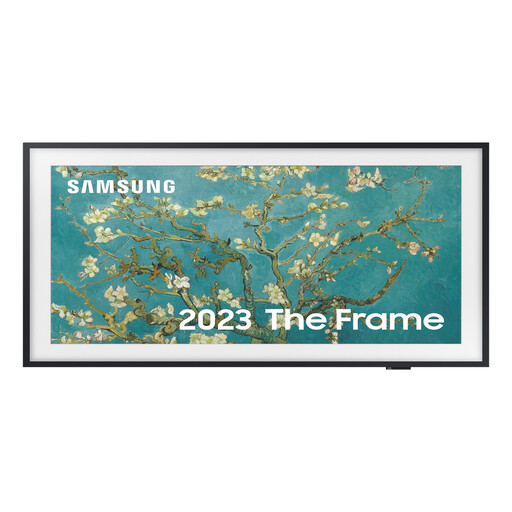
Samsung The Frame QE32LS03CBUXXU 32-inch Full HD TV
Consider this compact-screen option if a 32-inch TV suits the bedroom. Its listed features include Full HD and Wi-Fi; check the exact model’s requirements before relying on your USB videos or phone for playback.
View on Joybuy
 No image available
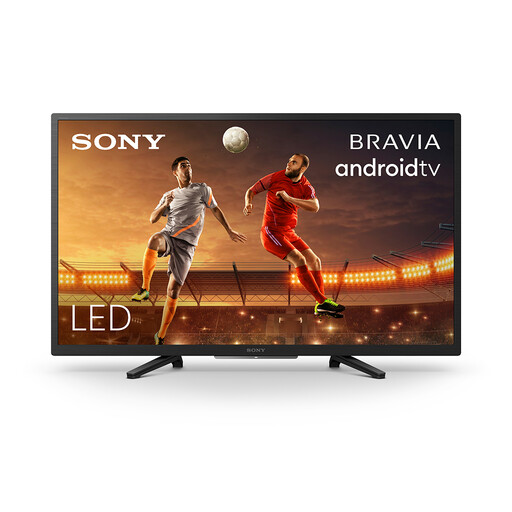
Sony BRAVIA W800 KD32W800P1B 32-inch HD Ready TV
This 32-inch Android TV is another compact-bedroom option. Sony UK advises checking an individual model’s playable-format guide, so compare the guidance for KD32W800P1B with your files before choosing it for USB viewing.
View on Joybuy
 No image available
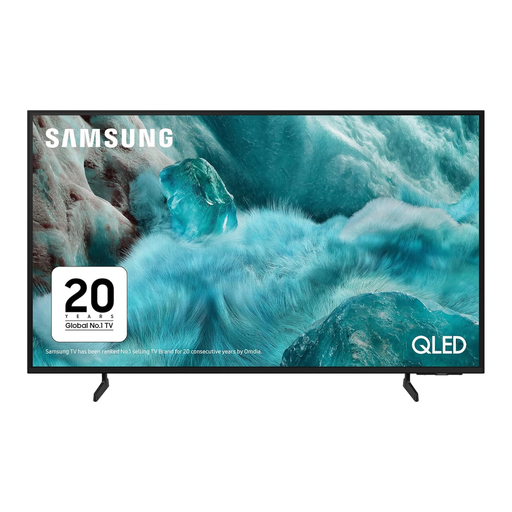
Samsung Q7F QE43Q7FAAU 43-inch 4K TV
Consider the larger 43-inch screen only after checking its position and your usual viewing distance. The listed TV is 4K and has Wi-Fi; confirm the exact model’s file and device-sharing requirements for your videos.
View on Joybuy
 No image available
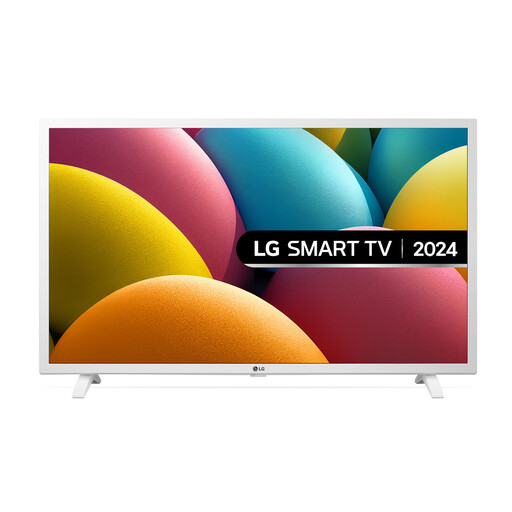
LG 32LQ63806LC 32-inch Full HD Smart TV, white
This 32-inch Full HD option suits a position where a larger screen would not fit. If you intend to play videos directly from a drive, compare your files with the exact model’s playback guidance; LG UK notes that extension and codec requirements matter.
View on Joybuy
 No image available
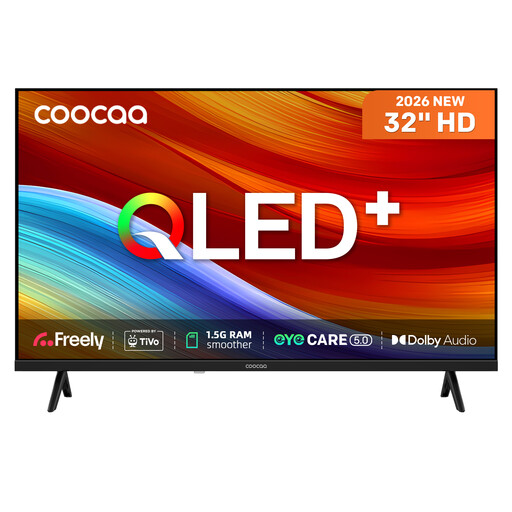
Coocaa 32CTQH38ZUK (32CTQH38) 32-inch HD QLED TV
Consider this 32-inch option if its size suits the intended bedroom position. The product name identifies TiVo and Freely features; check the model’s dimensions and playable-video formats before relying on it for your setup.
View on Joybuy
Common questions
Why does a video play on my computer but not through a TV’s USB port?
The TV may not support that file’s format or codec. LG UK says playback requirements include the extension and codec, while Sony UK advises checking the specific model’s playable-format list. Compare that list with your clips and, where possible, try a representative file.
Can I share iPhone videos with a Samsung TV without a USB drive?
Yes, if the exact Samsung TV supports AirPlay 2 and the Apple device and TV are on the same Wi-Fi network. Samsung UK describes this feature for select compatible models, so confirm it on the TV you intend to choose.
Should I choose a 32-inch or 43-inch TV for a bedroom?
Choose according to the space available and where you normally watch, rather than screen size alone. The cited examples span 32-inch HD or Full HD and 43-inch 4K models; a larger panel gives you a larger image but does not add original detail to older clips.
Do I need a TV Licence just to watch our own saved videos?
Watching locally stored family videos alone is outside the activities for which TV Licensing says licence coverage is required. Its stated triggers include watching or recording live TV on any service and watching or downloading BBC programmes on BBC iPlayer. Check your household’s coverage if you plan to use the bedroom TV for either of those activities.


