
24/7 Customer Support

Free returns

Same-day & Next-day Delivery

Quality Guaranteed
Download the APP
Categories
The modern workspace has changed. Whether you are working from home, in a hybrid setup or simply want a desk that can handle both spreadsheets and streaming, your monitor is the centrepiece of your experience. The search for a display that balances productivity with entertainment often leads to a specific set of features: a spacious 27-inch screen and a fluid 120Hz refresh rate.
This combination offers a noticeable upgrade in smoothness over standard 60Hz screens, making everything from scrolling through documents to casual gaming feel more responsive. However, navigating the market for a 27 inch 120hz monitor can be confusing. This guide is designed to cut through the clutter, helping you understand the key features to look for and highlighting some excellent options that deliver on performance and value.
Choosing the right monitor involves more than just screen size and refresh rate. Here are a few key considerations to help you make an informed decision.
The resolution determines the clarity and detail of the image. For a 27-inch screen, this is a critical choice.
The panel is the heart of the display. Most modern monitors in this category use IPS (In-Plane Switching) technology. An IPS 120hz monitor is favoured for its superior colour accuracy and wide viewing angles, ensuring the picture looks consistent even when viewed from the side.
Connectivity is also crucial for a tidy and efficient setup. While HDMI and DisplayPort are standard, look for models with a USB-C port, especially if you use a laptop. A single USB-C cable can often handle video, data transfer and even charge your device, creating a clean, one-cable solution.
If you spend long hours at your desk, comfort is non-negotiable. A good 120hz office monitor should include features that protect your eyes and posture.
Here are our recommendations, selected to meet the needs of hybrid professionals, remote workers and casual gamers.
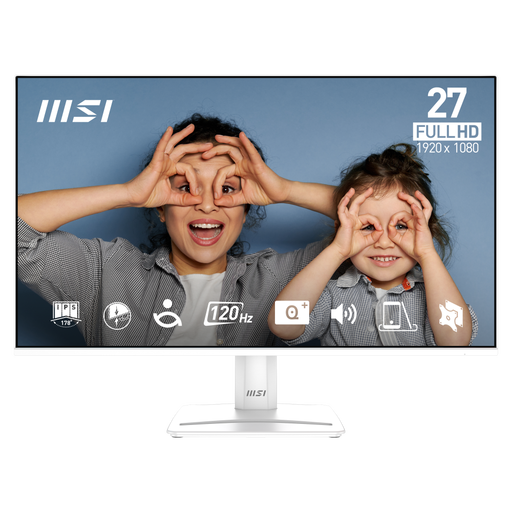
Why It Stands Out: The MSI PRO MP275W E2 is a practical and efficient monitor that focuses on delivering a smooth 120Hz experience for productivity and everyday use. Its frameless design and comprehensive eye-care features make it a superb upgrade for any home office.
Pros:
Who is it for?: This monitor is ideal for home office users, students and professionals who prioritise a comfortable and responsive viewing experience for work and general entertainment on a budget.
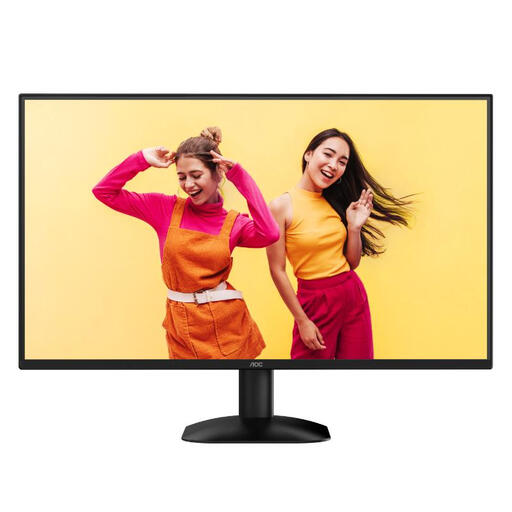
Why It Stands Out: The AOC Q27B35S3 strikes an impressive balance between productivity and play. By combining a sharp QHD resolution with a 120Hz refresh rate and gaming-centric features like Adaptive Sync, it offers a high-value package for mixed-use scenarios.
Pros:
Who is it for?: A great match for hybrid professionals who enjoy casual gaming after work. It provides the sharpness needed for productivity and the responsive performance required for entertainment.
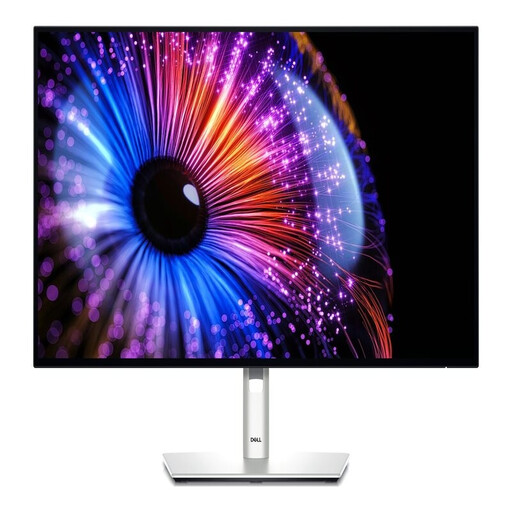
Why It Stands Out: The Dell UltraSharp U2724DE is a productivity powerhouse. It combines a premium IPS Black panel for superior contrast with a comprehensive connectivity hub, effectively turning the monitor into a docking station for a clutter-free, high-performance workspace.
Pros:
Who is it for?: Perfect for professionals, developers and creatives who demand top-tier image quality and a streamlined, single-cable docking solution for their laptop-based workflow.
View the DELL UltraSharp U2724DE
While these three monitors represent excellent choices for different needs and budgets, the market is full of great alternatives. If you are looking for different sizes, resolutions or feature sets, we invite you to browse our complete collection.
Explore our full range of 120Hz display options to find the perfect match for your setup.
1. Is 120Hz a noticeable improvement for office work? Yes. A 120Hz refresh rate makes everyday actions like scrolling through web pages, moving windows and even cursor movement feel significantly smoother and more responsive compared to a standard 60Hz monitor. This can reduce perceived lag and contribute to a more pleasant user experience.
2. Do I really need a QHD resolution on a 27-inch monitor? While not strictly necessary, QHD (1440p) resolution is highly recommended for a 27-inch screen. The higher pixel density results in much sharper text and clearer images, which is beneficial for productivity and reduces the "pixelated" look that can be visible on a 27-inch FHD monitor.
3. What is the main benefit of a monitor with USB-C Power Delivery? The primary benefit is convenience and a cleaner desk. A single USB-C cable can transmit the video signal from your laptop to the monitor, transfer data to peripherals connected to the monitor's USB hub and deliver power to charge your laptop simultaneously. This eliminates the need for a separate power adapter and video cable.