What matters when choosing?
Start with the screen position and workspace you need for writing, then decide whether laptop docking or finer layout detail justifies a more specific connection or resolution choice.
| Concern |
What to check |
Who this matters to |
| Position for long writing sessions |
Check stand height adjustment or suitable mounting, plus whether the screen fits about an arm’s length from your seat. |
When I spend hours drafting and revising, I need to place the screen without leaning towards it or looking down at it. Around 33% of consumers would put comfortable screen positioning first. |
| Laptop connection |
Confirm USB-C video support, the monitor’s power-delivery rating against your laptop’s requirement, and the supplied cable. |
If I connect and disconnect a laptop regularly, I want display, charging and desk peripherals to use fewer separate leads. For around 25% of consumers, that one-cable arrangement is the primary need. |
| Room for documents |
Compare screen size, native resolution and your preferred scaling with the space needed for a script beside notes or research. |
I need to see a draft and supporting material together without shrinking the text beyond what I can read comfortably. Usable document workspace comes first for around 25% of consumers. |
| Fine text and layout detail |
For a 27-inch 4K display, check comfortable text scaling and whether your computer supports the resolution you intend to use. |
When I inspect formatting or annotate detailed pages, I care most about how the text and layout look at my chosen size. Roughly 17% of consumers would prioritise that finer detail. |
Joybuy monitors for this setup
These QHD and 4K monitors offer different approaches to a home writing desk. Compare their physical fit, text scaling and connections against the way you draft and revise.
 No image available
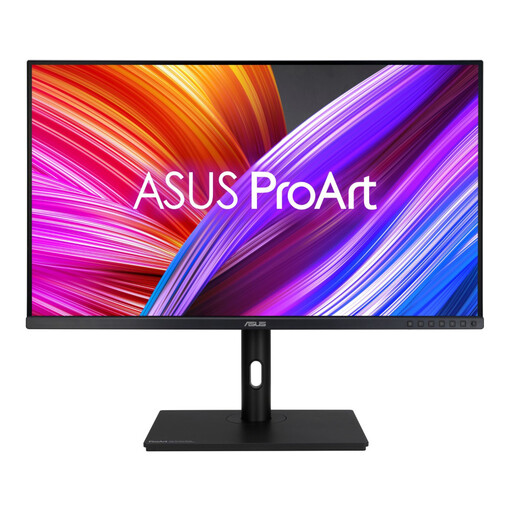
ASUS ProArt PA278CV WQHD IPS Monitor
Consider this QHD model for script drafting if an adjustable screen and a laptop connection are both priorities.
ASUS specifies a 27-inch 2560 × 1440 display, USB-C DisplayPort Alt Mode and 65W power delivery for the PA278CV. Compare that output with your laptop’s charging requirement.
View on Joybuy
 No image available
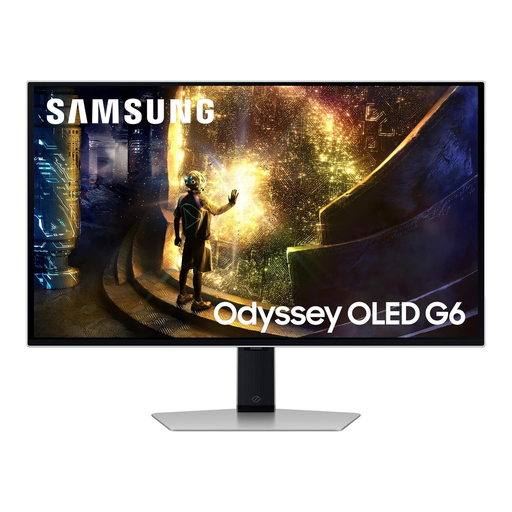
Samsung Odyssey G6 S27DG612 27-inch QHD OLED 240Hz Monitor
This is a QHD option to assess for writing if its gaming-oriented specification also suits your other uses; gaming features are not a requirement for script work.
The product name identifies a 27-inch OLED display and 240Hz refresh rate. Check the connections separately if laptop docking is important.
View on Joybuy
 No image available
ASUS ProArt PA328QV WQHD IPS Monitor
Consider this WQHD model if you want to assess a larger screen for keeping a draft and supporting material in view.
Check its dimensions against your desk depth and comfortable viewing distance. Confirm the exact ports before choosing it for USB-C laptop docking.
View on Joybuy
 No image available
BenQ MA270UP 27-inch 4K Nano Glossy USB-C Monitor
Consider this 4K option if detailed page layouts are a priority and you can set text to a comfortable size.
Its product name identifies a height-adjustable stand and Mac-focused positioning. Check the features you need with your own computer, including USB-C video and charging requirements.
View on Joybuy
 No image available
LG 27UP650K 27-inch 4K IPS Monitor
This 4K model is worth considering if finer text and page-layout detail matter more to you than a QHD setup; check how its text looks at your preferred scaling.
The product name specifies HDMI and DisplayPort connections. Confirm the exact connections if you intend to dock a laptop through USB-C.
View on Joybuy
Frequently asked questions
Should I choose QHD or 4K for writing a theatre script?
Choose 27-inch QHD if you want a middle ground for a draft, notes and browser research; consider 27-inch 4K if finer text or detailed layouts are a priority. At the same screen size, 4K has more pixels, but set the display scaling to a text size you can read comfortably.
How should I position a monitor at a home writing desk?
Place the top of the screen around eye level and the display about an arm’s length away, in line with Health and Safety Executive guidance. Check that the stand or a suitable monitor arm lets you achieve that position with your desk and chair.
Will one USB-C cable show the picture and charge my laptop?
It can, provided the laptop supports video through USB-C and its charging requirements match the monitor’s power delivery. HP states 100W for the 527pu, BenQ states 65W for the GW2790QT and ASUS specifies 65W with DisplayPort Alt Mode for the PA278CV; check the relevant laptop port, power requirement and cable before choosing.
What should I do with an old monitor?
Check an electrical-waste collection or retailer take-back route rather than putting the monitor in general waste. GOV.UK describes the UK waste electrical and electronic equipment framework as supporting recovery, reuse and recycling; your local authority or retailer can explain the available collection arrangements.


