What to check before buying
Start with the route and the network you intend to use, then weigh charging and outdoor handling against the features you would actually use at the campsite.
| Concern |
What to check |
Who this matters to |
| Route continuity |
Check the intended network along the route and at the campsite using Ofcom's coverage checker. Allow storage for a downloaded map covering the complete drive. |
If I expect to pass through weak-signal areas, I want directions available before I lose data. Around 36% of consumers put route continuity first. |
| Outdoor endurance |
Compare stated battery figures, outdoor display specifications and ingress ratings; check charging compatibility and the phone's carrying weight. |
When maps, booking details and photos share a day outdoors, I need a screen I can use and a way to recharge. Outdoor endurance is the primary need for around 29% of consumers. |
| Emergency backup |
Confirm the exact model's satellite feature, UK availability and service terms. Check how to set it up before travelling. |
Beyond mobile and Wi-Fi coverage, I would value another way to seek emergency help without treating it as a normal connection. Around 21% of consumers prioritise that backup. |
| Photos and everyday use |
Compare the storage variant, camera options and size with your plans for offline maps, photos and campsite use. |
If I mainly want one phone for planning and coastal photos, I would weigh those uses against the burden of a larger handset. That is the leading concern for around 14% of consumers. |
Phones to consider on Joybuy
These phones offer different starting points for coastal-route and campsite planning: compare their stated storage, outdoor features and size, then check navigation, charging and mount fit for the model you choose.
 No image available
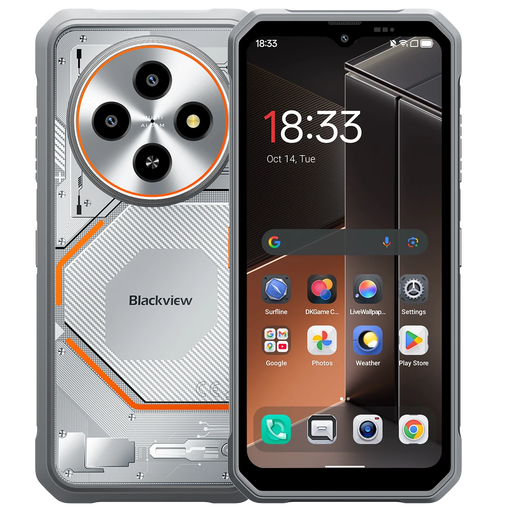
Blackview Fort 2 128GB, 4G, 5000mAh
Consider this phone if GPS and space for downloaded maps are priorities, but confirm that its mobile-network capabilities suit your intended network. The product name states Android 15, 128GB storage, GPS, a 6.56-inch HD+ display and a 5000mAh battery; it describes the phone as 4G while also mentioning 5G WiFi. Check the protection claim and secure-mount fit before relying on it outdoors.
View on Joybuy
 No image available
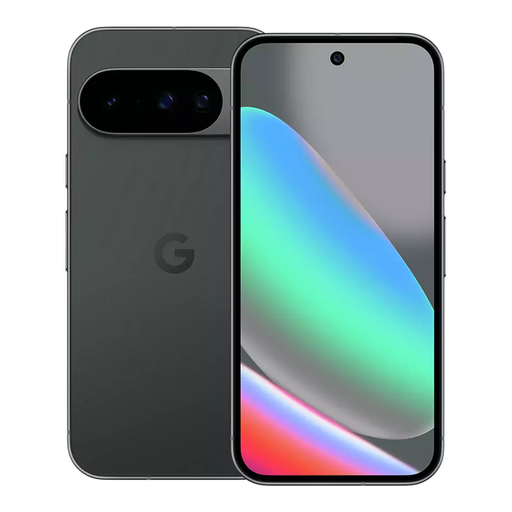
Google Pixel 10 128GB, Obsidian
This Pixel 10 is a choice to consider for Google Maps offline planning, provided you download an area covering the whole route. The selected variant has 128GB storage; Google specifies a typical 4,970 mAh battery and a 24+ hour battery-life figure for Pixel 10, neither of which promises a full day of navigation. Confirm UK Satellite SOS terms if that feature influences your choice, and plan how you will recharge.
View on Joybuy
 No image available
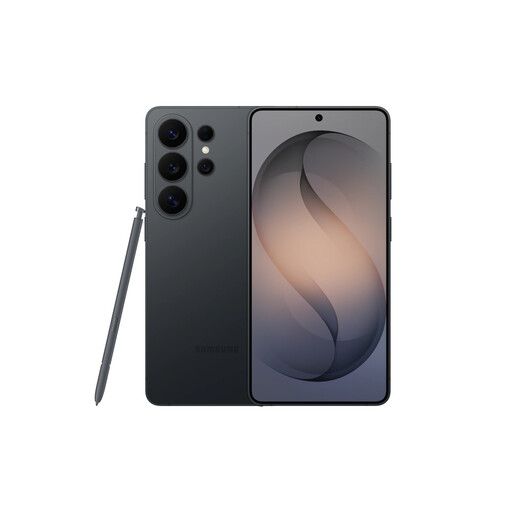
Samsung Galaxy S26 Ultra 12GB 512GB, Black
Consider this variant if you want a larger phone for viewing plans and keeping trip files, while checking that it fits your vehicle mount. Its product name specifies 12GB RAM and 512GB storage. Confirm the navigation functions and charging arrangement you need; the product description also warns against saltwater use and says ports should be dry before charging.
View on Joybuy
 No image available
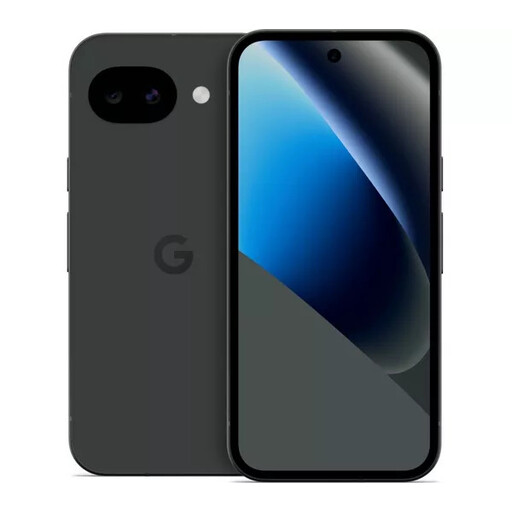
Google Pixel 10a 128GB, Obsidian
This 128GB Pixel 10a is an option to assess for downloaded maps and campsite information. Check its navigation capabilities and charging needs for your route rather than applying Pixel 10 battery figures to a different model. If satellite emergency access matters, confirm eligibility and UK service terms for this exact phone.
View on Joybuy
 No image available
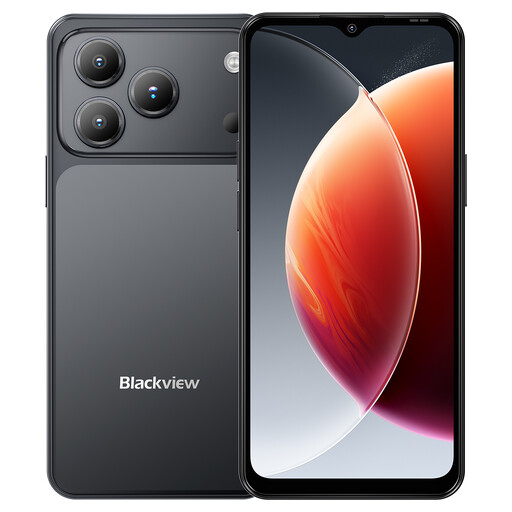
Blackview Wave 7C 128GB, Black
Consider the Wave 7C if stated GPS and storage for route planning are your starting points. Its product name lists Android 16, 128GB storage, a 6.56-inch display, 4G dual SIM and a 5000mAh battery. It also states IP54; treat that as a splash-and-dust rating, not protection against immersion. Check outdoor screen visibility, offline-map compatibility and secure-mount fit for your setup.
View on Joybuy
Common questions
Can I hold my phone to change the route while driving in the UK?
No. GOV.UK says it is illegal to hold and use a phone while driving, including at traffic lights or in a queue. Set the route before moving; any hands-free mount must not block your view, and you must remain in control.
Will downloaded Google Maps work without signal on a coastal drive?
Yes, for driving guidance if the entire route is within the downloaded area, according to Google Maps Help. Download enough surrounding roads before leaving coverage; offline guidance does not include live traffic information or alternate routes.
Is satellite SOS a reason to choose a phone on its own?
No; treat an eligible satellite feature as an emergency backup, not routine connectivity or a replacement for route and charging plans. Apple specifies exceptional-circumstances and clear-sky conditions for its feature, while Google describes use without cellular or Wi-Fi service. Check eligibility and UK terms for the exact model.
Will a 5G phone have signal at the campsite?
Not necessarily. Coverage depends on the network and location, and Ofcom notes that local conditions can differ from its predictions. Check your intended network for the campsite and route rather than choosing on the phone's 5G label alone.
Which accessories should I check before the trip?
Check that a secure vehicle mount fits the phone and case, and arrange a compatible charging option for the car or campsite. If you want Google's stated Pixel 10 fast-charging result, Google specifies a separately sold 30W USB-C PPS charger or higher.


