What matters when choosing?
Start with map legibility and an offline plan, then decide how much screen space you are willing to carry and hold for short checks.
| Concern |
What to check |
Who this matters to |
| Map detail in daylight |
Check screen size and the manufacturer’s stated outdoor brightness conditions; try your map app’s labels and zoom controls. |
If I need to pick out an entrance or access boundary in daylight, I want the details to remain legible without constant zooming. Around 34% of consumers put daylight map detail first. |
| Offline map access |
Confirm the map app can download the full area you need and that your phone has enough free space. |
When the connection drops during the journey, I still need to see the saved area and find my position. Offline access is the primary need for around 33% of consumers. |
| Handling on the coach |
Compare published weight and dimensions alongside screen size, rather than judging size from a photograph. |
For a brief check from my seat, I would rather hold and put away the phone easily than keep a larger display open. Around 20% of consumers prioritise comfortable handling. |
| Coastal weather and splashes |
Read the exact model’s water-resistance rating and test conditions; check the fit of any case you intend to use. |
Near the beach, I want to understand what occasional rain or splashes could mean for the phone without treating a rating as permission to get it wet. This is the first concern for around 13% of consumers. |
Joybuy phone choices
These phones offer different ways to balance map-viewing space with handling on a coach. Check the exact phone’s display in your mapping app, and prepare any offline area before the journey.
 No image available
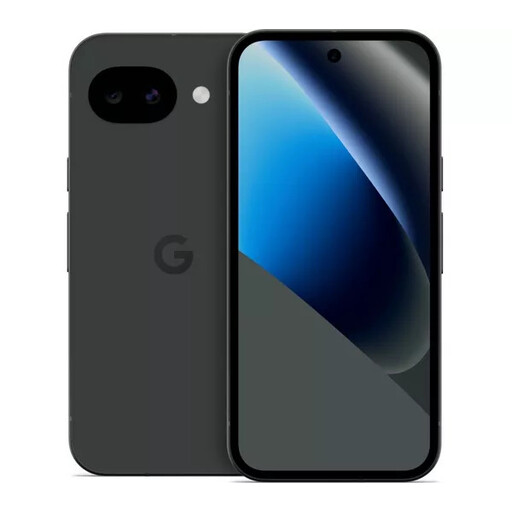
Google Pixel 10a 128GB Obsidian
Consider this Android phone for map checks if you want the Pixel 10a variant; compare its screen and handling with your usual phone before choosing.
128GB storage. Check free space, then download and test the map area you need.
View on Joybuy
 No image available
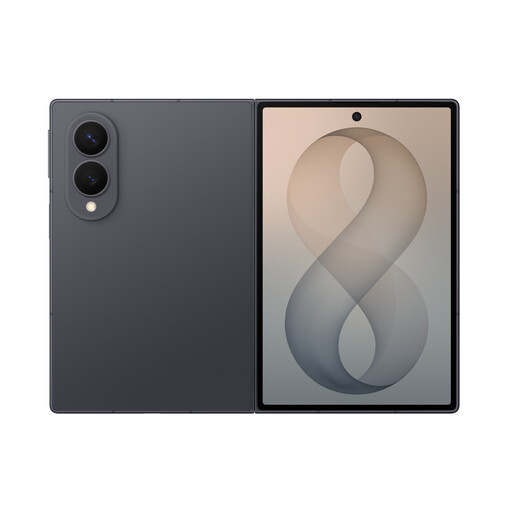
Samsung Galaxy Z Fold 8 Graphite 256GB
Consider a foldable phone if you want to inspect map detail on an unfolded screen, but assess whether opening and holding it suits quick checks on a moving coach.
256GB storage. Handle the main screen carefully, following the product’s screen-care warning, and test your offline map before departure.
View on Joybuy
 No image available
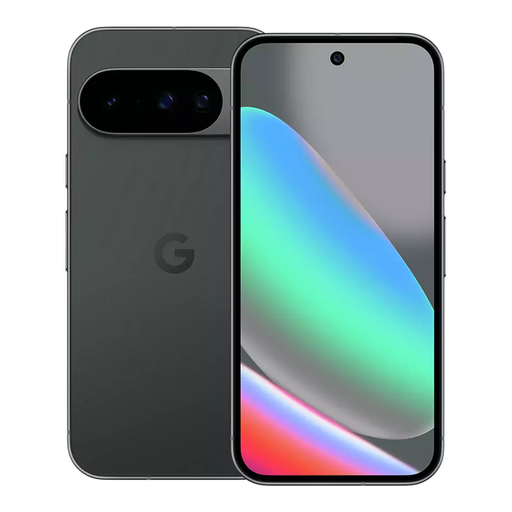
Google Pixel 10 128GB Obsidian
Consider the Pixel 10 if you want to inspect map detail on a 6.3-inch screen, while allowing for its 204 g weight during repeated checks.
Google’s UK specifications list an OLED display and up to 3,000 nits peak brightness. This 128GB variant still needs enough free space for your downloaded maps; the brightness figure does not guarantee legibility in every condition.
View on Joybuy
 No image available
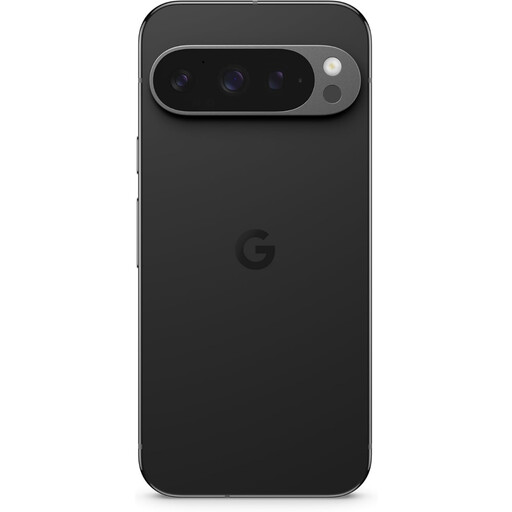
Google Pixel 9 Pro XL 256GB Obsidian
Consider this XL variant if you want to compare a larger phone for detailed map inspection. Check its dimensions and how comfortably you can hold it for brief coach-based checks.
256GB storage. Confirm that enough space remains for the map area you intend to save, and test it before travelling.
View on Joybuy
 No image available
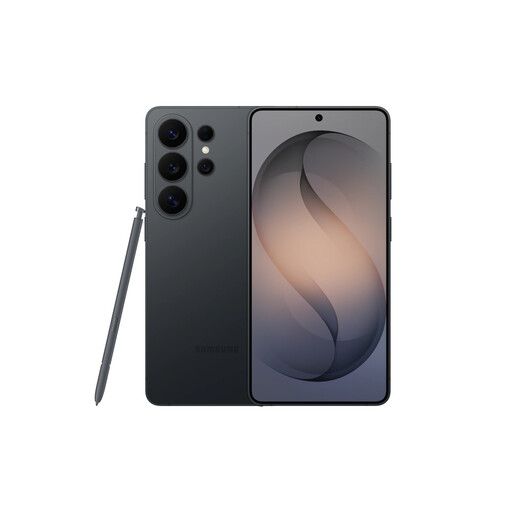
Samsung Galaxy S26 Ultra 12GB 512GB Black
Consider this Ultra variant if map detail matters more to you than keeping the phone easy to handle with one hand; compare its dimensions with your usual handset.
12GB memory and 512GB storage. Follow the product’s warning against saltwater exposure, and download and test your map area before the trip.
View on Joybuy
Frequently asked questions
Should I download the beach area before getting on the coach?
Yes, if mobile data may be unreliable along your route. Google Maps Help advises keeping the entire intended route within the downloaded area; open the map before departure to check that the download worked.
Can Google Maps give me walking directions while I am offline?
No. Google Maps Help says walking directions are unavailable when using offline maps. You can view a downloaded area, but check the walking route while you have a connection.
Does a route shown on my phone confirm that I can use a beach access path?
No, a consumer map alone cannot confirm access rights. For a location in England, check Natural England’s official access map for coastal-access land, restrictions and exclusions affecting the exact route. That England-specific guidance should not be assumed to apply elsewhere in the UK.
Is a water-resistance rating enough for a beach trip?
No; read it as a rating under stated conditions, not permission to expose a phone to sea water or sand. Apple, for example, lists the iPhone 16 as IP68 under IEC 60529, at up to 6 metres for up to 30 minutes. Check the conditions for the exact model you are considering.


