Long-journey itinerary readers
If you regularly read full-day schedules, accommodation details, tickets and maps on the train, screen space and power planning may matter more to you than a small handset.


Choose a larger screen if you regularly read full-day plans, maps and booking details on the train and are comfortable carrying a bigger phone; choose a smaller handset if you mainly check tickets and short notes. Prepare for gaps in connectivity whichever phone you buy: Ofcom found poor mobile performance in 58% to 83% of its train tests, depending on network. Save essential details before boarding, bearing in mind that Google Maps does not provide transit, walking or cycling directions offline.
If you regularly read full-day schedules, accommodation details, tickets and maps on the train, screen space and power planning may matter more to you than a small handset.
If your plans depend on a connection or a station change, keep maps, tickets and confirmations accessible without a signal rather than relying on mobile service or onboard Wi-Fi throughout the journey.
If you mostly check short notes and ticket barcodes, compare smaller phones for carrying comfort and one-handed use. A smaller screen leaves less room for dense maps and long documents.
For reviewing a touring itinerary on UK train journeys, decide how much reading space you want to carry, then make sure your essential plans remain accessible when connectivity drops.
| Concern | What to check | Who this matters to |
|---|---|---|
| Itinerary reading space | Compare screen size and physical width; consider how easily you can read maps and long booking pages. | If you switch between maps and accommodation details, more visible space may matter more than a smaller phone. Around 36% of consumers put itinerary reading space first. |
| Access without a signal | Check storage for saved files and the offline features of your mapping app; make tickets accessible locally. | When a connection drops before a station change, you need your ticket and plan to remain available. For about 29% of consumers, access during disruption is the primary concern. |
| Power through a long day | Check battery and charging specifications alongside independent endurance tests; confirm the charger required for any stated fast-charging result. | If your phone must display tickets and plans throughout a day away from accommodation, you may want to avoid relying on a recharge. Roughly 21% of consumers prioritise power for the journey. |
| Carrying comfort and familiar apps | Compare width and weight, and check that your required rail, booking and wallet apps work with the operating system. | If you frequently retrieve a ticket one-handed, easy carrying and continuity with your existing apps may outweigh extra screen space. About 14% of consumers make this their main priority. |
Ofcom found poor mobile performance in 58% to 83% of its train tests, depending on network. Google Maps also cannot provide transit, walking or cycling directions offline.
Before boarding, download the relevant map area and save ticket barcodes, booking numbers, station-change details and accommodation addresses where you can open them without a connection.
Battery capacity and manufacturer endurance claims do not measure the same journey under the same conditions. Charging results can also depend on a particular charger.
If endurance will decide your purchase, compare independent tests and check the equipment required for the charging result you intend to use.
Google says its stated Pixel 10 Pro XL fast-charging result requires a 45W USB-C PPS charger or higher, sold separately.
A larger display gives you more room for maps and documents, but its carrying trade-off is easy to miss. Google lists the Pixel 10 Pro XL at 232g, while Apple lists the iPhone 17 at 177g; these are different models with different screen sizes.
Compare width and weight as well as screen diagonal. If possible, handle a similarly sized phone before choosing one for frequent one-handed ticket checks.
A familiar model name does not settle the storage configuration, regional version or arrangements that matter to your purchase.
Check the complete model and storage variant, your required SIM or eSIM arrangement, the stated warranty and supplied charging accessories on the product page.
The Pixel 10 Pro range offers a choice between a 6.3-inch model and the larger Pixel 10 Pro XL for itinerary reading.
The OnePlus 15 is a large-screen Android option for readers who give display area and battery capacity priority.
The iPhone 17 is a smaller-screen iOS option for checking tickets, short notes and maps between stops.
The standard Galaxy S26 is a 6.3-inch Android option to consider if you favour shorter checks over a larger itinerary workspace.
These Joybuy phones include options for longer itinerary reading and shorter checks of saved travel details. Compare each variant’s stated specifications and carrying comfort; whichever you choose, prepare essential information for use without a connection.
 No image available
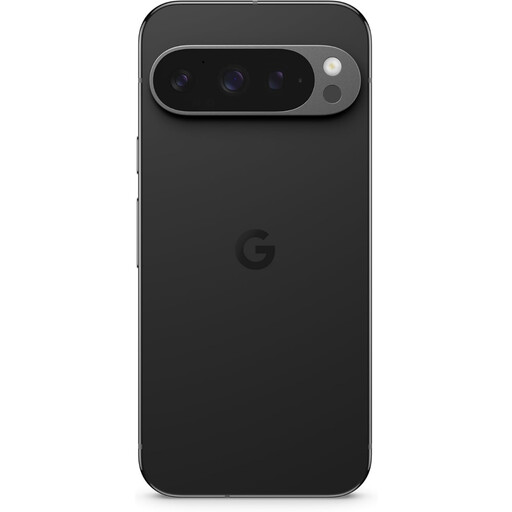
Consider this variant if you want room to read longer itinerary pages; check its physical size before deciding it will be comfortable to carry.
 No image available
If you want a Pixel for reading longer plans, compare this XL variant’s handling with the smaller phones you are considering.
 No image available
If you prefer an iPhone for reviewing longer plans, weigh the Pro Max variant against the carrying comfort you need for frequent ticket checks.
 No image available
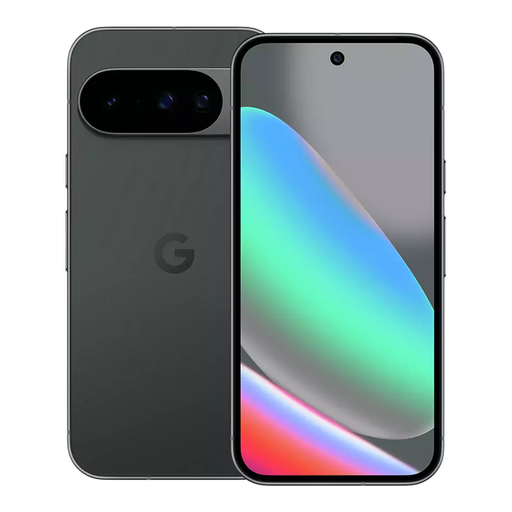
For shorter checks of tickets and itinerary notes, compare this Pixel 10 with larger phones for screen space and handling.
 No image available
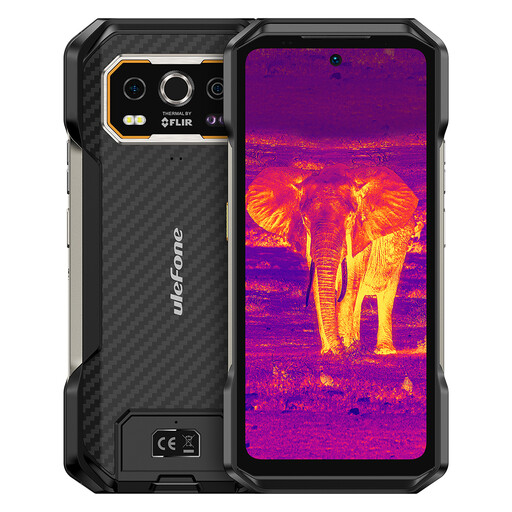
For reading travel documents on a larger display, weigh this rugged phone’s listed screen and battery capacity against the size you want to carry.
Do not rely on 5G alone to keep your itinerary online. Ofcom found poor mobile performance in 58% to 83% of its train tests, depending on network, so check coverage for your route and save critical plans locally before travelling.
Download the relevant map area while you have an internet connection, and save tickets, operator information and key addresses separately. Google Maps Help says the full route must be within the downloaded area for offline guidance, and transit, walking and cycling directions are unavailable offline.
Choose a larger phone if you often read long itineraries or compare maps with booking details and are comfortable carrying it. If you mainly display tickets and short notes, a smaller handset may suit you better; compare physical width and weight, not just screen diagonal.
No. GOV.UK says the UK consumer connectable-product security requirements have applied since 29 April 2024 to manufacturers of relevant products sold to UK consumers; that obligation does not establish whether a particular listing suits your trip. Check the exact device variant, seller details and stated software-support arrangements before ordering.