Android tablets for calls and viewing
These Joybuy selections are Android tablets to consider for household video calls, watching video and light everyday use. Match the connection type, storage and named apps to the people who will use the device.
 No image available
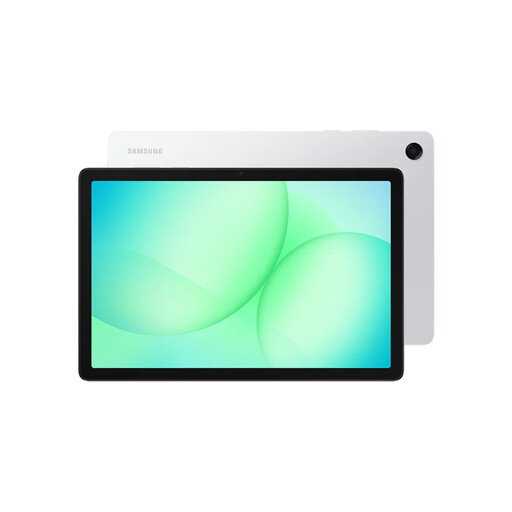
Samsung Galaxy Tab A11+ 5G X236 6GB/128GB Silver
Consider this 5G variant if the tablet may be used away from home Wi-Fi as well as for household calls and viewing. The listed configuration has 6GB RAM and 128GB storage; confirm your calling apps and compare battery evidence before relying on extended use away from a charger.
View on Joybuy
 No image available
Xiaomi Pad 8 8G RAM 128GB Wi-Fi Grey
This Wi-Fi configuration is an option for calls and viewing where a home connection meets the household’s needs. Its listed variant has 8G RAM and 128GB storage; check the required apps and comparable battery results if time away from a charger matters.
View on Joybuy
 No image available
Samsung Galaxy Tab A11+ 11-inch 128GB Wi-Fi Grey
For calls and shared viewing mainly on home Wi-Fi, this 11-inch, 128GB configuration gives you a specific model to compare. Check its camera position, your named apps and the support policy for this exact configuration before choosing it.
View on Joybuy
 No image available
DOOGEE U11 PRO 11-inch 256GB Black
If wired headphones are useful for private viewing or calls, the product name lists a 3.5mm jack. It also lists a 90Hz IPS screen and 8580mAh battery capacity; capacity alone does not tell you playback runtime, so check endurance evidence and your required apps.
View on Joybuy
 No image available
Samsung Galaxy Tab A11+ 8GB/256GB Wi-Fi Grey
Consider this Wi-Fi configuration if 256GB of listed storage is relevant to your household’s files and media alongside everyday calls. It is identified as an 8GB variant; confirm required apps, battery runtime and what charging equipment comes with the exact product.
View on Joybuy
Common questions
When does a tablet make more sense than a phone, laptop or television?
Choose a tablet when you want a portable screen that can be positioned for personal or small-group calls and moved around the home for viewing. If a named desktop application or substantial keyboard work is central, assess a laptop or compatible Windows tablet instead; if only group viewing matters, consider whether the television already meets that need.
What should I check before using a tablet for video calls?
Start with the household’s exact calling app, then check camera framing with the tablet in its intended position, audio and Wi-Fi in the room where calls happen. Ofcom says broadband at 30–300 Mbit/s suits most everyday video calls and streaming, but the connection inside your home can still affect a call.
Can several people use one tablet account?
Several people can use the device, but Apple advises against sharing one Apple Account because personal information and call history can become mixed. For an iPad, set up separate Apple Accounts and Family Sharing if you need to share eligible purchases or subscriptions; for Google Play purchases, check Family Library eligibility for the items concerned.
How long does Amazon support a Fire tablet with security updates?
Amazon says a Fire tablet bought new from Amazon as seller on Amazon.co.uk receives security updates for at least four years from purchase, or until a later model-specific date in its policy table. Check the exact model and purchase conditions, particularly for a third-party or refurbished listing.


