What matters when choosing?
Measure the main viewing position and available space first, then decide whether dark-scene contrast or visibility in daylight matters more during your usual viewing hours.
| Concern | What to check | Who this matters to |
|---|
| Screen size and room fit |
Measure the sofa-to-screen distance, available width and stand footprint. Which? suggests 48–50 inches as a starting point at around 2.6 m, not a fixed rule. |
If I sit close to the TV, I want scenic footage to fill my view without the screen taking over the room; roughly 42% of consumers put room fit first. |
| Contrast and HDR |
Check the exact model’s HDR formats and assess bright and dark scenes in your usual lighting. LG lists Dolby Vision support for its OLED48C44LA.AEK. |
For travel programmes with both sunlit landscapes and darker footage, I want to judge how the picture handles each; around 33% of consumers make scenic-picture quality their primary concern. |
| Daylight and reflections |
Check where windows reflect in the screen and compare the picture with curtains open and closed. Do not treat a claimed peak-brightness figure as an overall picture-quality score. |
When I usually watch during the day, I need to see the picture comfortably despite window reflections; about 25% of consumers prioritise daylight visibility. |
Joybuy TVs for compact living rooms
These models offer 42–50-inch screen sizes to consider for the small-room scenario, including OLED, QLED and QD-Mini LED options. Choose the size that fits your viewing distance and space before comparing the picture features relevant to your room light.
 Image unavailable
Sony BRAVIA A90 XR48A90K 48-inch 4K OLED TV
Consider this 48-inch OLED if you want a compact screen and prioritise contrast for darker travel footage. The product name specifies Dolby Vision and Google TV; check the full dimensions, stand footprint and availability of your intended apps.
View on Joybuy
 Image unavailable
Sony BRAVIA A90 XR42A90K 42-inch 4K OLED TV
Consider the 42-inch variant if a smaller screen suits your viewing distance or available space. Its name specifies OLED, Dolby Vision and Google TV; check whether its screen size, stand footprint and intended apps work for you.
View on Joybuy
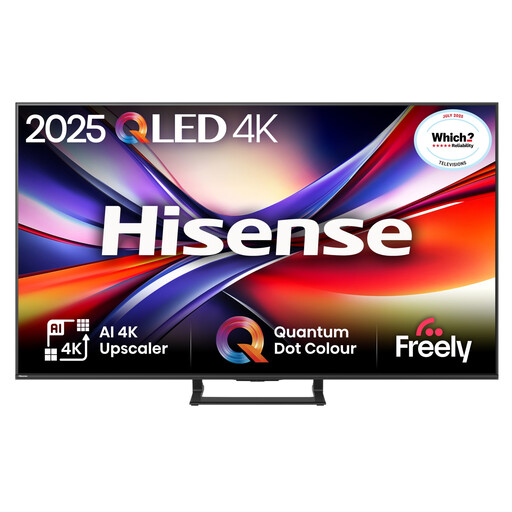 Image unavailable
Hisense A7Q 50A7QTUK 50-inch 4K QLED TV
This 50-inch QLED is an option if that size fits your seating distance and you want Dolby Vision support. The product name also specifies VIDAA OS; check the full dimensions, stand footprint and availability of the streaming services you use.
View on Joybuy
 Image unavailable
TCL 50Q6C-UK 50-inch 4K QD-Mini LED TV
Consider this 50-inch QD-Mini LED as a route to compare if daytime viewing matters and you have space for the screen. Its product name specifies Google TV and a 144 Hz native refresh rate; check reflections in your room, along with the exact audio configuration and wall-mount compatibility if those matter to you.
View on Joybuy
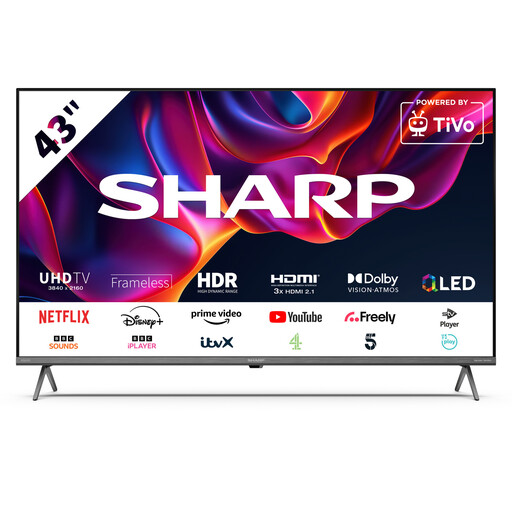 Image unavailable
SHARP 43GM6245K 43-inch 4K TV
This 43-inch model is worth considering if a screen smaller than 48–50 inches better suits your distance or available space. Check its stand footprint, dimensions for your planned installation and support for the apps you use.
View on Joybuy
Frequently asked questions
What TV size should I consider for a small living room?
Start by measuring from your main seat to the proposed screen position. Which? describes 48–50-inch TVs as a possible choice at around 2.6 m; also check the TV’s full width, stand depth and how much of the room the screen occupies.
Should I choose OLED or Mini LED for travel programmes?
Consider a compact OLED if dark-scene contrast is important and you can manage the room light; compare Mini LED models if daytime visibility is the bigger concern. LG lists OLED and Dolby Vision for its 48-inch C4, while TCL lists QD-Mini LED and HDR brightness specifications for its 50C7K-UK. Neither manufacturer specification establishes how those models compare in your room.
Do I need a TV Licence to watch travel programmes in the UK?
You need a TV Licence to watch or record programmes as they are broadcast, or to watch on-demand BBC programmes on iPlayer, according to GOV.UK. Check how you intend to watch, rather than assuming that viewing through an app removes the requirement.
How should I adjust the picture after setting up the TV?
Use both bright and dark scenes when adjusting brightness and contrast. Which? recommends finding a balance while switching between them; note the original settings so you can return to them if needed.
What should I do if a TV arrives faulty or damaged?
Contact the seller and keep your order confirmation and evidence of the problem. Citizens Advice says UK consumers have legal rights when goods are broken, damaged, unusable or not as advertised; the appropriate remedy depends on the circumstances.


