What matters when choosing?
Check the controller and any features you need before choosing a receiver type. Then consider where the adapter can sit on your shared desk.
| Concern |
What to check |
Who this matters to |
| Controller and features |
Check the exact controller model and connection type, then confirm any required audio, motion or mapping functions. |
If I need my controller’s headset jack or other specific functions, pairing alone is not enough. Around 45% of consumers put controller and feature compatibility first. |
| Connection at the desk |
Check the available USB position near other devices and whether an adjustable antenna would help with placement. |
With my PC tucked away among desk equipment, I want a position that avoids nearby interference where possible. Desk connection is the primary concern for around 33% of consumers. |
| Compact PC connection |
Check whether the PC already has working Bluetooth, its Windows version and the available USB port. |
If I only need to add Bluetooth without leaving a larger receiver on the desk, a compact adapter appeals to me. Roughly 22% of consumers place that simple PC connection first. |
Joybuy products for a shared desk
This compact USB Bluetooth option is for a PC at a shared desk. Check your controller’s Bluetooth capability, required features and PC compatibility before choosing it.
 No image available
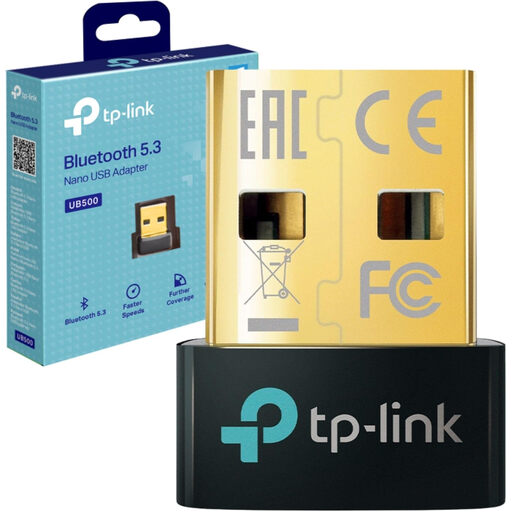
TP-Link UB500 Bluetooth 5.0 Nano USB Adapter
A compact USB option if you need to add Bluetooth at the desk and your PC and controller are compatible.
Bluetooth 5.0 nano adapter. Check your controller’s required functions separately, and consider whether the available USB position keeps the receiver clear of nearby equipment.
View on Joybuy
Common questions
Do I need an adapter if my Windows PC already has Bluetooth?
Not if its built-in Bluetooth is working for the controller you want to connect. Microsoft describes a USB Bluetooth adapter as a way to add Bluetooth to a Windows device that lacks it; check that the existing radio is enabled before buying another.
Will a Bluetooth adapter carry audio through an Xbox controller?
Not through the controller’s Bluetooth connection. Xbox says controller-connected audio and accessories are supported via USB or the Xbox Wireless Adapter for Windows, so choose one of those connections if you need that function.
How do I pair a controller after connecting a USB Bluetooth adapter?
Install any driver required for the adapter, enable Bluetooth in Windows and put the controller into its specified pairing mode before selecting it in Windows. If it does not connect, check the controller’s charge, pairing mode, distance and driver setup.
Why does my controller disconnect at a shared desk?
Nearby equipment may affect the connection even when the adapter uses a recent Bluetooth version. Microsoft warns that unshielded USB devices can interfere with Bluetooth; where practical, move the receiver away from them and check that the controller remains in range.


