What to consider when buying
Start with the incident you need to document, then choose the camera view and storage approach that staff can manage. The ICO’s guidance for small businesses and vehicle surveillance is marked as under review following the Data (Use and Access) Act, so check its current wording before putting a system into use.
| Concern |
What to check when buying |
Who this matters to |
| Preserving incident footage |
Check incident-clip protection, card requirements, export steps and who preserves relevant recordings. |
If I need a usable record of an incident ahead, I want to find and save the clip before loop recording replaces older files; around 29% of consumers put preserving incident footage first. |
| Recording the right views |
Confirm whether a rear camera faces the road or the cabin, and check model compatibility and cabling. |
When events behind the vehicle matter, I need an exterior rear view rather than an inward-facing lens; around 24% of consumers prioritise rear-road coverage. |
| Retrieving footage across vehicles |
Check the retrieval process, authorised-user controls, export options, connectivity and supplier terms. |
If several vehicles are involved, I want authorised staff to locate relevant clips without relying on ad hoc card handling; around 18% of consumers prioritise access across vehicles. |
| Limiting recording and access |
Check which views and audio can be disabled, who can access footage, how people are informed and how retention follows the purpose. |
When recordings could include drivers, passengers or other road users, I want to limit collection and access to what the business can justify; around 17% of consumers make manageable privacy their primary concern. |
| Fitting and ongoing upkeep |
Check the mounting position, power and cable route, storage needs and any connected-service subscription. |
If the system needs to stay practical to install and maintain, I want to understand the fitting and ongoing tasks before choosing extra features; around 12% of consumers prioritise straightforward upkeep. |
Joybuy product options
These Joybuy options cover forward-facing and front-and-rear dashcams. Choose views around the incidents the business needs to document, and assess how the resulting footage will be managed.
 No image available
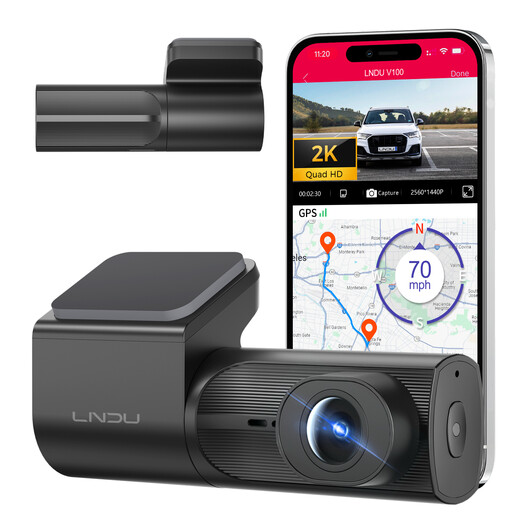
LNDU V100 2K Wi-Fi Dash Cam
A forward-facing option for businesses documenting incidents on the road ahead.
2K recording, Wi-Fi and app control, loop recording and G-sensor clip locking. The product information says 24-hour parking monitoring requires a separately purchased hardwire kit.
Joybuy
 No image available
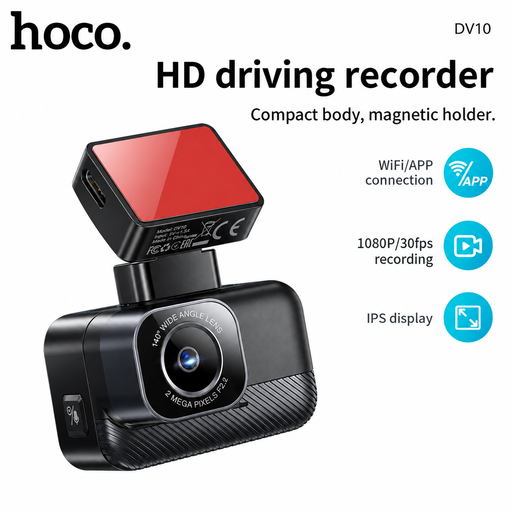
DV10 1080P Wi-Fi Dash Cam
A forward-facing option for recording driving footage and reviewing recordings through a phone app.
1080P recording, Wi-Fi, a 140° wide-angle lens and a 1.47-inch screen.
Joybuy
 No image available
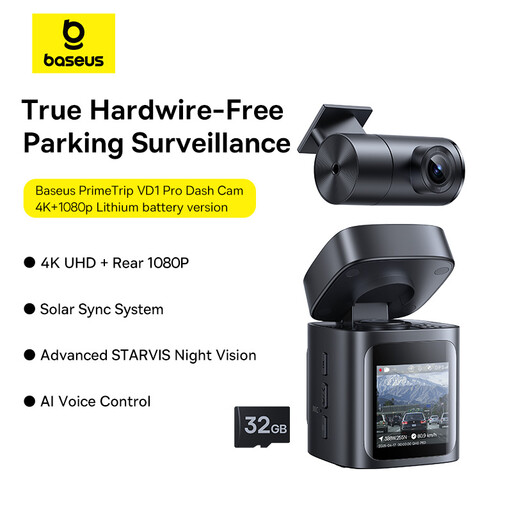
Baseus PrimeTrip VD1 Pro Dash Cam
A front-and-rear option if the business has a defined need to record events behind the vehicle as well as ahead.
4K front and 1080p rear recording, Wi-Fi app access and a lithium-battery version. A second view adds footage that the business needs to manage responsibly.
Joybuy
 No image available
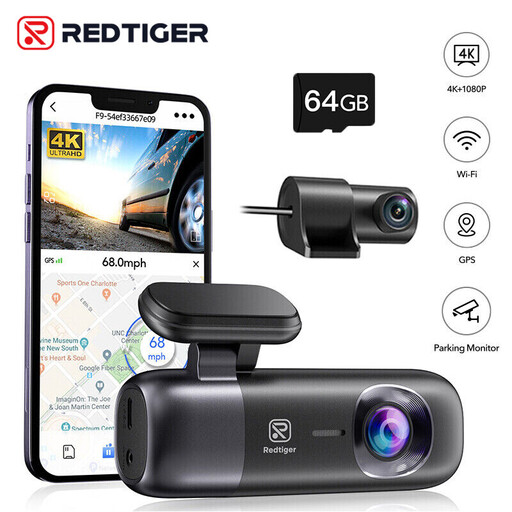
REDTIGER F9 Front-and-Rear Dash Cam
A front-and-rear option for businesses that need to document incidents both ahead of and behind the vehicle.
4K front and 1080P rear recording, Wi-Fi, loop recording, app access and a 64GB card. The product name states support for up to 256GB.
Joybuy
 No image available
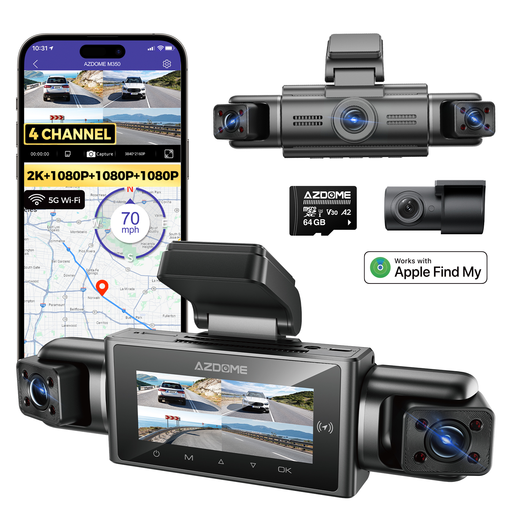
AZDOME M350 4-Channel Dash Cam
A multi-view option to consider only when the business can define a purpose for each recorded direction and manage the additional footage.
Four-channel recording covers front, rear, left and right views; the product name specifies a 2.5K front camera and 1080P rear and side cameras. It also lists 5G Wi-Fi, GPS and Apple Find My compatibility.
Joybuy
Frequently asked questions
Can a UK small business use an outward-facing dashcam?
The ICO says a business can use a camera in its vehicle if it can justify the recording and handle the footage responsibly. Outward-facing cameras can still capture identifiable road users, so consider the purpose, lawful basis, information for people being recorded and footage management; the ICO’s relevant guidance is marked as under review.
Is an inward-facing camera the same as an exterior rear camera?
No: an exterior rear camera records outside the vehicle, while an inward-facing camera may capture drivers or passengers. Assess what each lens records and why. If a vehicle is licensed for passenger services, check the applicable licensing authority’s rules; the City of Wolverhampton Council’s taxi policy, for example, does not authorise an inward-facing dashcam as its approved CCTV.
How long should a business keep dashcam footage?
The ICO says surveillance footage should be kept according to the recording purpose rather than an assumed universal period. Set a purpose-based retention approach, secure stored clips and make relevant footage retrievable for appropriate requests; check the ICO’s current guidance, which is marked as under review.
Does cloud access remove the business’s responsibility for recordings?
No. The ICO says that in most commercial monitoring arrangements the business is the controller and the provider is a processor, so using a supplier does not transfer away the business’s responsibilities. Check the specific service terms, user access and footage retrieval and deletion arrangements.
What should I check when installing a dashcam?
Check the fitted camera and cable position from the driving seat so they do not obstruct the driver’s view ahead. Follow the exact model’s installation and memory-card instructions: for example, the Nextbase 622GW manual specifies a U3 microSD card and requires U3 when its rear camera is attached.


