What to check before buying
Start with the noise direction: decide whether you need to reduce distractions for yourself, improve the voice sent to callers, or both. Then confirm the connection and controls for the devices and meeting app you actually use.
| Priority |
What to check |
Your needs |
| Voice pickup in noise |
Look for a boom microphone and documented environmental-noise handling. For Teams, check whether the exact model has an applicable open-office microphone designation. |
I want callers to hear my voice clearly when conversations, keyboards or household sounds are nearby. |
| Listening privacy |
Check whether the design provides isolation or ANC, and use headphones rather than room speakers. Remember that ANC and microphone noise reduction address different parts of a call. |
I need to follow a call without turning up the volume or broadcasting it around the room. |
| Connection and controls |
Confirm the connector, USB receiver or Bluetooth mode, plus support for your computer, phone and meeting app. Check mute and call-control support for the exact operating system. |
I switch between work calls and phone calls, or rely on hardware mute and answer/end-call controls. |
| Desk fit and movement |
Choose wired USB for a stable desk, wireless for moving between spaces, or a separate USB microphone only where placement and cables are practical. |
I need a setup that matches whether I stay at one desk, move around the home, or prefer not to manage charging. |
Joybuy product options
These Joybuy options cover wired and wireless headset routes for remote calls in a shared home. Check the stated connection type, microphone arrangement and compatibility with your usual calling setup before choosing.
 No image available
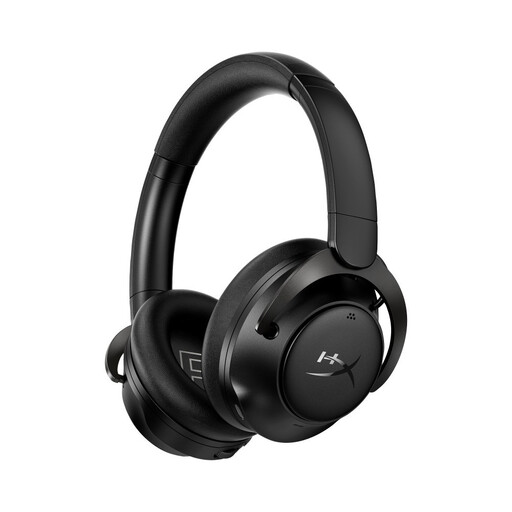
HyperX Cloud MIX 2 Dual Wireless Over-Ear Headphones
A wireless option for calls shared between a computer and mobile device, with a stated noise-cancelling microphone.
Stated features include 2.4GHz wireless, Bluetooth, multi-device pairing, a USB wireless adapter and memory-foam cushions. Verify the exact bundle’s microphone arrangement and Teams or Zoom control support.
Joybuy
 No image available
Edifier G2II USB Wired Headset
A fixed-desk option with a USB connection and a stated noise-cancelling detachable microphone for computer calls.
The listing states compatibility with PC, Mac and PS4, plus a lightweight over-ear design with soft cushions. Check mute behaviour in your usual Teams or Zoom setup and confirm any phone or USB-C adapter needs.
Joybuy
 No image available
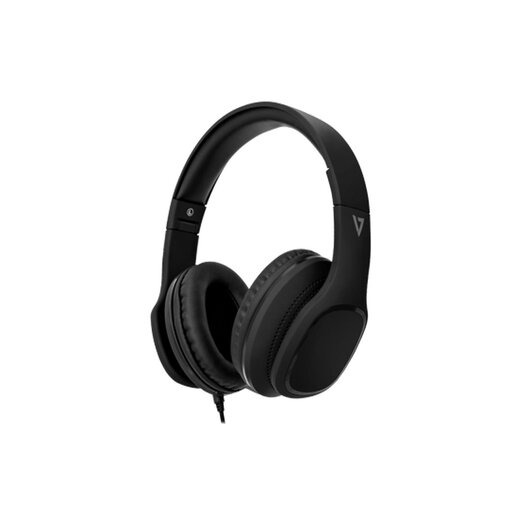
V7 HA701-3EP Wired Over-Ear Headphones
A wired choice for calls on devices with a compatible 3.5 mm audio connection, with an integrated microphone and inline call controls.
Its stated features include a detachable 1.8 m cable, passive over-ear isolation, a padded adjustable headband and memory-foam earcups. Confirm whether your device needs an adapter and whether the microphone suits your room noise.
Joybuy
 No image available
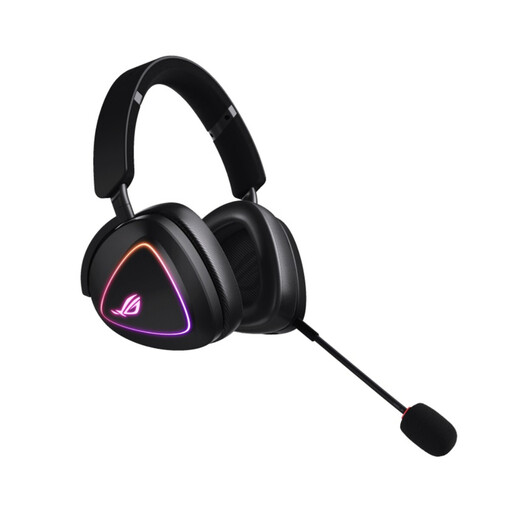
ASUS ROG Delta II Wireless Headset
A dual-wireless headset to consider when calls move between a desk and Bluetooth devices.
The listing states 2.4GHz wireless, Bluetooth, a detachable boom microphone, on-ear controls and a 315 g weight. Confirm microphone handling of household noise, receiver support and meeting-platform controls for your devices.
Joybuy
 No image available
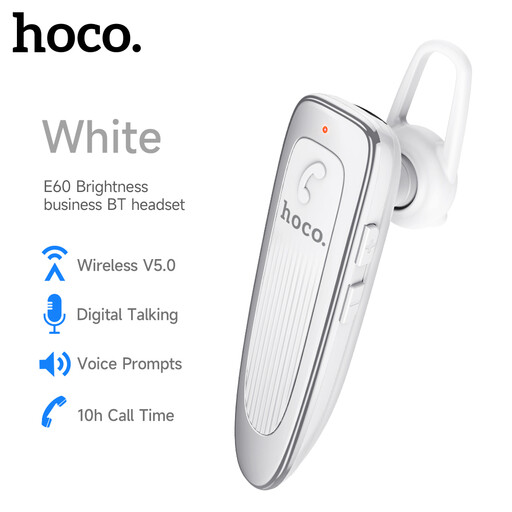
HOCO E60 Business Bluetooth Earphone
A compact Bluetooth route for hands-free calls while moving around the home, with a stated flexible microphone boom.
The listing states Bluetooth, 10 m wireless use, call and volume controls, and noise cancellation. Check whether the earpiece design gives the listening privacy you want and whether it supports your computer and meeting platform.
Joybuy
Frequently asked questions
Will active noise cancelling stop other people hearing household noise from my calls?
Not necessarily. ANC primarily reduces the noise you hear through the headset, so prioritise a boom microphone with documented environmental-noise cancellation for outgoing speech. Microsoft describes its Premium Microphone for Open Office designation as picking up the user’s voice without transmitting neighbours’ sound.
Is Bluetooth suitable for Teams and Zoom calls?
Yes for basic audio, but hardware call controls depend on the headset, operating system and connection type. Microsoft states that certified native-Bluetooth Teams peripherals support call controls and mute synchronisation on supported Windows 11 PCs; Zoom Support states that its macOS desktop app needs a USB adapter for full Bluetooth headset call controls.
Should I choose a USB microphone instead of a headset?
Choose a USB microphone with headphones if you call mainly from one desk and can keep a directional microphone close to your mouth. A headset is usually more practical when you move around, want a simpler one-device setup, or need private listening without choosing separate headphones.
How should I test a new headset after delivery?
Test the microphone and speaker selections in your usual calling app, then make a recording or test call with typical room noise and check mute or call controls if they matter. GOV.UK says that, for online purchases, consumers generally have 14 days from receipt to tell the seller they want to cancel and another 14 days to return the item; faulty or misdescribed goods have separate refund rights.
How should I dispose of an old wireless headset or USB microphone in the UK?
Treat electrical headsets, microphones and their associated components as WEEE rather than ordinary household waste. UK WEEE guidance explains that the regulations support recovery, reuse and recycling of electrical and electronic products and components; check local-authority collection or retailer take-back options.


