For frequent calls at a fixed computer, start with a wired headset whose connector and microphone work with your calling setup. For listening near housemates, consider closed-back wireless over-ears only after checking sound leakage and fit; earbuds make more sense when moving between rooms matters most. Noise cancelling affects what you hear, but it does not establish how clearly callers will hear you.
Who needs which style?
Frequent callers at a desk
If household chatter or typing may reach the other person, give microphone noise handling and a compatible computer connection priority. RTINGS notes that boom microphones tend to handle background noise well; check results for the particular headset you are considering.
People listening beside a housemate
Check sound leakage as well as comfort for films, music and long calls. RTINGS treats leakage—the sound escaping your headphones—as distinct from isolation, which affects what you hear.
Callers moving between rooms
Earbuds are easier to carry than an over-ear headset, but fit and call performance need their own checks. RTINGS notes that earbud fit depends partly on ear shape and tips, and that earbuds generally do not perform as well for calls as dedicated Bluetooth headsets.
What should you check before choosing?
Choose a style around where you take calls, then check the separate requirements for nearby listeners, fit and your devices.
Wired headset
Choose it for: Frequent calls at one computer, particularly when a boom microphone and a direct connection suit your setup.
Bear in mind: The cable limits movement, and the connector and microphone must work with your computer and calling platform.
Wireless over-ears
Choose them for: Listening sessions when an over-ear fit works for you and the particular model has suitably low measured leakage.
Bear in mind: Check its call microphone separately; Bluetooth switching and long-session comfort vary by model and wearer.
Wireless earbuds
Choose them for: Compact listening and calls while moving around the home, provided the tips fit securely.
Bear in mind: RTINGS finds that earbuds generally lag behind dedicated Bluetooth headsets for calls; assess the exact model’s microphone before relying on it.
| Priority |
What to check |
Your needs |
| Sound leakage |
Look for leakage results for the exact model; consider a closed-back design and your usual listening volume. Noise cancellation is not a leakage measurement. |
I listen beside someone else and do not want my music or video audio to reach them. |
| Call microphone |
Check speech and background-noise recordings, not just speaker sound quality. RTINGS notes that boom microphones tend to do well at noise handling. |
Household noise may be present when I speak, so the person on the call needs to understand me. |
| Long-session fit |
Consider headband pressure and earcup fit for over-ears, or tip size and stability for earbuds. Assess comfort during the length of session you expect to have. |
For a long call or film, I need a fit I can keep wearing comfortably. |
| Device connection |
Match the connector to your computer and confirm microphone support over the intended connection. RTINGS notes that USB-C audio does not always include microphone input; check whether Bluetooth multipoint needs app setup. |
I switch between a laptop and phone, or need a straightforward connection at my desk. |
| Battery and charging |
For wireless models, compare the stated battery duration under the listening mode you plan to use and check the charging arrangement. |
I want wireless listening to last through my usual calls and media sessions without an inconvenient charging break. |
What is easy to overlook?
-
Assuming noise cancelling means a clear outgoing call
Noise cancellation for the listener and microphone noise handling address different sides of a call. Hearing others clearly does not show that your speech will remain clear over household noise.
Look for microphone tests in noisy conditions, particularly if calls are a frequent part of your day.
-
Using noise cancellation as a test of privacy
RTINGS measures sound leakage separately from isolation. A nearby person may still hear escaping audio, especially at a higher listening volume.
Check leakage results for the exact model and assess it at your normal volume when you can.
-
Assuming every USB-C connection carries your voice
RTINGS notes that USB-C headphone support varies: some connections carry audio without carrying microphone input.
Confirm microphone support over the connection you intend to use, along with your computer’s port and any adapter needed.
-
Expecting Bluetooth multipoint to work without setup
Two-device connection is model-specific and may need an app setting. Sony documents multipoint for the WH-1000XM6, but that does not establish it for other headphones.
Check the exact model’s instructions before relying on laptop-and-phone switching for calls.
Which brand examples are relevant?
These model-specific references help illustrate the choices; they do not establish the features or performance of every product from the same brand.
Sony
Sony’s WH-1000XM6 illustrates a wireless over-ear option for switching between devices, while the WF-1000XM6 illustrates the in-ear route.
- Sony lists two-device multipoint support for the WH-1000XM6. RTINGS describes that model’s noise cancelling and microphone favourably.
- Check the multipoint setup for your devices. RTINGS notes that WF-1000XM6 comfort and stability depend partly on ear shape and fit.
Logitech
Logitech’s Zone Wired 2 is a reference for fixed-computer calls rather than a compact listening option.
- Logitech lists wired USB-C or USB-A connectivity and compatibility with Windows, macOS and ChromeOS for Zone Wired 2.
- Confirm the connector and the particular conferencing version you need; these details should not be assumed for another Logitech headset.
Bose
Bose QuietComfort Ultra Headphones (2nd Gen) illustrate an over-ear, noise-cancelling listening option. They are distinct from the QuietComfort model in the Joybuy selection below.
- Bose states that QuietComfort Ultra Headphones (2nd Gen) have adjustable noise cancelling and up to 30 hours of battery life.
- Those features do not establish outgoing-call clarity or low sound leakage; assess those separately for the exact model.
Joybuy headphone and headset options
These Joybuy options cover wireless over-ear listening and wired headsets for computer or other listed-device use. Compare each model with your own call setup, fit needs and shared-room listening conditions.
 No image available
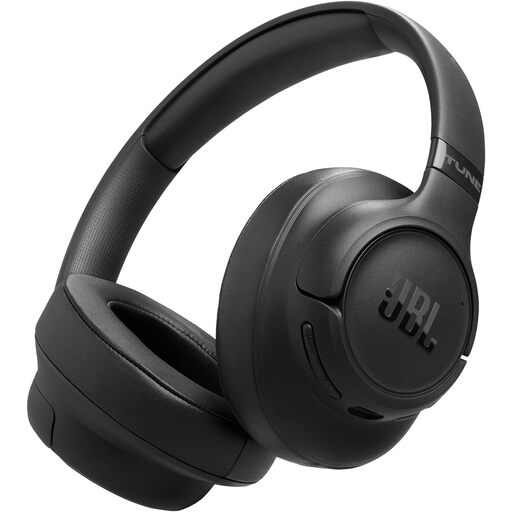
JBL Tune 780NC Noise-Cancelling Over-Ear Headphones – Black
A wireless over-ear option for calls and personal listening. If someone sits nearby, check leakage results for the Tune 780NC; check microphone noise-handling tests if you will take calls amid household noise.
View on Joybuy
 No image available
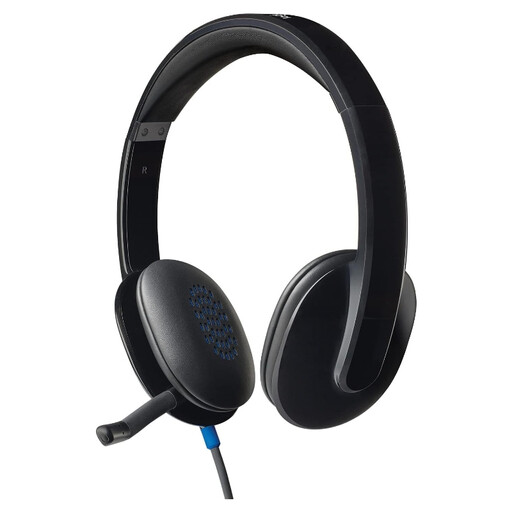
Logitech H540 Wired Headset
A wired headset to consider for calls at a fixed computer. Confirm its connector suits your computer, and assess microphone noise handling and leakage if household noise or nearby listeners matter.
View on Joybuy
 No image available
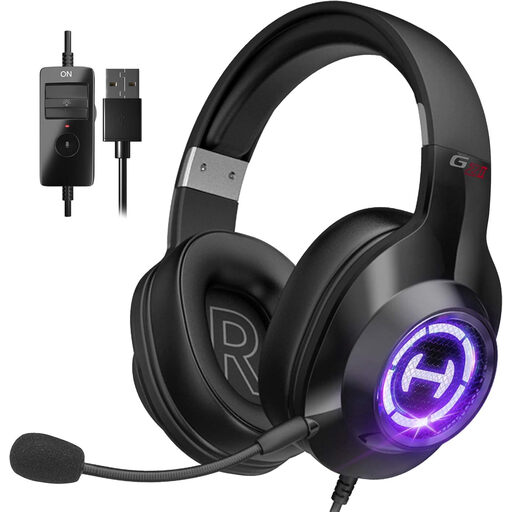
Edifier G2II USB Gaming Headset – Black
A wired USB headset for a desk setup, with a microphone and the 7.1 surround-sound feature named in its listing. Check that it works with your computer and calling software, and assess call-microphone performance separately from its gaming-audio features.
View on Joybuy
 No image available
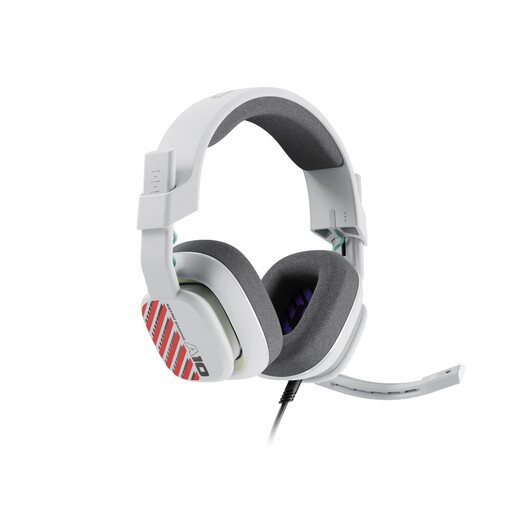
Logitech ASTRO A10 Gen 2 Wired Gaming Headset – White
A wired headset to consider if the same setup serves calls and gaming. Confirm that its connection suits your particular device and call arrangement; its headset design alone does not establish low leakage or clear speech over household noise.
View on Joybuy
 No image available
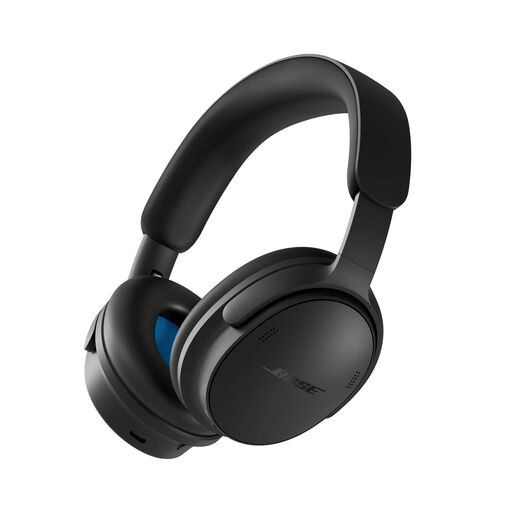
Bose QuietComfort Headphones (2nd Gen) – Black
A wireless listening option for a home where noise cancelling is useful to the wearer. For calls, check microphone performance and whether microphone input works over the particular connection you plan to use; check leakage separately if others sit nearby.
View on Joybuy
Common questions
Does noise cancelling stop other people hearing my music?
Not necessarily. Noise cancellation addresses sound reaching you, while leakage is your audio escaping into the room. For listening beside someone else, check leakage results for the exact headphones and consider your usual volume.
Will headphones that sound good also make clear video calls?
Speaker sound quality does not establish microphone quality. Check recordings or tests of the exact model’s speech and background-noise handling; RTINGS notes that boom microphones tend to handle noise well.
Should I choose USB or Bluetooth for calls at home?
A wired USB headset suits fixed-computer calls when its connector and microphone work with your setup and you do not need to move around. Bluetooth allows more freedom of movement, but check charging and device switching. For either route, confirm compatibility with your calling software.
Can one pair of headphones connect to my laptop and phone?
Only if the exact model supports the two-device connection you need. Sony states that the WH-1000XM6 can connect to two Bluetooth devices simultaneously; check its setup instructions rather than assuming multipoint is automatic or available on another model.


