Drivers who navigate on most journeys
Look for a position you can read without holding the phone or obscuring the road ahead. Check the proposed mount from your normal driving position, with the phone fitted.


Choose the mounting position before the attachment type: a suitable vent or dashboard position may keep the windscreen clear, while a windscreen mount needs particular care to avoid blocking the road view. Then check that the holder fits your vehicle, complete phone-and-case combination and charging needs. GOV.UK says that, in Great Britain, a hands-free device must not block the view of the road and traffic ahead, and the driver must remain in full control.
Look for a position you can read without holding the phone or obscuring the road ahead. Check the proposed mount from your normal driving position, with the phone fitted.
Match the holder to the exact phone and case, then check its charging system, power supply and cable route. Magnetic attachment alone does not mean a holder charges the phone.
Measure the mounting surface and check the fit of the complete phone-and-case combination. Belkin, for example, gives specific vent-slat and case-thickness limits for its WIC002 mount.
Start with a mounting position that preserves your forward view, then narrow the options by physical fit, attachment and power needs.
| Priority | What to check | Your needs |
|---|---|---|
| Clear forward view | Assess the fitted mount, phone and cable from the driving seat. GOV.UK says that in Great Britain a hands-free device must not block the road or traffic ahead and the driver must remain in control. | I need to glance at directions without putting the screen in my view of the road. If a windscreen position obstructs it, I can consider a suitable vent or dashboard position instead. |
| Secure attachment | Check how the base attaches to the actual vent or surface and how the phone is retained. Which? includes grip, stability, adjustability and ease of use among its car-holder test criteria. | My phone needs to stay in place over normal road movement, without prompting me to catch or readjust it while driving. |
| Phone and vehicle fit | Compare the holder’s stated limits with the complete phone and case. For vent mounts, check slat shape and dimensions; for magnetic mounts, check the required case or ring. | A thick case or unusual vent makes a generic compatibility claim less useful to me than the mount’s exact fit requirements. |
| Charging access | Check phone-and-case charging compatibility, stated output, supplied vehicle power hardware and cable routing. With a clamp, check access to the charging port. | On longer navigation journeys, I want a workable way to power the phone without a cable interfering with the mount or controls. |
A dashboard or windscreen holder can still obstruct the forward view. GOV.UK also says drivers in Great Britain must remain in full control when using a hands-free device.
Before setting off, assess the installed phone, mount and cable from your normal driving position. Move the holder if it blocks the road view or interferes with controls.
Magnetic retention depends on the particular phone, case and holder. Belkin specifies MagSafe-compatible cases up to 3 mm thick for its WIC002; Halfords describes an included ring for Android cases with its Advanced Magnetic holder.
Check the required magnetic interface and case fit, including whether any ring or compatible case you need comes with the holder.
Vent shape and dimensions matter. Belkin says its WIC002 is designed for slats up to 3 mm thick and 20 mm deep, and may move slightly on overloaded vertical slats.
Inspect your vent against the chosen model’s requirements. Consider another mounting position if its clip cannot fit securely.
A magnetic holder does not necessarily charge. Charging models also differ in supported devices, stated output and supplied power hardware.
Check the complete charging setup for your phone and case, including the vehicle power supply and a cable route that stays clear of controls.
These brands illustrate different mount and attachment designs; the features below apply to the named products or ranges, not every holder a brand makes.
Vent-mounted magnetic options for drivers checking MagSafe fit or in-car charging.
Dash and windscreen holder designs, including magnetic attachment.
A modular range with dashboard, vent and windscreen mounting options.
Magnetic dash and vent mounting options, including a charging model.
These options cover vent-mounted, dashboard and dashboard-or-windscreen phone holders, with clamp and magnetic attachment choices. Choose by the fit of your car and phone rather than treating the list as a ranking of mounting positions.
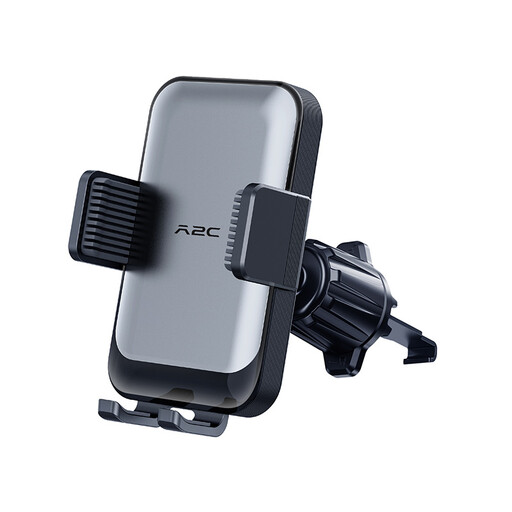 No image available
Consider this vent-mounted clamp if its clip fits your car and the phone sits outside your forward view. The product name specifies dual locking, automatic clamping and one-hand operation; check the fit of your complete phone and case before choosing it.
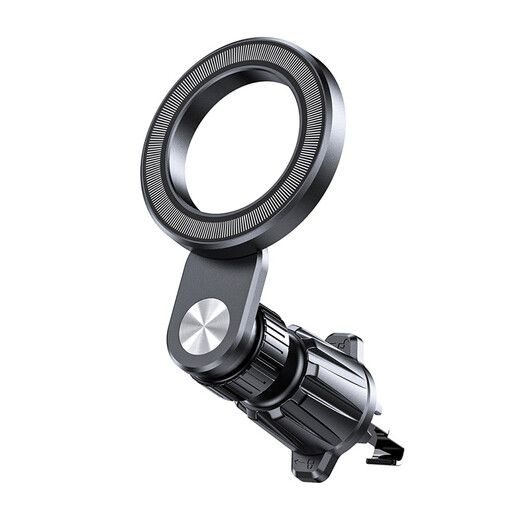 No image available
This vent-mounted option uses magnetic attachment and offers 360° rotation, according to its product name. Confirm that the vent and your phone-and-case combination suit the holder; magnetic mounting does not itself establish charging capability.
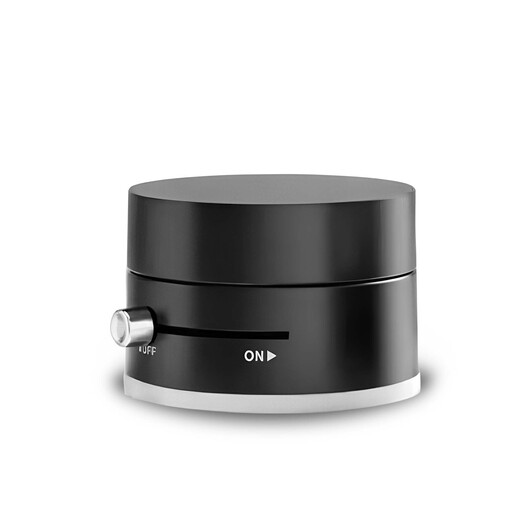 No image available
A dashboard-mounted magnetic option for a position that keeps the road ahead visible. Its product name specifies a suction-cup base and rotating mount; check that your intended surface and phone-and-case attachment suit it.
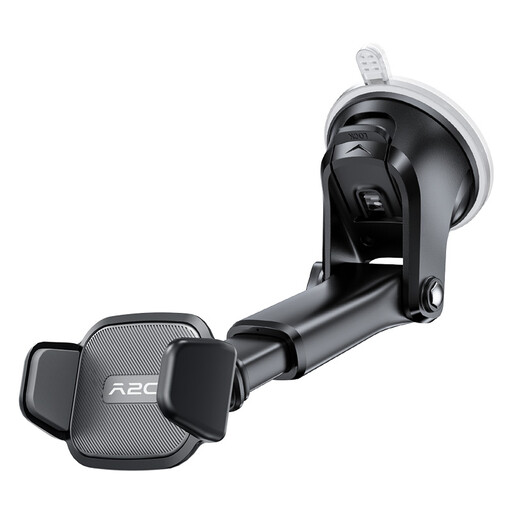 No image available
Check whether this holder’s attachment and phone fit suit your intended position. If you plan to mount it on the windscreen, assess the complete installation from the driving seat before setting off so it does not obstruct the road view.
 No image available
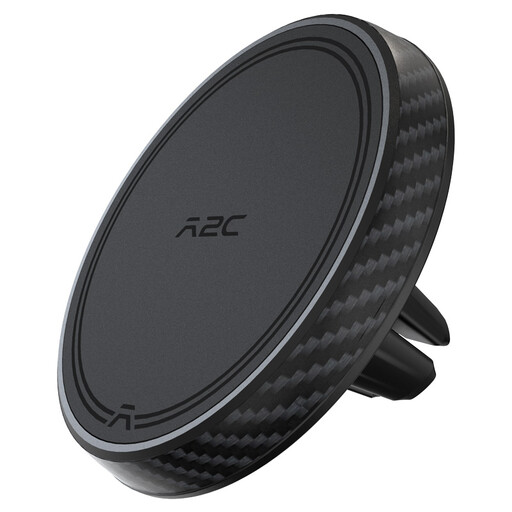
This model is described as an air-vent magnetic mount with wireless charging. Before choosing it for longer navigation journeys, confirm your phone-and-case compatibility, vent fit, charging output and the power hardware supplied.
In Great Britain, GOV.UK lists dashboard holders and windscreen mounts among examples of hands-free access, provided the device does not block the view of the road and traffic ahead and the driver remains in full control. Set the route before moving; a holder is not permission to become distracted by the screen. For Northern Ireland, check current local guidance rather than assuming every Great Britain placement detail applies.
Choose a position only after checking the fitted phone and mount from your normal driving seat. GOV.UK says that in Great Britain the device must not block the road or traffic ahead; its MOT inspection manual also notes that a sat-nav obstructing the driver’s view can be removed for inspection. If you cannot find a clear windscreen position, consider a suitable vent or dashboard location.
No: compare your vent with the requirements of the exact mount. Belkin says its WIC002 is designed for slats up to 3 mm thick and 20 mm deep, works most effectively with straight horizontal slats and may move slightly on overloaded vertical slats. Another model may have different requirements.
Check the holder’s stated magnetic system and your exact case. Belkin specifies MagSafe-compatible cases up to 3 mm thick for its WIC002, while Halfords says its Advanced Magnetic holder includes a ring for Android cases. Do not assume an ordinary case provides the required attachment.
Only a charging-equipped model can do so, and the phone, case and power setup must be compatible. Belkin states that its WIC004 wireless car charger delivers up to 10W and includes a 20W car power supply; that specification does not apply to other magnetic holders. Check the exact model and what comes with it.