Drivers prioritising a clear road view
Look for a position where the installed phone remains visible without being held or obscuring the road and traffic ahead. Set the route before moving off so the display does not invite repeated adjustment.


Choose a navigation mount only after finding a position that leaves your view of the road clear and checking that the fixing method fits your car and your phone with its usual case. In Great Britain, GOV.UK says the device must not be held or block the road and traffic ahead, and the driver must remain in full control; a hands-free setup does not remove the risk of distraction.
Look for a position where the installed phone remains visible without being held or obscuring the road and traffic ahead. Set the route before moving off so the display does not invite repeated adjustment.
Check the phone with its everyday case fitted, then match the holder to the intended dashboard surface, vent design or vehicle-specific mounting point. Charging-port access may also affect the choice.
Choose a position that leaves the charging connection usable, then check the phone, case and power connection against the charging mount’s stated compatibility before buying.
Start with the installed phone’s position from your normal driving seat. Once the road view is clear, check the fixing point and phone fit, then decide whether charging access or a less phone-dependent navigation setup matters more.
| Concern | Buying check | Who this matters to |
|---|---|---|
| Clear view and control | While parked, check the complete phone-and-mount position from the driving seat; set the route before moving off. | I need directions in sight without holding the phone or losing my view of traffic. Around 31% of consumers put a clear view and control first. |
| Phone and vehicle fit | Measure the phone with its case; check the holder’s fit range and the intended vent, dashboard surface or vehicle-specific fitting. | If my case or car fittings rule out a holder, its mounting style is of little use to me. For around 25% of consumers, physical fit is the primary concern. |
| Charging access | Check that the port remains accessible or that the phone and case match the stated wireless-charging system. | On longer navigation journeys, I want to keep the phone powered without a connection that interferes with the controls. Around 19% of consumers prioritise charging access. |
| Less phone interaction | Consider voice prompts, Bluetooth, built-in navigation or a separate sat nav; check the relevant device compatibility. | I would rather set directions before leaving and minimise interaction on the road. Reducing phone interaction comes first for around 25% of consumers. |
A mount avoids holding the phone, but it does not make prolonged interaction safe. THINK! Road Safety warns that distracting hands-free use can still affect safe driving and lead to prosecution.
Fit the phone and set the destination before moving off. If you need to change the setup, stop and park safely first.
A convenient position may obstruct the road view or rely on a vent or dashboard surface that does not suit the chosen mount.
While parked, assess the complete phone-and-mount footprint from the driving seat, then check the fixing method against the exact vent or surface.
Quad Lock describes its adhesive car-mount pad as single-use, so moving an adhesive mount may require a replacement pad.
A case changes the dimensions a clamp must accommodate and can affect access to a charging connector.
Measure the phone with its usual case fitted. Brodit advises comparing the device’s measurements with the holder’s stated specifications.
A magnetic charging mount may be intended for a particular phone and case system. Belkin specifies its cited magnetic car charger for MagSafe-compatible iPhones and official MagSafe cases.
Check the exact phone, case and charging compatibility rather than relying on the word ‘magnetic’ alone.
Brodit offers adjustable phone holders and vehicle-specific ProClip mounting options.
Quad Lock offers a phone-case and adapter system with several car-mounting locations.
Belkin is relevant to drivers considering a vent-mounted magnetic charger for an iPhone.
SP Connect combines phone interfaces and holders with car-mounting options.
Garmin offers dedicated car sat navs for drivers considering navigation separate from their phone display.
These holders cover vent and dashboard mounting choices for phone navigation. Check each fixing point and the installed phone’s position in your own car; the listed mounts do not represent every navigation setup discussed above.
 No image available
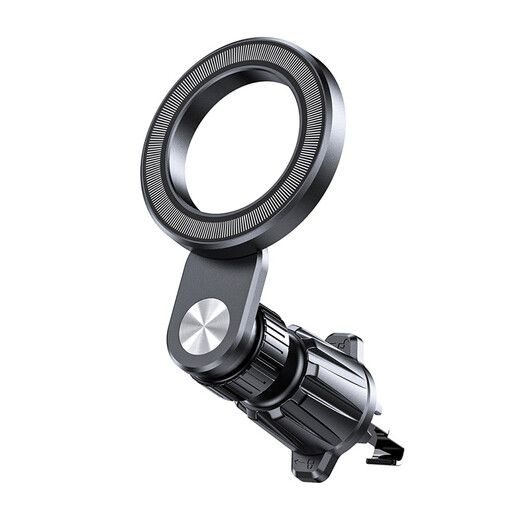
Consider this vent-mounted option if you can confirm that its clip fits your vent and its magnetic attachment works with your phone and case.
The named variant has N52 magnets, a dual-lock design and 360° rotation. Check the final phone position from the driving seat before use.
 No image available
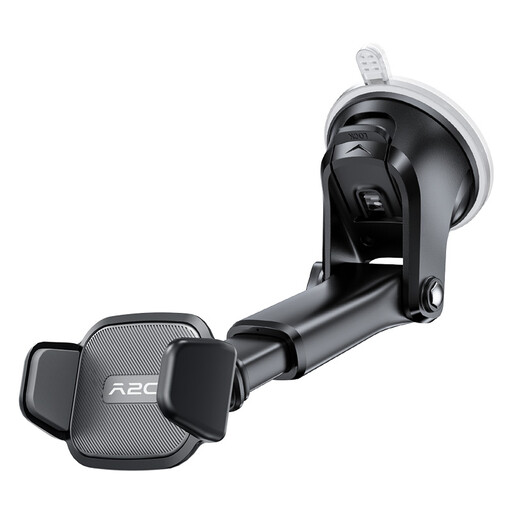
Consider this holder if a suitable dashboard or windscreen position is available; check the intended fixing surface and whether the clamp accommodates your phone with its case.
Assess the complete installed position from the driving seat so the phone does not obscure the road ahead.
 No image available
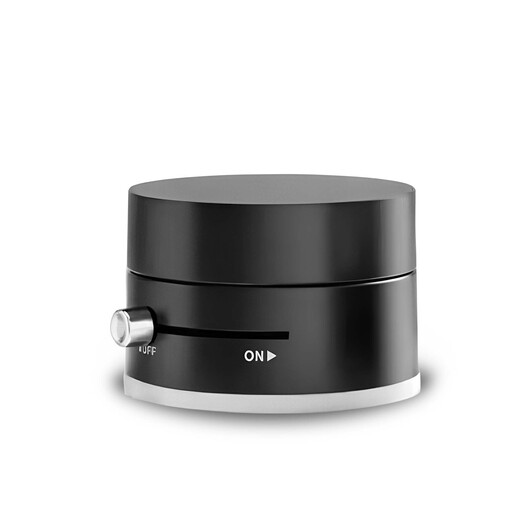
Consider this dashboard-mounting option only after checking the intended surface and your phone-and-case magnetic attachment.
The named black variant has a suction-cup base and adjustable mount. Position the assembled holder so the phone leaves the road view clear.
 No image available
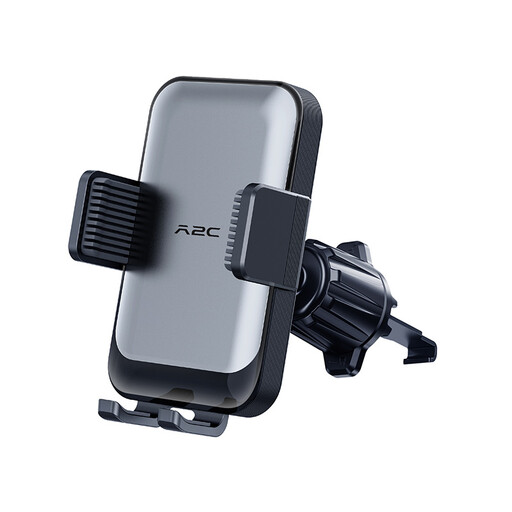
Consider this clamping option if your vent provides a suitable fixing point and the holder accommodates your phone with its case.
The named variant has a dual-lock vent clip and automatic clamping. Check that the mounted phone does not block your forward view.
In Great Britain, GOV.UK permits hands-free access through methods including dashboard holders and windscreen mounts, provided the device is not held, does not block the view of the road and traffic ahead, and the driver remains in full control. A mount does not exempt a driver from those conditions or remove distraction risk.
Fit the phone before moving off or after parking safely, rather than handling it while driving. GOV.UK says a device must not be held during hands-free use, and Belkin advises against mounting or removing a phone while driving.
Measure the phone with the case you normally use and compare its width and thickness with the holder’s stated fit range. Brodit advises measuring the device with its skin or case where applicable; the phone model name alone may not establish the required fit.
No: match an adhesive mount to the exact surface specified by its maker. Quad Lock describes its cited adhesive pad as single-use, so choose and check the position before attaching it.
Check the actual vent shape and the holder’s stated fitting requirements, then consider where the installed phone will sit and whether it will affect airflow. Quad Lock says its cited vent mount does not fit 360-degree gimbal vents; another model may have different conditions.