Drivers using a phone for navigation
A hands-free position needs to leave the road and traffic ahead visible and let the driver remain in control. Check the proposed position from the driver’s seat before setting off.


Choose a holder that fits your phone and case, and that can be positioned in your particular car without blocking your view; add charging only if you need it and the complete power setup is compatible. A vehicle-specific system calls for a matched vehicle mount and device holder, while vent, dashboard and windscreen options depend on the available mounting point. In Great Britain, GOV.UK says you must not hold and use a phone while driving, and a hands-free setup must not obstruct your road view or compromise vehicle control.
A hands-free position needs to leave the road and traffic ahead visible and let the driver remain in control. Check the proposed position from the driver’s seat before setting off.
The phone, case and attachment method need to work together. If wireless charging matters, check the phone’s charging support and the mount’s power requirements separately from its magnetic attachment.
If a generic mounting point does not suit the vehicle, compare other positions with a vehicle-specific mount and matched device holder. Brodit, for example, describes a two-part system selected by vehicle and device.
Start with a position you can assess from the driver’s seat, then check how the holder attaches to both the car and the phone. Treat charging as a separate compatibility decision.
| Priority | What to check | Your needs |
|---|---|---|
| Clear view and control | Assess the position from the driver’s seat while parked; check the view of the road and traffic ahead; set the route before moving off. GOV.UK gives these visibility and control conditions for hands-free use in Great Britain. | I need to see the road clearly without reaching for the phone during the journey. |
| Vehicle mounting point | Check whether the intended dashboard surface, windscreen position or vent suits the holder; for a vehicle-specific system, confirm the exact vehicle and mounting point. | A holder needs to stay in a usable position in my car, rather than merely fit a generic mounting category. |
| Phone and case fit | Check the holder’s stated phone and case requirements; confirm whether magnetic attachment needs a compatible case, metal ring or adaptor. | If I keep my current case, I need to know how the phone will attach before choosing a magnetic mount. |
| Power for navigation | Confirm the phone’s charging standard; check the selected mount’s cable and power-supply requirements; match them to the vehicle’s available connection. | Charging matters to me if navigation leaves the phone short of battery, but I need the whole power arrangement to work. |
| Complete setup | Check which holder, vehicle mount and attachment accessories come with the chosen configuration; test the installed position while parked. | I want to know whether the arrangement I take to the car is complete and suitable for its intended position. |
In Great Britain, GOV.UK says holding and using a phone while driving is illegal. Hands-free use does not remove the requirement to stay in control.
Fit the phone and set the destination and audio preferences while parked. Stop safely before handling it again.
A secure attachment can still sit in the driver’s forward view. GOV.UK identifies windscreen-mounted items, including sat-nav monitors, as possible obstructions.
Check the proposed position from the driver’s seat while parked; do not assume a placement diagram fits every vehicle.
Attachment and wireless charging have separate compatibility requirements. UGREEN says other phones and non-MagSafe cases need the supplied metal ring for its cited air-vent holder.
Check the exact phone, case and attachment method, then check charging compatibility if the mount also supplies power.
A compatible case, ring or adaptor may be part of the required setup; check what the selected package contains.
A charging feature is useful only when the phone and the mount can be powered together in the car.
Before choosing a configuration, confirm the supplied cable, whether a power supply is included and which vehicle connection it requires.
These manufacturer examples illustrate different fit and attachment questions; each product line still needs checking against the particular vehicle, phone and case.
Brodit describes a two-part system built around a vehicle-selected ProClip mount and a device holder.
Quad Lock UK shows car-kit mounting choices for the windscreen, vent and dashboard.
Belkin describes its WIC012 as a magnetic wireless-charging vent and dashboard mount for compatible devices and cases.
UGREEN describes a magnetic air-vent holder kit with a metal ring for other phones and non-MagSafe cases.
These options cover dashboard, windscreen and air-vent phone holders, including a wireless-charging mount. Check each one against your car’s mounting position and your phone before choosing.
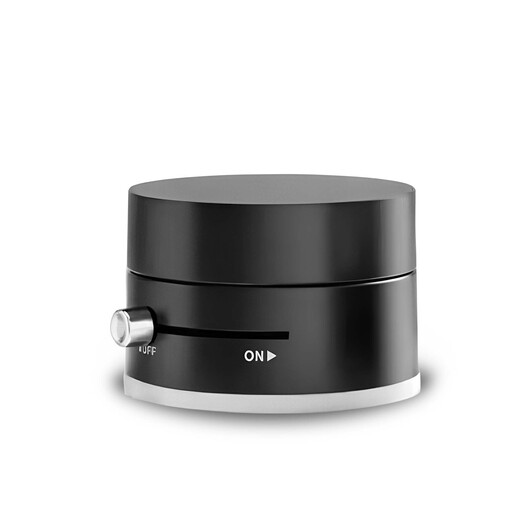 No image available
A dashboard option for positioning a phone for navigation, with a foldable mount and adjustable angle. Check that the intended surface suits the vacuum base and that your phone or case suits magnetic attachment; assess the sightline while parked.
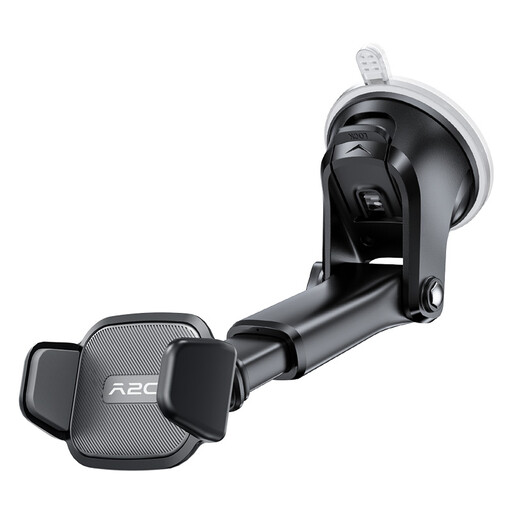 No image available
Consider this holder if you need a dashboard or windscreen position. Check that its suction attachment suits your chosen surface: the stated limitation excludes textured and leather dashboards. Test the position from the driver’s seat while parked.
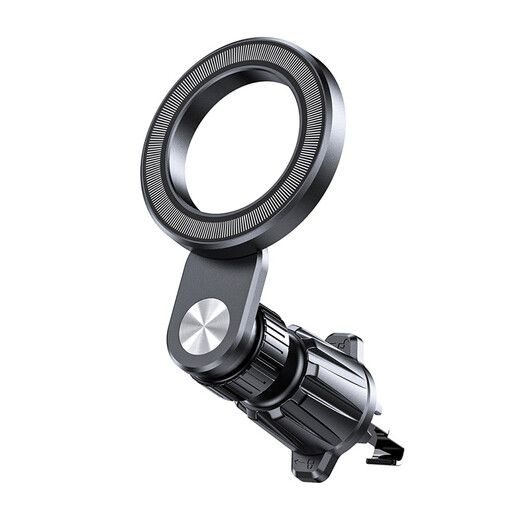 No image available
An air-vent option with magnetic attachment and stated 360° rotation. Check both the vent fit and the phone or case attachment method, then assess whether that vent position leaves your view and controls clear.
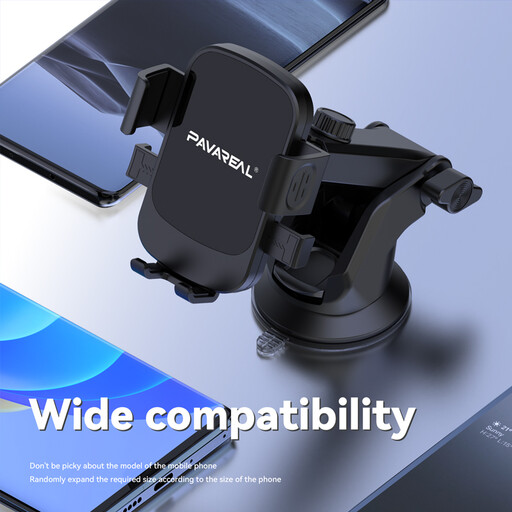 No image available
A suction-cup mounting option to consider for a suitable car surface. Check which phone-holder configuration comes with the selected variant and whether your phone meets its stated under-300 g limit. Assess the installed position while parked.
 No image available
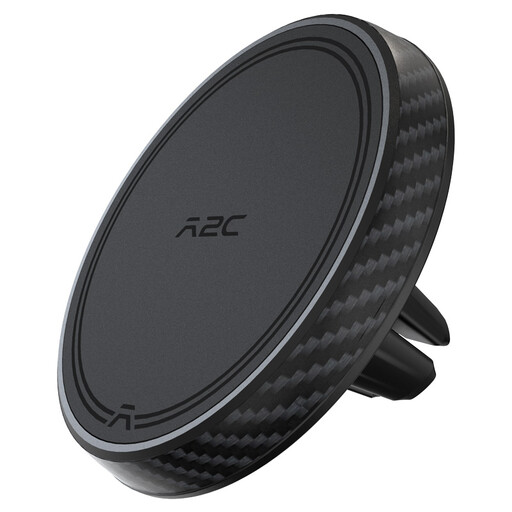
A vent-mounted option when you want the phone positioned and wirelessly charged during navigation. Confirm the vent fit, your phone and case compatibility, and whether the selected package contains the cable and power supply your car connection requires.
Yes, provided you do not hold and use it while driving, it does not block your road view, and you remain in control. GOV.UK lists dashboard holders, mats and windscreen mounts as hands-free examples in its Great Britain guidance; set up the route while parked.
No single position can be assumed suitable for every vehicle. GOV.UK identifies windscreen-mounted items as possible obstructions, so check the road view from the driver’s seat in your own car while parked.
Check the mount’s stated case and attachment requirements rather than assuming it will. For example, UGREEN says other phones and non-MagSafe cases need the supplied metal ring for its cited air-vent holder; a different mount may have different requirements.
Choose charging if your journeys leave the phone short of battery and the phone, case, mount and car power connection are compatible. Check the selected package for the required cable and power supply before choosing it over a non-charging holder.
No. In Great Britain, GOV.UK says police can take action if distraction means you are not in control, even when you use a hands-free device. Set the route and audio preferences while parked, and stop safely before handling the phone again.