What to check before buying
For monthly cash-flow forecasting, settle software compatibility first; then size the computer and complete desk setup around the way you update and review your forecasts.
| Concern |
What to check |
Who this matters to |
| Software compatibility |
Check the supported operating system and version for each finance application, macro, add-in and shared-workbook process. |
If my forecast relies on an accounting application and workbook add-ins, I need both to work on the computer I choose; around 42% of consumers put workflow compatibility first. |
| Multitasking and displays |
Compare installed RAM and SSD capacity, then check the connections and supported setup for your planned monitors. |
When I keep forecast sheets and source records open together, I need enough working room to follow both; roughly 33% of consumers prioritise concurrent work and display space. |
| Desk and setup |
Check the computer's size and what you will need for a complete setup, including peripherals, cables and a suitable software licence. |
With limited desk space, I need the whole forecasting setup to fit without overlooking equipment or licensing; about 25% of consumers make setup completeness their primary concern. |
Joybuy desktops for forecasting
These choices include compact Windows-oriented desktops, a Windows tower and a Mac mini. Compare each one against your finance software and the equipment you intend to use; a matching form factor or memory figure alone does not settle compatibility.
 No image available
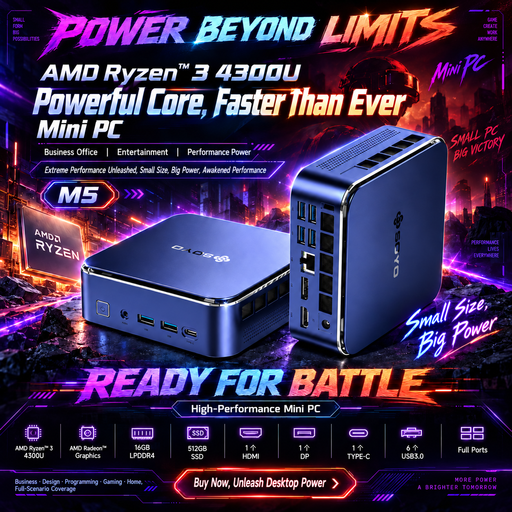
SOYO M5 Ryzen 4300U mini PC, 16GB LPDDR4, 512GB SSD
Consider this compact Windows 11 option if your forecasting tools support that operating system and you plan to connect several displays.
The listed configuration has 16GB LPDDR4 memory and a 512GB SSD; its title specifies triple-display output through HDMI 2.0, USB-C and DisplayPort 1.4.
Check the requirements of your finance software and confirm that your monitors and any needed peripherals suit the setup.
View on Joybuy
 No image available
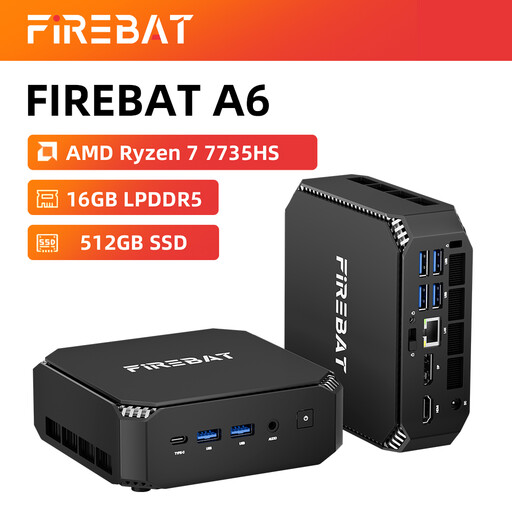
FIREBAT Ryzen 7 7735HS mini PC, 16GB RAM, 512GB SSD
This mini desktop is worth comparing if local storage options and a multi-monitor desk matter to your forecasting setup.
Its title specifies 16GB RAM, a 512GB SSD, dual M.2 slots and triple-display support.
Confirm the installed operating system and your software's compatibility, then check the simultaneous display limits against your monitors.
View on Joybuy
 No image available
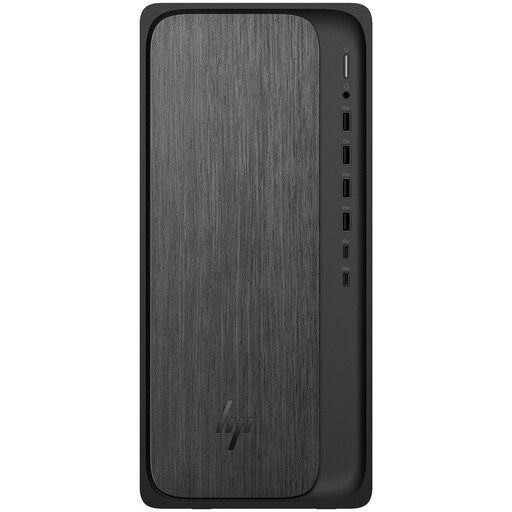
HP M02-0005na OmniDesk, Ryzen 5 8500, 8GB RAM, 1TB SSD
Consider this tower if you need a Windows desktop with the stated local storage capacity and have room for its chassis.
The listed configuration has Windows 11 Home, 8GB RAM and a 1TB SSD.
Check whether 8GB RAM suits the applications you run together, whether your finance tools support this Windows setup and how many monitors the configuration can drive.
View on Joybuy
 No image available
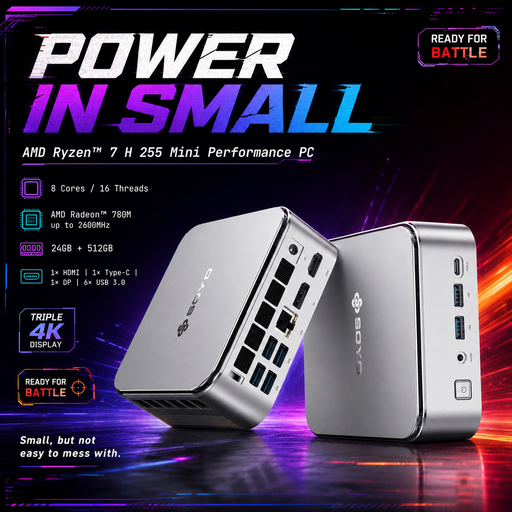
SOYO S4PLUS Ryzen 7 H 255 mini PC, 24GB RAM, 512GB SSD
This compact Windows option is relevant if you expect to keep several forecasting applications open and want multiple video connections.
Its title lists W11, 24GB LPDDR5 memory and a 512GB PCIe 3.0 SSD.
Check software compatibility and the number and resolutions of displays supported simultaneously before planning a multi-monitor desk.
View on Joybuy
 No image available
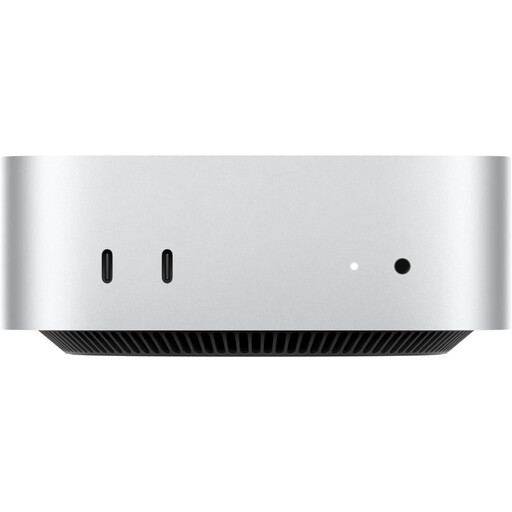
Apple Mac mini (2026) M6, 24GB RAM, 512GB SSD, Silver
This compact macOS route suits consideration only when your accounting tools, workbook features and file-sharing process support macOS.
The selected variant's title specifies an M6 chip with a 12-core CPU and 12-core GPU, 24GB RAM and a 512GB SSD.
Check compatibility before ordering and plan for a display, keyboard and mouse: the product description says these are not included.
View on Joybuy
Frequently asked questions
Do I need a dedicated graphics card for cash-flow forecasting?
Do not choose one solely on the basis of Excel's baseline requirements. Microsoft lists graphics requirements for Excel hardware acceleration, but your choice also depends on the monitors, resolutions, other applications and any specialist tools you plan to use.
Can I use a Mac mini for monthly cash-flow forecasts?
Yes, if every required accounting application, spreadsheet macro, add-in and shared-file process supports macOS. Microsoft lists Excel Home as macOS-compatible, and Apple lists Mac mini display support; neither statement establishes compatibility for third-party finance tools.
Is Excel Home suitable for business forecasting?
Do not assume it is: Microsoft describes Excel Home as intended for non-commercial use. For a business forecast, check which licence covers the intended use, the people who need access and the workbook features they rely on.
What should I maintain once the desktop stores financial data?
Keep the operating system, browser, office applications and other installed software updated, and maintain backups appropriate to your workflow. The National Cyber Security Centre advises keeping software up to date to address known vulnerabilities.


