For a permanent shared-office forecasting station, consider a small-form-factor desktop if monitor connections and future expansion matter most; a mini desktop makes more sense when desk space is tighter and its exact ports meet the screen setup. Choose the computer alongside the workbook workflow: Microsoft says Excel co-authoring also needs eligible Microsoft 365 software, a supported workbook format and suitable cloud storage. If forecast files contain personal information, include access, asset ownership and secure disposal in the purchase plan.
Who needs this setup?
Teams sharing a forecast workbook
If colleagues update or hand over the same cash-flow file, check the software and storage arrangement as well as the PC. Microsoft says Excel co-authoring requires an eligible Microsoft 365 subscription, a current supported version of Excel, a compatible workbook and storage in OneDrive, OneDrive for Business or SharePoint Online.
People working at a space-limited desk
A mini or small-form-factor desktop can provide a permanent workstation without a tower-sized case. Dell, Lenovo and HP describe compact business-desktop ranges, but monitor connections and upgrade options depend on the selected model and configuration.
Businesses responsible for finance data
When forecast files include personal information about staff, customers or account holders, device ownership and access need attention. GOV.UK says businesses that store or use personal information must follow data-protection rules; Information Commissioner's Office guidance also addresses the secure retirement of hardware containing that information.
What matters when choosing?
Settle how colleagues will edit the forecast first, then specify the screens, connections and device controls the shared desk needs. A compact case alone cannot resolve a workbook-sharing or account-management problem.
| Concern |
What to check |
Who this matters to |
| Shared workbook workflow |
Confirm each editor's Microsoft 365 eligibility, the workbook format and its cloud storage location before relying on Excel co-authoring. |
If colleagues need to update the monthly forecast together, I want to avoid conflicting copies and interrupted handovers. Around 42% of consumers put that shared-workbook need first. |
| Spreadsheet workspace and displays |
Count the monitors and match their connections and resolutions to the exact desktop configuration; decide whether its memory and storage suit the intended applications and files. |
When reviewing assumptions beside source documents and forecast figures, I need a screen arrangement that fits the work. For around 33% of consumers, that workstation capability is the primary concern. |
| Security and desk space |
Check the device's footprint, account-management approach, named asset owner, backup arrangement and plan for retiring any replaced hardware. |
A shared desk leaves little room for equipment, while finance files may need controlled access and careful disposal. Around 25% of consumers place those deployment and ownership needs first. |
Purchasing pitfalls
-
Using Excel's minimum requirements as the office specification
Microsoft's published requirements establish a baseline for running Excel, not how comfortably a shared workstation will handle its intended workbooks, applications and screens.
List the applications used together, workbook size, monitor setup, storage needs and support arrangement before comparing desktop configurations.
-
Choosing the PC before testing workbook sharing
A faster desktop will not make Excel co-authoring available if the accounts, Excel version, file format or storage location do not meet Microsoft's conditions.
Test a representative forecast workbook with the intended user accounts and storage location before standardising the setup.
-
Assuming every model in a desktop family has the same connections
Display support, ports, memory, storage and expansion differ between configurations. A family-level monitor claim does not establish what a particular order can connect.
Request the exact configuration details and check them against the existing monitors, peripherals, operating-system needs and service arrangement.
-
Replacing a finance-data PC without a disposal plan
An old device may still contain forecast files or personal information. Information Commissioner's Office asset-management guidance addresses ownership records and secure wiping or destruction of hardware containing personal information.
Record the device, transfer authorised data, remove access and arrange a documented secure-wipe or destruction process where needed.
Relevant desktop brands
Dell
Dell's Pro Micro range is a compact business-desktop option for a desk where case size matters.
- Dell UK lists a Pro Micro configuration with Windows 11 Pro, 8 GB DDR5 memory and a 512 GB SSD.
- That configuration does not define every Dell Pro desktop. Check the ordered model's display outputs, memory, storage and service terms.
Lenovo
Lenovo ThinkCentre M Series small-form-factor desktops are worth considering for a fixed workstation that may need several displays.
- Lenovo UK advertises the ThinkCentre M70s Gen 6 SFF as connecting to up to three monitors.
- Monitor capacity and expansion are model-specific; confirm the connections and supported setup for the configuration being ordered.
HP
HP ProDesk includes Mini and small-form-factor business desktops for offices comparing a smaller case with configuration flexibility.
- HP describes selected ProDesk systems with business operating-system and management options; its ProDesk 4 SFF range includes configurable memory and storage options.
- Those options and HP's advertised display limits apply to selected models and configurations, not every ProDesk order.
Compact desktops on Joybuy
These mini desktops are choices for a space-limited shared desk. Check each model against the office's monitors, software and device-management needs; a compact PC does not by itself provide Excel co-authoring or the expansion options of a particular small-form-factor desktop.
 No image available
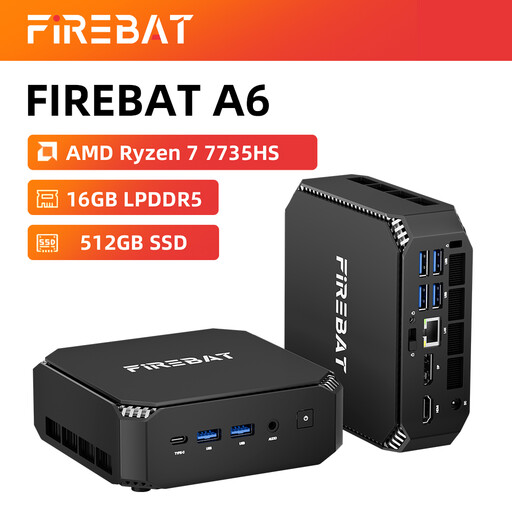
FIREBAT Mini PC, Ryzen 7 7735HS, 16GB RAM, 512GB SSD
A mini desktop to consider where the forecasting desk has limited space. The title lists Radeon 680M graphics, dual M.2 slots and triple-display support alongside the stated memory and storage.
Check the operating system and the precise display outputs, resolutions and adapters needed for the office monitors.
View on Joybuy
 No image available
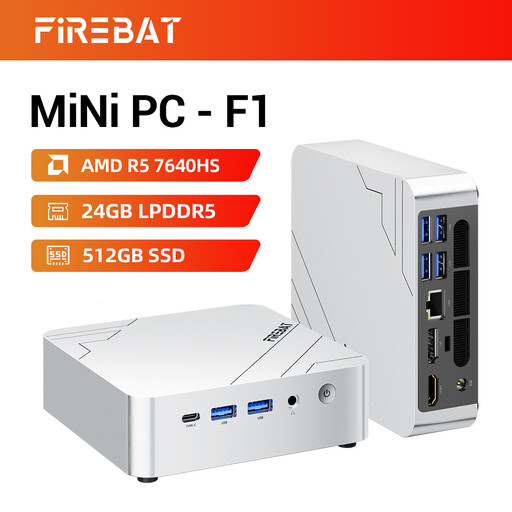
FIREBAT F1 Mini PC, Ryzen 5 7640HS, 24GB LPDDR5, 512GB SSD
A compact option for a desk where several forecast views may be useful. Its title lists a PCIe 4.0 SSD, USB 4.0, HDMI 2.1 and claimed 4K triple-screen output.
Confirm the operating system and whether the intended three-monitor combination works at the required resolutions and connections.
View on Joybuy
 No image available
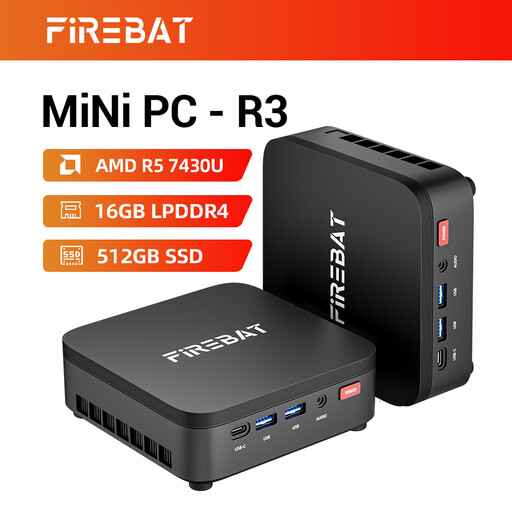
FIREBAT R3 Mini PC, Ryzen 5 7430U, 16GB LPDDR4, 512GB SSD
A mini desktop for a shared desk where case size and screen connections are part of the decision. The title claims 4K triple-screen support and lists Wi-Fi 6.
Check its operating system and the exact outputs and resolution limits before planning a three-screen workstation.
View on Joybuy
 No image available
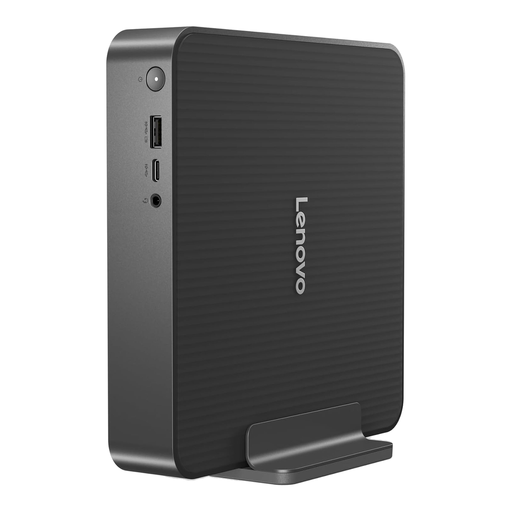
Lenovo IdeaCentre Mini 01IRH10R, 91B2000XUK
A compact desktop to assess for a permanent forecasting station. Its title specifies an Intel Core 5 processor, 16GB RAM and a 512GB SSD.
Confirm the required operating-system and account-management setup, along with the supported monitor count and connections.
View on Joybuy
 No image available
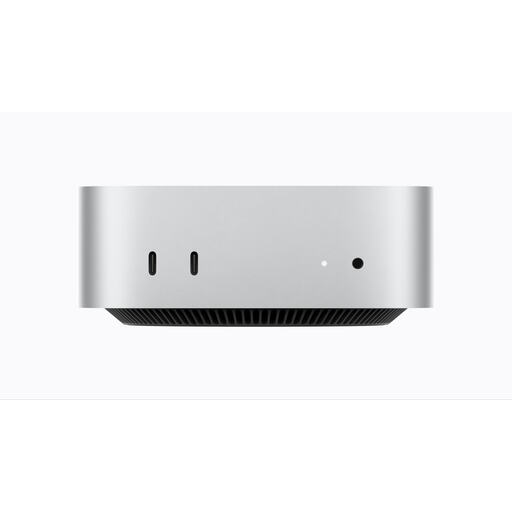
Apple Mac mini (2026), M6, 16GB, 256GB SSD
A compact option if the office's forecasting and accounting software works with its intended Mac setup. The title specifies a 12-core CPU and 12-core GPU.
Check software compatibility and the supported monitor count and display connections before choosing it for a shared workstation.
View on Joybuy
Frequently asked questions
Will a more powerful desktop make shared Excel forecasting work better?
Not by itself: desktop capability and simultaneous workbook editing are separate decisions. Microsoft says Excel co-authoring needs eligible Microsoft 365 software, a supported workbook format and storage in OneDrive, OneDrive for Business or SharePoint Online; test the intended workbook and accounts as well as checking the PC configuration.
Are Excel's minimum PC requirements enough for a shared forecasting desk?
They are a compatibility floor, not a specification for every shared-office workload. Microsoft's Excel listing gives a 1.6 GHz dual-core processor and 4 GB RAM for 64-bit Windows among its requirements; choose the workstation configuration after identifying the actual workbooks, simultaneous applications and monitors.
When do data-protection controls matter for a shared desktop?
They matter when the business stores or uses personal information on the desktop, rather than simply because the PC is shared. GOV.UK says businesses processing personal information must follow data-protection rules; establish who can access the forecast files and who owns the device as part of the setup.
What should happen to the old forecasting PC?
Identify and transfer any authorised data before the device is reused or disposed of, and arrange secure handling if it contains personal information. Information Commissioner's Office asset-management guidance addresses hardware records, wiping or destruction and relevant disposal evidence; confirm an appropriate collection or take-back arrangement for the equipment.


