Spreadsheet-heavy home-office users
If cash-flow workbooks sit alongside accounting websites, email and calls, check the desktop against that combined workload rather than relying only on software minimum requirements.


For monthly cash-flow forecasting, start with a desktop compatible with your spreadsheet and accounting tools. A mini PC can suit a limited desk, while a small-form-factor PC or tower is worth considering if future hardware changes matter; choose an all-in-one only if its built-in screen fits your working setup. Microsoft’s 4 GB RAM minimums for Windows 11 and Microsoft 365 establish basic requirements, not how comfortably several workbooks and browser tabs will run together.
If cash-flow workbooks sit alongside accounting websites, email and calls, check the desktop against that combined workload rather than relying only on software minimum requirements.
If paperwork and a monitor compete for space, consider whether a Micro, Tiny, small-form-factor or all-in-one design fits the area and the equipment you use.
If you expect to add storage, displays or peripherals, check the selected model’s physical expansion options and ports before choosing a compact chassis.
Choose a desktop format around the space you have and the hardware changes you expect to make. Then check the exact configuration against your software, workload and monitor setup.
Consider it when: Desk space is the main constraint and your work centres on spreadsheets, browser services and office applications.
Trade-off: Internal expansion depends on the exact compact model; check it before committing to a small chassis.
Consider it when: You want a relatively compact separate computer but expect some hardware changes later. Lenovo positions its ThinkCentre small-form-factor line for general office use with moderate expandability.
Trade-off: It takes more room than a Tiny or Micro system, and upgrade options remain model-specific.
Consider it when: Space is available and future hardware expansion is a priority. Lenovo positions its ThinkCentre towers for heavier workloads and expandability.
Trade-off: A tower occupies more space; check whether the selected package includes the display and other equipment you need.
Consider it when: Combining the computer and display helps your desk layout and you are satisfied with the built-in screen.
Trade-off: The screen and computer come as one unit, so check screen suitability and upgrade options for the exact model.
| Concern | What to check | Who this matters to |
|---|---|---|
| Workbooks and multitasking | Check installed RAM, processor and support for your spreadsheet and accounting software. Microsoft lists 4 GB RAM as a minimum for both Windows 11 and Microsoft 365, not as a forecasting-workload recommendation. | If I keep forecasts open while using browser services and email, I want a configuration chosen for those applications together. Around 31% of consumers put concurrent work first. |
| Desk space | Measure the available area and check the desktop’s dimensions, placement requirements and whether it needs a separate monitor. | With paperwork sharing a small desk, I need the computer and screen to fit without crowding my work area. Desk space comes first for around 31% of consumers. |
| Displays and connections | Match the exact model’s video outputs and peripheral ports to your monitors, network connection and other equipment. | If I intend to use an existing monitor or add another, I need to know that the planned connections will work. Around 23% of consumers prioritise their display and peripheral setup. |
| Future changes | Check the selected configuration’s memory and storage upgrade options, available connections and any relevant service conditions. | When I expect my storage or peripheral needs to grow, I want room to change the setup later. Future expansion is the primary concern for around 15% of consumers. |
Microsoft’s Windows 11 and Microsoft 365 memory minimums establish basic requirements. They do not establish how a particular desktop will handle forecasting workbooks alongside browser tabs and communications applications.
Check the installed memory and processor in the exact configuration, then compare them with the software and applications you expect to run together.
A compact desktop may fit your desk but still needs the right monitor outputs, peripheral ports and expansion options for your setup.
List the displays, network connection and other equipment you use now or plan to add, then check the precise model’s specifications.
HP and Dell list desktop configurations with different memory, storage and Windows editions. A family name alone does not identify what is installed or supplied.
Compare the complete model and configuration details, including the operating-system edition, accessories and warranty terms.
For UK online consumer purchases, change-of-mind cancellation and remedies for faulty goods are different matters. GOV.UK provides guidance on online cancellation information and identifies faulty goods as a subject of the Consumer Rights Act 2015.
Check the applicable cancellation terms and any product-specific conditions before ordering, and keep the listing, configuration details and order confirmation.
These product lines illustrate different desktop formats; check the specification of an individual configuration rather than applying a brand-wide assumption.
HP’s desktop range includes OmniDesk models, Pro small-form-factor systems, all-in-ones and workstation options.
Dell’s Pro business-desktop range includes Micro, desktop and all-in-one formats.
Lenovo’s ThinkCentre M Series includes Tower, Small Form Factor, Tiny and all-in-one desktops.
These mini desktops are options to examine if a compact computer suits your home-office space. Compare their stated configurations with your spreadsheet software, monitors and plans for future changes.
 No image available
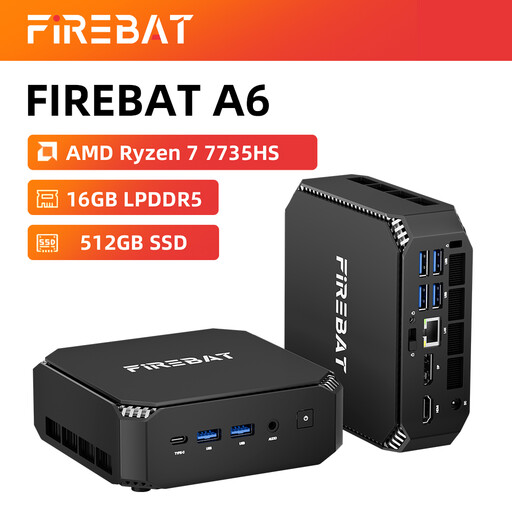
Consider this compact model if desk space and a planned multi-monitor setup matter. Its title states Radeon 680M graphics, dual M.2 slots and triple-display support; check the stated connections against your monitors.
Confirm the operating system and compatibility with your required spreadsheet software before buying.
 No image available
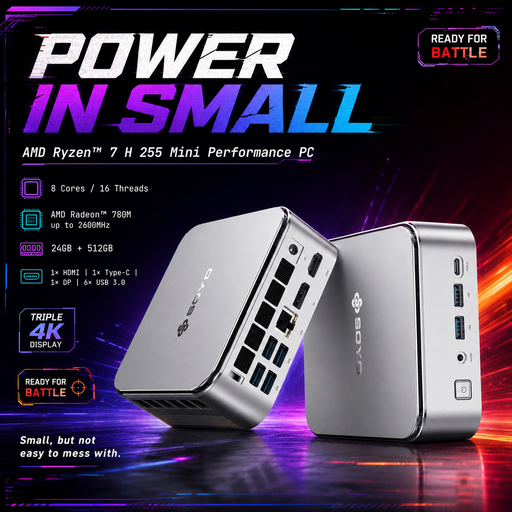
This mini desktop is worth checking if you want a Windows 11 configuration for a small workspace. Its title states 24 GB LPDDR5 RAM, a 512 GB PCIe 3.0 SSD and a 2.5G LAN connection.
Check its video connections against your monitors and confirm upgrade options if you expect to change the hardware later.
 No image available
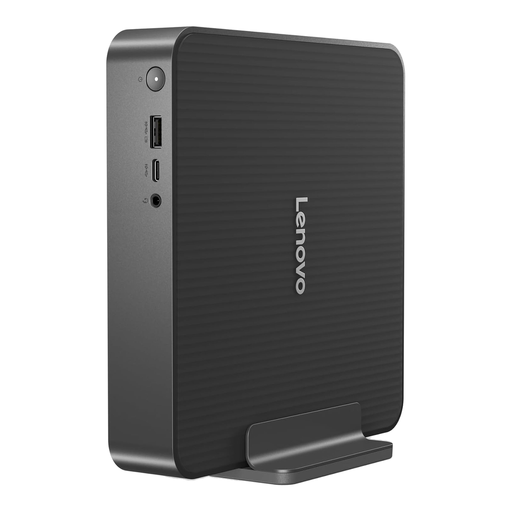
Consider this compact desktop if a separate, small computer suits your desk. The product title identifies the Intel Core 5 configuration with 16 GB RAM and a 512 GB SSD.
Check the exact video outputs and supported display arrangement before choosing it for an existing or planned monitor setup.
 No image available
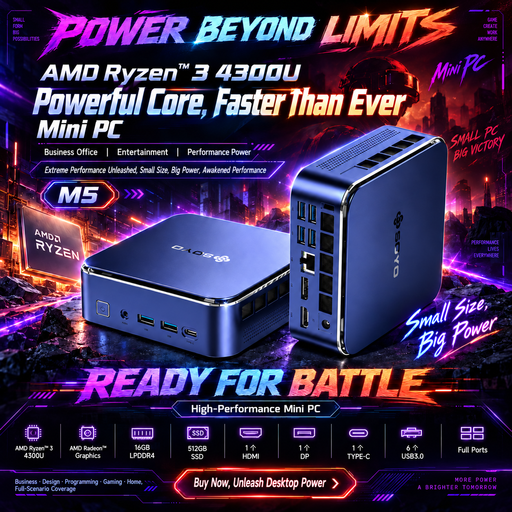
This Windows 11 mini PC is an option for a space-limited desk where several display connections are planned. Its title states HDMI 2.0, DisplayPort 1.4 and Type-C connections, alongside a triple-display claim.
Check the claimed display arrangement against your particular monitors, and confirm memory and storage upgrade options if those matter to you.
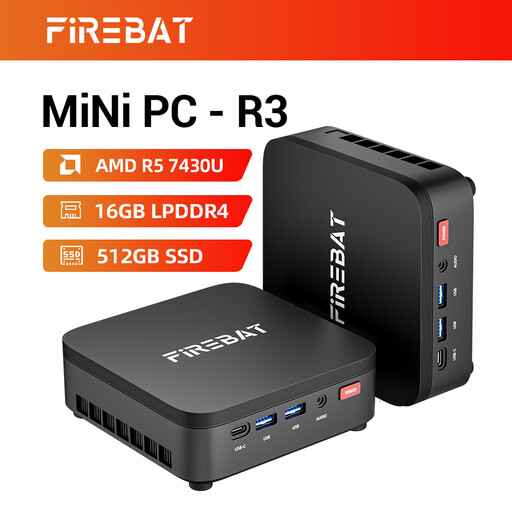 No image available
Consider this mini desktop if a compact footprint is important. Its title states 16 GB LPDDR4 RAM, a 512 GB SSD and support for three screens.
Confirm its operating system and spreadsheet-software compatibility, then check the video outputs and supported arrangement against your monitors.
A Windows 11 desktop can be suitable if its configuration supports the spreadsheet and accounting software you use. Microsoft lists 4 GB RAM as a minimum for Windows 11 and Microsoft 365, but that minimum does not establish how comfortably your particular mix of workbooks, browser tabs and other applications will run.
Choose the format around your available space and plans for hardware changes: a mini PC addresses a tight desk, while a larger chassis may be more relevant if expansion is a priority. Lenovo positions its small-form-factor ThinkCentre models for moderate expandability and its towers for heavier workloads and expansion; check the exact model’s options before deciding.
Check the precise desktop’s video outputs against the monitor’s inputs before ordering. Also confirm the cables or adapters needed and the supported display arrangement if you plan to use more than one screen.
No. A retailer’s voluntary return policy is separate from rights relating to faulty goods; GOV.UK identifies faulty goods as a subject of the Consumer Rights Act 2015. For a UK online consumer purchase, also check the applicable change-of-mind cancellation information and any relevant product conditions rather than treating the two types of claim as interchangeable.