What should you check before buying?
Work from the installed view towards recording: decide what the camera needs to see, what it can exclude and only then where any footage should be kept.
| Priority | What to check | Your needs |
|---|
| Camera placement |
Identify the mounting position and inspect the resulting view. The ICO advises positioning home CCTV to capture only your own property where possible. |
I need to see my entrance without routinely including the shared path or a neighbour’s property. |
| Image masking |
Check whether the exact model and version offer privacy zones that block part of the live and recorded image. TP-Link describes Tapo privacy zones as areas that cannot be viewed or monitored; Ring describes zones its camera will not show or record. |
If I cannot aim the lens away from an external area, I want to know whether that area can be hidden in the footage. |
| Alerts and view shape |
Check activity or motion zones separately from image masking. Compare the view shape with your doorway and inspect which areas remain in frame after mounting. |
Passing traffic should not keep triggering my entrance alerts, but fewer alerts alone would not resolve an unwanted view. |
| Recording and access |
Check whether the exact setup records to a card, compatible hub or cloud account; confirm capacity, access controls and retention. Ring says recorded-video review requires a subscription. |
I would prefer footage stored at home, or I may favour cloud event history if the account and recording plan suit me. |
| Boundary of capture |
GOV.UK guidance updated on 21 May 2026 says GDPR and the Data Protection Act 2018 apply if domestic CCTV captures people outside the boundary of private domestic property. Check the actual view when installing or repositioning a camera. |
My camera may include a shared space or public area, so I need to assess the resulting footage rather than assume a setting guarantees compliance. |
Joybuy product options
These outdoor-camera and front-door options cover different mounting and recording approaches. For any position facing a shared or public area, check the exact model’s image controls and the view it will capture; the products below are not interchangeable on those points.
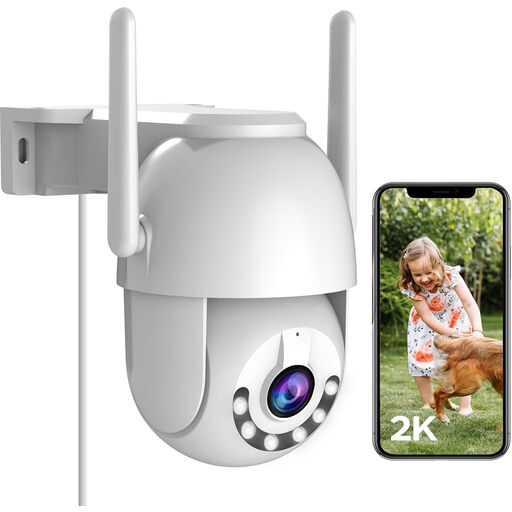 Image unavailable
JOOAN 2K outdoor PTZ security camera
For an outdoor position where camera direction matters, assess the mounted view before relying on its pan-and-tilt controls. The product name lists 2.4G Wi-Fi, IP66, cloud recording and 8–256G card storage. If external areas would remain visible, confirm whether this exact camera can mask them and check power access at the mounting point.
View on Joybuy
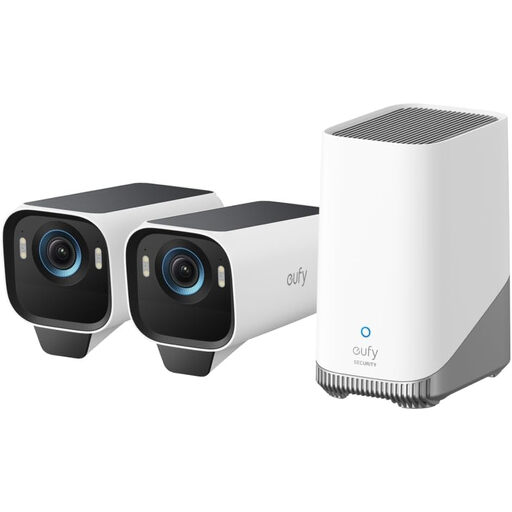 Image unavailable
eufy Security eufyCam S3 Pro 2-Cam Kit
Consider this 4K solar-camera kit if you want a multi-camera setup with expandable local storage. Confirm the included cameras, solar components and compatible HomeBase before purchase, as the kit details conflict. Check each planned view and the exact cameras’ masking controls separately.
View on Joybuy
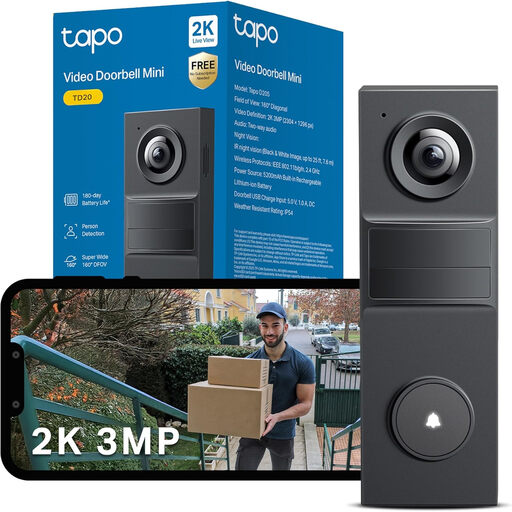 Image unavailable
tapo TD20 3MP video doorbell
This front-door option is described as having 3MP HD video and night vision. Check whether the exact TD20 variant offers image masking rather than only alert controls. Confirm its power arrangement and weather rating before planning the installation, as the supplied details conflict on both.
View on Joybuy
 Image unavailable
tapo D230S1 battery video doorbell
A battery-powered front-door option for a position where the resulting view can be assessed after mounting. Confirm the exact D230S1’s privacy-masking and activity-zone controls if a shared path could appear in frame, along with the storage arrangement you intend to use.
View on Joybuy
Frequently asked questions
Can a home camera include a shared path or the street?
GOV.UK guidance updated on 21 May 2026 says GDPR and the Data Protection Act 2018 apply when domestic CCTV captures people outside the boundary of private domestic property, including shared or public areas. The ICO advises aiming cameras at your own property where possible; no particular camera setting guarantees compliance in every situation.
Does an activity zone hide part of the video?
Not necessarily. Activity and motion zones concern detection or alerts, while a supported privacy zone can block a selected area from the image. TP-Link describes Tapo privacy zones as areas that cannot be viewed or monitored, and Ring says its Privacy Zones are not shown or recorded. Check the exact device’s controls and resulting footage.
Should I choose local storage or cloud recording?
Choose local storage if you want footage held on a card or compatible hub and are prepared to manage its capacity, physical security and access. Cloud recording may suit you if retained event history through a provider account matters more; check the plan and retention terms. Ring says reviewing recorded video requires a subscription.
What should I check before installing the camera?
Review the ICO’s Home CCTV systems guidance alongside GOV.UK’s domestic CCTV guidance, then check whether your mounting position can keep the view on your property. If external areas may appear, inspect the live view, any privacy mask and recorded footage after installation.
Do account controls matter if recordings stay at home?
Yes. A locally recording system may still use an app account to view or manage cameras. Check the access controls available for the exact setup; eufy says it sends a verification code when a new device attempts to log in, while Reolink describes encrypted local storage for its Home Hub.


