Choose the camera position and the view you need before choosing a device: a doorbell may suit one entrance, while an outdoor camera may allow a different mounting position. If the installed view reaches a neighbour’s property, a shared area or public space, check the exact model’s privacy controls, audio settings and footage-management options. Power and storage choices matter too, but neither makes an overly broad view appropriate.
Who needs to consider the view?
Householders with a shared entrance
If your proposed view includes a communal path, a neighbour’s door or a public pavement, start by checking what the camera would actually capture. The Information Commissioner’s Office (ICO) says UK data-protection law applies when domestic CCTV captures another person’s property, a public area or communal space.
Privacy-conscious connected-device buyers
If you want app-connected monitoring, check the device’s permissions, access settings and stated security-update support. The ICO advises consumers to review these choices for smart products before buying.
People planning local recording
If you want recordings on a card, hub or base station, check the hardware required, how files are overwritten and whether you can find and extract a particular clip. Local storage still needs managing when footage includes people beyond your property.
What should you check before buying?
For a view near a shared or public area, settle the mounting position and visible scene first. Then check privacy controls, recording management and the power arrangement against that position.
Smart doorbell
Consider it when: You mainly need to see callers at one entrance and its installed view can be kept appropriately focused.
Trade-off: A doorway position, particularly one fixed by existing wiring, may leave less room to change what the camera sees.
Outdoor camera
Consider it when: A different mounting point would give you a more suitable view of your own entrance or property.
Trade-off: A privacy mask cannot replace careful positioning; check the full view, including any movement of a pan-and-tilt camera.
| Concern |
What to check |
Who this matters to |
| Capture beyond your boundary |
Test the view at the proposed mounting point. Check whether the exact model can mask unwanted areas in both live view and recordings. |
If my entrance faces a shared path, I want to see my own doorway without needlessly including someone else’s space. Around 36% of consumers would put limiting that capture first. |
| Placement and power |
Check whether existing wiring gives an acceptable view, or whether a battery-powered position and periodic recharging would work better. |
Where the wired position faces a neighbour’s door, I need another workable mounting spot. Placement and power would be the primary concern for around 29% of consumers. |
| Managing recordings |
Check how you find, export and, when necessary, redact footage; confirm access and overwrite settings for local storage. |
If other people appear in my recordings, I need to be able to locate a clip and protect their information when handling a request. Around 21% of consumers would prioritise footage management. |
| Audio and upkeep |
Check audio controls and whether you can keep up with battery charging and storage maintenance. |
I would rather avoid recording conversations I do not need, and I need a system I can maintain. For around 14% of consumers, those ongoing controls would come first. |
Common buying mistakes
-
Choosing specifications before checking the view
A wide or poorly positioned view may include a neighbour’s property, communal entrance or public space. The ICO and GOV.UK explain that capture beyond the domestic property boundary can bring UK data-protection obligations into scope.
Check the intended live view, then reposition or narrow it where possible. Use masking for areas that still need excluding, rather than relying on it to justify an unnecessarily broad angle.
-
Assuming every privacy zone works alike
Privacy-zone support and behaviour depend on the model. Arlo lists supported devices and notes that zones can disappear when certain pan-and-tilt cameras move; eufy’s cited privacy-zone instructions apply to specified eufyCam versions.
Check documentation for the exact device and confirm what remains hidden in its live view and saved recordings.
-
Leaving audio on by default
The ICO describes recording conversations between members of the public as highly intrusive and says it should not normally be done without robust justification.
Check whether the device records sound and whether recording can be disabled or controlled for your location.
-
Letting storage capacity set the retention period
ICO surveillance guidance says retention should reflect the purpose of recording, rather than the capacity of the storage device. Local systems may also overwrite older clips.
Decide when footage is no longer needed, and check how the chosen card, hub or base station deletes and retrieves recordings.
Brands to consider for particular features
Reolink
Relevant when considering an outdoor camera or recorder setup with a privacy mask.
- Reolink’s support guidance describes drawing rectangular masks over areas to exclude on applicable cameras.
- Confirm mask support and behaviour on the exact camera and installed view; the feature alone does not establish that an installation meets legal requirements.
Arlo
Relevant to selected outdoor cameras and doorbells offering privacy zones, with local storage available through compatible setups.
- Arlo says privacy zones on listed models conceal selected areas in live streams, recordings, thumbnails and notifications.
- Check the model list and required hardware: Arlo says most wire-free cameras need a compatible SmartHub or Base Station for local storage.
eufy
Relevant when comparing doorbell power and placement options or a compatible local-storage arrangement.
- The eufy E340 guide describes battery and wire-powered installation, with different placement and recharging considerations.
- eufy documents privacy zones for specified eufyCam 2/2C versions; do not assume that feature applies to another eufy camera or doorbell.
Joybuy products for these setups
These doorbells and outdoor cameras cover entrance viewing, alternative outdoor mounting positions and local-recording choices. For any position near a shared or public area, check the exact device’s installed view and recording controls before relying on it.
 No image available
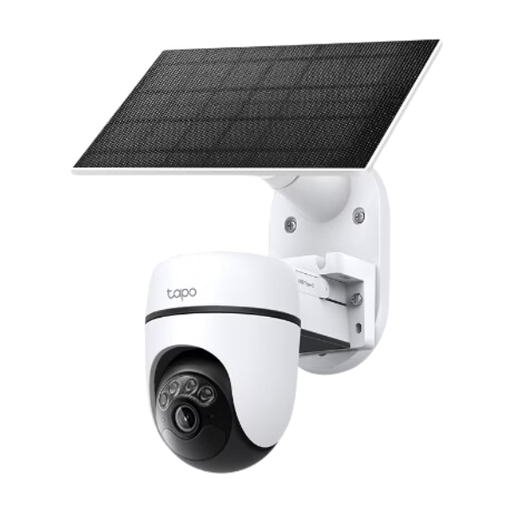
Tapo C610 KIT Solar-Powered Pan/Tilt Security Camera Kit
Consider this outdoor kit if a camera position away from doorbell wiring would give you a more suitable view.
The product name specifies solar power and pan-and-tilt movement. Check every position the moving camera can show, and confirm privacy masking on the exact kit before using it near shared space.
Joybuy
 No image available
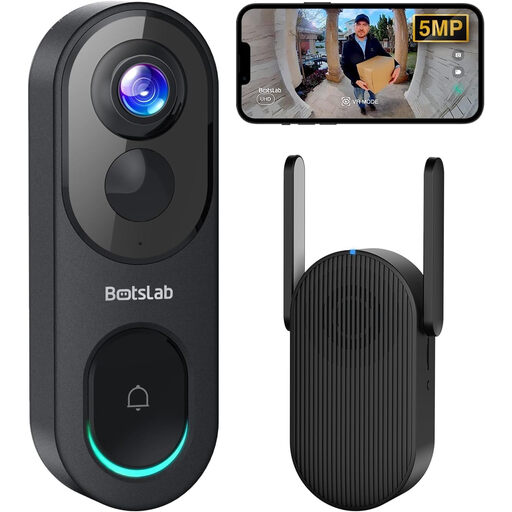
BOTSLAB R810 5MP Video Doorbell with 32GB SD Card
This wireless doorbell is an entrance-focused option if its installed view can avoid or exclude unwanted shared areas.
Its product name specifies 5MP video, a 32GB SD card and two-way audio. Check privacy-zone and audio-recording controls, as well as how footage can be retrieved.
Joybuy
 No image available
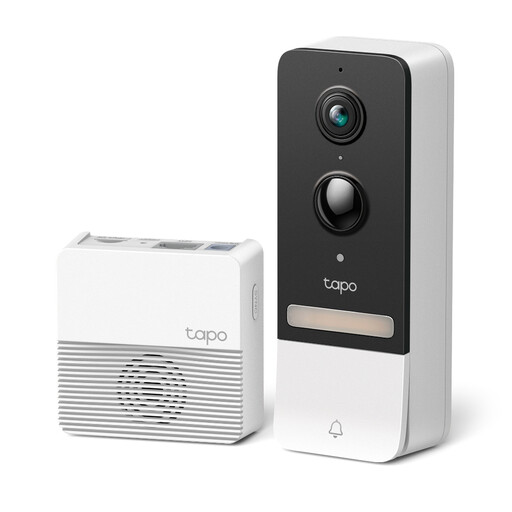
tapo D230S1 Smart Battery Video Doorbell
A battery doorbell may give you another entrance-mounting option if the wired position produces an unsuitable view.
Check the view from the chosen position, the exact model’s privacy controls and the recharging arrangement before installation.
Joybuy
 No image available
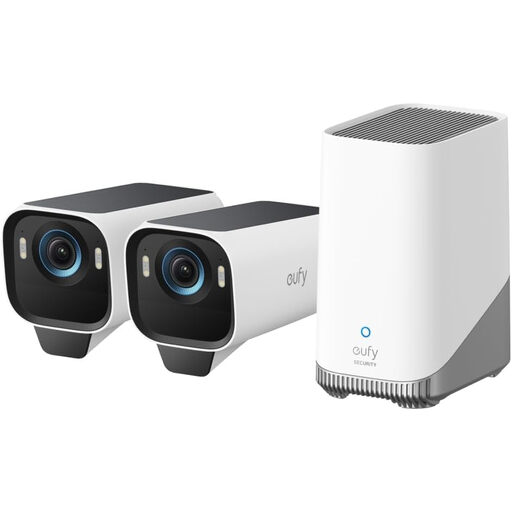
eufy Security eufyCam S3 Pro 2-Cam Solar Kit
Consider this outdoor kit if you want to plan camera positions and local recording together.
The product name specifies a 2-Cam kit, solar power, 4K video and expandable local storage. Confirm the included camera quantity and the exact kit’s masking and footage-retrieval controls before buying.
Joybuy
 No image available
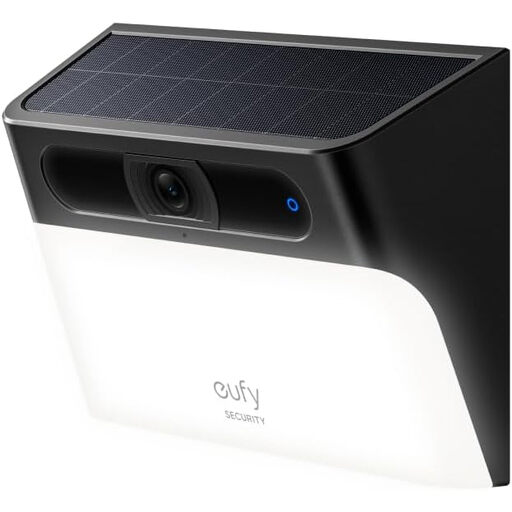
eufy Security Solar Wall Light Cam S120
This wall-light camera is an outdoor option where a wall-mounted view suits the area you need to monitor.
The product name specifies solar power and a motion-activated light. Check the installed view, privacy-mask and audio controls, and the exact resolution specification before buying.
Joybuy
Questions about home CCTV
When does UK data-protection law apply to my home camera?
It applies when domestic CCTV or a smart doorbell captures another person’s property, a public area or communal space, according to the ICO and GOV.UK. Check the actual installed view, not just where the device is mounted.
Do I need a sign if the camera captures beyond my boundary?
The ICO says you must let people know you are using CCTV if you capture images or audio outside your property boundary; displaying a sign is one way to do so. Positioning the camera to reduce that capture remains a separate consideration.
Should I record audio near a shared entrance?
Do not enable audio simply because the doorbell or camera offers it. The ICO says recording conversations between members of the public is highly intrusive and should not normally be used without clear justification backed by robust evidence; check the device’s audio controls for your intended location.
How long should I keep CCTV footage?
Keep it only for as long as necessary for the recording’s purpose. ICO surveillance guidance does not prescribe a single minimum or maximum period, so check how your chosen system deletes or overwrites files rather than letting storage capacity decide.
What if someone asks for footage showing them?
You may need to locate and provide footage containing their personal information, subject to the applicable rules and other people’s privacy. The ICO advises choosing a system that lets you find and extract information; check whether you can also redact third parties before disclosing a clip.


