What to check before choosing
For a child’s first console in a family setting, weigh these needs against the way your household expects to play and manage accounts.
TV-connected console
Choose when: You expect most play to happen on the family television and the checked games and friends fit PlayStation or Xbox.
Trade-off: Check the exact model for a disc drive and whether online play needs a paid membership; Sony and Xbox set out different model and service details.
Handheld-only console
Choose when: Your child will mainly play on the built-in screen and the intended games support handheld mode.
Trade-off: Nintendo UK states that Switch Lite cannot output to a TV, so it will not serve a family-TV setup.
Hybrid console
Choose when: Moving between handheld, tabletop and family-TV play matters; Nintendo UK lists all three modes for Switch 2.
Trade-off: Check game compatibility and the dock included with the bundle. Nintendo says GameChat settings are managed separately from other parental-control settings.
| Concern |
What to check when buying |
Who this matters to |
| Playing together in the family room |
Check the game’s local player mode, controller requirements and the console’s TV or tabletop arrangement. |
If siblings or adults will share one screen, I want to know whether the game supports same-console play and how many controllers are needed. Consumers who put shared-room play first account for around 28%. |
| Joining particular friends |
Confirm the named game’s supported platforms, cross-play, online membership requirements and communication permissions. |
If my child wants to play with particular friends, I need to check their game and platform rather than assume they can join from any console. Consumers whose main priority is playing with friends online account for around 22%. |
| Managing content, contact and play time |
Review child-account setup, content ratings, chat and friend permissions, spending limits and time settings. |
If I need to manage what my child can access and who they can contact, I want to understand the account settings and any separate game features. Consumers who prioritise managing content and contact account for around 22%. |
| Playing away from the television |
Decide whether TV play may also be needed, then check the intended games’ handheld mode and local-play requirements. |
If my child will mostly play away from the family TV, I need to decide whether a handheld-only console will be enough. Consumers who put handheld play first account for around 17%. |
| Ongoing spending |
Check the console bundle, intended games, controller needs and any relevant online membership or purchase settings. |
If I want to plan for games and online access as well as the console, I need to check what the household will actually use. Consumers who prioritise predictable ongoing spending account for around 11%. |
Joybuy product choices
These Joybuy listings include handheld consoles, a hybrid TV-and-handheld bundle and a TV-console bundle. Check each product’s game access and multiplayer arrangements against your child’s needs.
 No image available
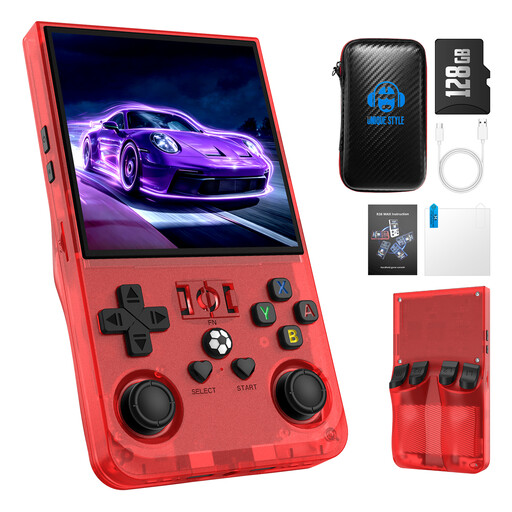
AISLPC R36MAX Retro Handheld Game Console, 128GB, Red
A handheld option for play away from the television; check that its game access and content suit your child.
4.0-inch IPS display; 720x720 resolution; Linux system; 128GB storage; 4000mAh battery.
Joybuy
 No image available
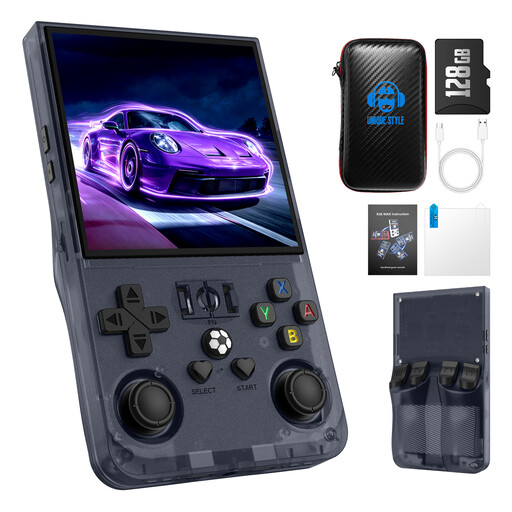
AISLPC R36MAX Retro Handheld Game Console, 64GB, Gray
A handheld option for play away from the television; check that its game access and content suit your child.
4.0-inch IPS display; 720x720 resolution; Linux system; 64GB storage; 4000mAh battery.
Joybuy
 No image available
Nintendo Switch 2 Console + Nintendo Switch Sports Resort bundle
A hybrid option for households that want handheld, tabletop and family-TV play; Nintendo UK lists all three modes for Switch 2.
The product description states a 7.9-inch screen and includes a dock and Joy-Con 2 controllers. It also lists a game download and a three-month online membership.
Nintendo says GameChat settings are managed separately; GameChat requires a Nintendo Switch Online membership, and users under 16 need setup through the parental-controls app.
Joybuy
 No image available
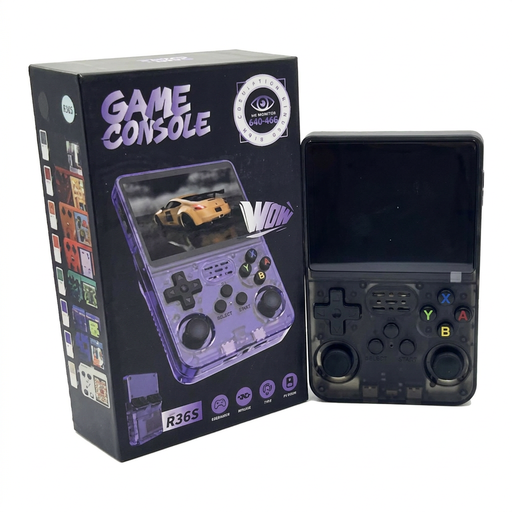
R36S Retro Gaming Handheld Console, 64GB, Black
A compact handheld option; check the available games and their suitability before choosing it for a child.
64GB storage; 3.5-inch IPS colour display; dual analogue joysticks; rechargeable.
Joybuy
 No image available
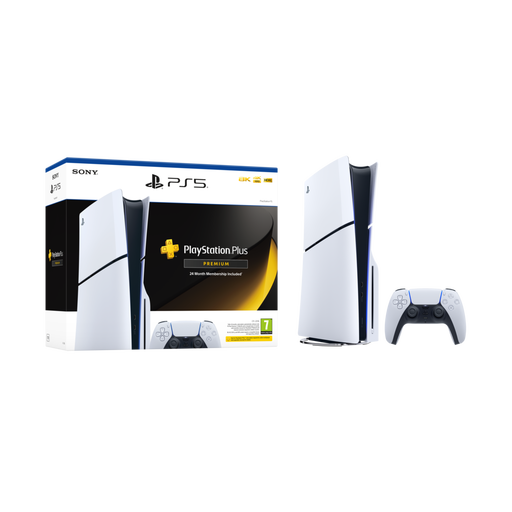
PlayStation 5 Console + PlayStation Plus Premium 24-Month Subscription bundle
A TV-console option if your child’s games and friends’ arrangements fit PlayStation; check the exact game and online requirements.
The product title specifies a 24-month PlayStation Plus Premium subscription. PlayStation describes family-app controls for play time, spending and messaging.
Joybuy
First-console questions answered
Can parental controls make online play entirely safe?
No. Set up the child’s account and game settings, agree who they may play and communicate with, and keep talking about what to do if something upsetting happens. The UK Safer Internet Centre presents controls as part of family guidance, not a guarantee that every risk is removed.
What should I set up before handing over the console?
Create the appropriate child or supervised account, then review content, communication, spending and play-time settings. Nintendo requires users under 16 to have parental-controls app setup before using Switch 2 GameChat; eShop purchase restrictions are a separate family-account setting.
Will a second controller let siblings play together?
Only if the specific game supports the intended same-console mode and the controllers are compatible. Check the game’s player-mode information and the console’s play arrangement before adding another controller.
What might cost money after buying the console?
Check the games, additional controllers and any online membership required for the features you plan to use. Sony lists paid PlayStation Plus for PS5 online multiplayer, and Nintendo says Switch 2 GameChat requires Nintendo Switch Online; confirm the chosen game’s requirements and the current plan before subscribing.
What do UK game age ratings restrict?
UK government guidance says games rated PEGI 12, 16 or 18 cannot be sold or hired to someone below that age. Use the rating when checking content, while considering whether the particular game is suitable for your child.


