Choose the screen position and size around where you sit at the dining table, then consider how daylight and ceiling lights will affect your view of slides and captions. A 42–43-inch TV is a compact starting point, not a guaranteed fit: the right choice also depends on seating positions, how you open the lecture and whether speech remains clear during kitchen activity.
Who is this for?
Daytime kitchen-diner learners
If you watch with daylight or ceiling lights on, check whether reflections obscure captions, dates and map labels from your usual seat. Samsung’s UK buying guidance discusses QLED as a bright-room option, but the screen’s position and the exact model still matter.
Shared-table viewers
When people watch from different dining chairs, measure the distance from each regular seat before settling on a screen position. Which? notes that viewing distance affects how comfortably you can take in a TV picture.
Simple-streaming lecture viewers
If you want to open lectures without extra equipment, confirm how your course works on the TV and listen to speech with the room in use. A built-in TV platform or listed speaker feature does not establish support for a particular course or guarantee dialogue clarity.
What matters when choosing?
Start with the table-to-screen distance and a position that avoids direct reflections. Then check how you will open the lecture and hear it; a panel-technology label alone cannot settle those questions.
| Concern |
What to check |
Who this matters to |
| Daylight and reflections |
View the exact screen with room lights on if possible, and check what will reflect in it from the planned position. |
If sunlight or ceiling lights fall across my view, I need captions and map labels to stay legible. Around 40% of consumers would make bright-room readability their primary concern. |
| Size and seating |
Measure from the main chairs to the screen position; check the TV’s full dimensions and stand or mounting requirements. |
When we watch from different seats, I need to read dates on slides without choosing a screen that is awkward to view up close. For around 30% of consumers, distance and seating fit would come first. |
| Lecture access and speech |
Confirm the course’s app, browser, casting or HDMI route, and assess speech audibility during normal room activity. |
If I cannot open the course easily or follow the lecturer over kitchen noise, picture features will not solve the problem. Easy access and intelligible speech would be the main priority for around 30% of consumers. |
Buying pitfalls
-
Choosing the largest screen that fits the wall
A screen can fit the space yet be uncomfortable to take in from a nearby chair; a smaller one may leave slide text difficult to read farther down the table. Which? highlights the importance of viewing distance when choosing TV size.
Measure from the seats you use, then check the TV’s full width, stand footprint or mounting requirements before deciding.
-
Expecting a panel label to eliminate glare
QLED, Mini LED and OLED describe display technologies, not how every model will handle a window or ceiling light reflected in your viewing position.
Check the exact screen with lights on where possible and plan its position around the room’s light sources.
-
Assuming a smart TV will open every lecture service
A built-in platform does not establish that your course has a compatible app or a usable browser or casting route.
Check the course provider’s supported devices and the TV connections you would use for a laptop or audio device.
Depending on that access route, you may need a streaming device, cable or adaptor; an audio device may also be useful if the built-in speakers do not meet your needs.
-
Overlooking kitchen placement and cables
Water, cooking heat and trailing leads introduce risks unrelated to picture quality. Northumberland Fire and Rescue Service advises keeping electrical leads and appliances away from water, cookers and other heat sources.
Choose a position and cable route clear of those hazards, avoid overloaded sockets and replace damaged leads or plugs.
Relevant brands for reference
Samsung
A reference for compact QLED and Mini LED TVs when daytime viewing is important; the QE43QN70H is listed as a 43-inch Mini LED model.
- Samsung’s UK buying guide presents QLED as a bright-room option and describes finer light control from the smaller Mini LEDs used in Neo QLED.
- Those descriptions do not establish the reflection handling of every Samsung screen. Check the exact model and your lecture-access method.
LG
A reference for a compact OLED route if evening films or archival footage matter alongside lectures; LG lists the OLED42C66LB as a 42-inch model.
- The 42-inch C6 provides a compact OLED model to assess where contrast is a selection priority.
- LG’s claims about its picture in different lighting are brand claims, not a guarantee for your room. Check reflections and placement before choosing it for daytime lectures.
Panasonic
A reference for a 43-inch QLED TV with an integrated streaming platform and specified built-in audio features.
- Panasonic lists Fire TV, Surround Sound Pro, Dolby Atmos and a built-in subwoofer for the TV-43W85BEY.
- Confirm access to your course and judge speech clarity in conditions like those in your kitchen diner; audio specifications alone cannot answer either question.
Sony
A reference if a Google TV interface and built-in sound features are priorities; Sony’s X80L series includes a 43-inch option.
- Sony describes the X80L series as using Google TV and an X-Balanced Speaker.
- Check the exact model suffix, current availability and course compatibility. Sony’s description of clear sound is not a test of speech in your room.
Joybuy TVs to consider
These are compact 43-inch 4K smart TVs to consider for a kitchen-diner lecture setup. Compare their screen position and your course-access route before treating any model as a fit; this selection does not cover every display technology discussed above.
 No image available
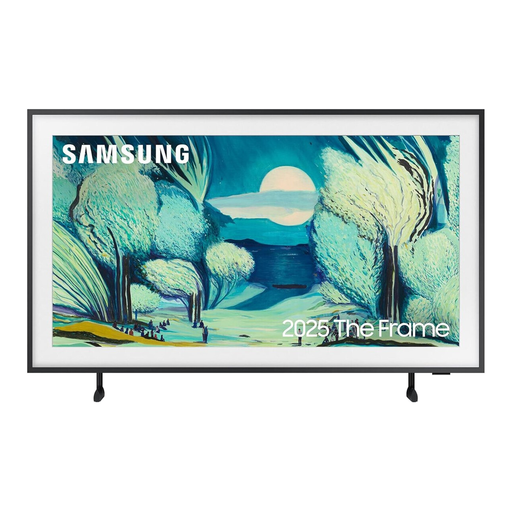
Samsung The Frame QE43LS03FAU 43-inch 4K TV
Consider this 43-inch model if its screen fits your table distance and planned position. The product name specifies 4K Ultra HD and Wi-Fi; check reflections, speech clarity and how your lecture service will open on the TV.
View on Joybuy
 No image available
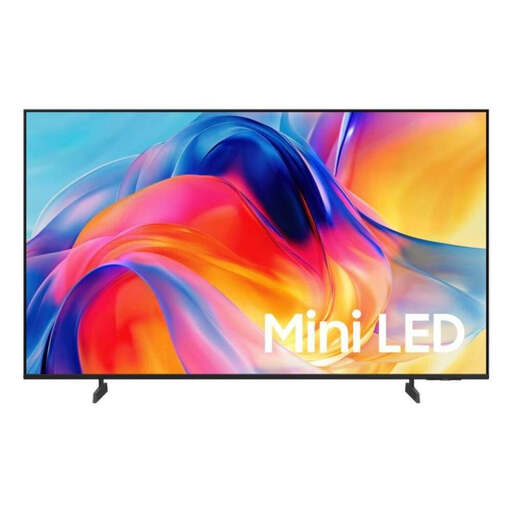
Samsung M70H 43-inch 4K TV
This 43-inch TV is worth assessing where a compact screen is needed for slides and maps. Its product name specifies 4K Ultra HD and Wi-Fi; check the screen under your room lighting and confirm the course-access route.
View on Joybuy
 No image available
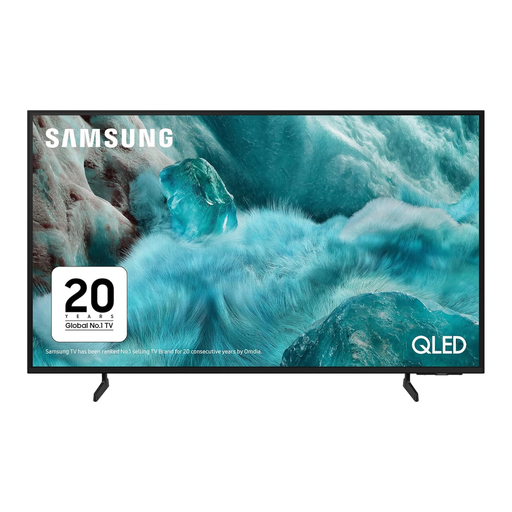
Samsung Q7F QE43Q7FAAU 43-inch 4K TV
Consider the 43-inch size if it keeps lecture text readable from your usual seats. The product name specifies 4K Ultra HD and Wi-Fi; check reflections on this model rather than relying on the Q7F range name, and confirm access to your lectures.
View on Joybuy
 No image available
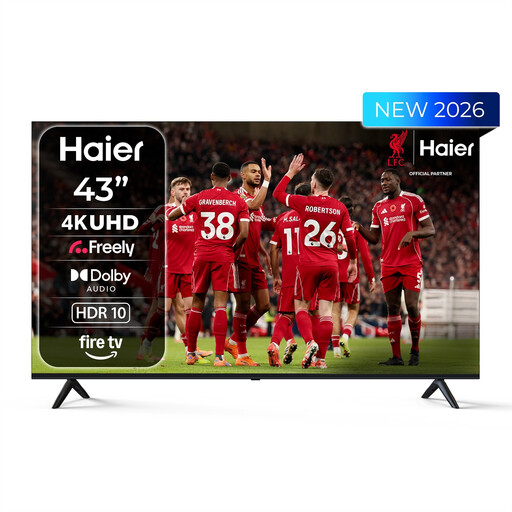
Haier H43K85GUF 43-inch 4K Fire TV with Freely
If you prefer a built-in TV interface, check whether your lecture service works through this model’s Fire TV or another connection. The product name specifies a 43-inch 4K LED screen, Freely and Dolby Audio; assess dialogue audibility in your room rather than assuming the audio label settles it.
View on Joybuy
 No image available
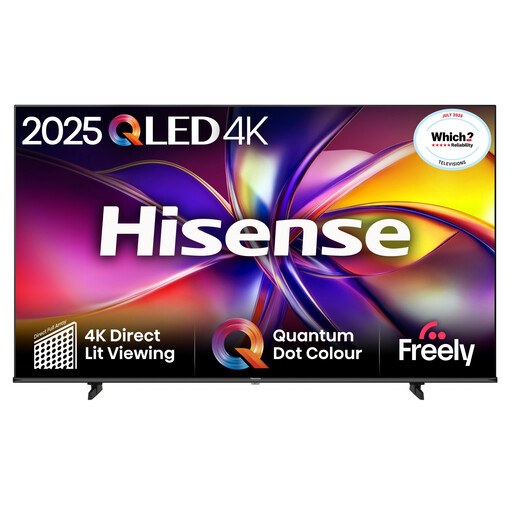
Hisense 43E78Q 43-inch QLED 4K VIDAA TV, 43E78QTUK
This 43-inch model is one to assess if you want a QLED screen and a VIDAA smart-TV interface. Confirm that your course works through the intended access method, and check reflections and spoken audio in conditions relevant to your kitchen diner.
View on Joybuy
Common questions
Do I need a TV Licence for an on-demand history lecture?
An on-demand lecture alone does not necessarily require a TV Licence in the UK. GOV.UK says you need one to watch or record live TV on any channel or service, or to use BBC iPlayer; check how the particular lecture is delivered before watching.
Is a 43-inch TV the right size for every kitchen diner?
No: check whether lecture text is readable from your dining chairs and whether the whole screen is comfortable to view from the nearest one. Which? notes that sitting too close to an oversized TV can make it difficult to take in, while greater distance can reduce the visible benefit of 4K resolution.
Can the TV go next to the sink or cooker?
Choose a position that keeps the TV, plugs and leads away from water and cooking heat. Northumberland Fire and Rescue Service also advises avoiding trip hazards and overloaded sockets and checking for damaged leads or plugs.
What should I do with an old TV?
Ask your local council or retailer about an appropriate electrical-waste collection or take-back route. GOV.UK identifies electrical and electronic equipment as covered by the UK waste electrical and electronic equipment framework, which aims to reduce disposal through incineration or landfill.


