What matters when choosing?
Work out where the camera can safely sit and what it needs to show, then decide whether live check-ins are enough or you need recordings to revisit. Treat a battery camera as a placement choice that also calls for checks on charging and recording behaviour.
| Concern |
What to check |
Who this matters to |
| Coverage and useful alerts |
Check the view from the intended position and whether the exact model offers suitable activity zones, pet alerts or pan-and-tilt controls. Assess low-light footage if needed. |
If my pet moves around the room, I need to see its usual activity areas without being distracted by every unrelated movement; around 33% of consumers put coverage and useful alerts first. |
| Recording access |
Check whether event playback needs a subscription or a local card, whether the card is included and which features depend on a plan. |
When I miss an alert, I want to review what happened and know what is needed to do that; around 27% of consumers prioritise access to recordings. |
| Private, manageable access |
Check individual user permissions, how access is revoked and the manufacturer’s security-support information for the model. |
I may need a sitter to check in, but I want control over what they can see and when their access ends; roughly 27% of consumers place privacy and account access first. |
| Placement without a socket |
For a battery model, confirm indoor suitability, its recording and alert behaviour between charges, and a practical charging arrangement. |
If the useful viewing position has no safe cable route, I need another way to place the camera and can plan for recharging; about 13% of consumers put cable-free placement first. |
Indoor camera options on Joybuy
These cameras offer different ways to check on a pet indoors, including fixed-position pan-and-tilt designs and a mobile model. Compare each camera’s placement, alert controls and recording requirements against the room you need to monitor.
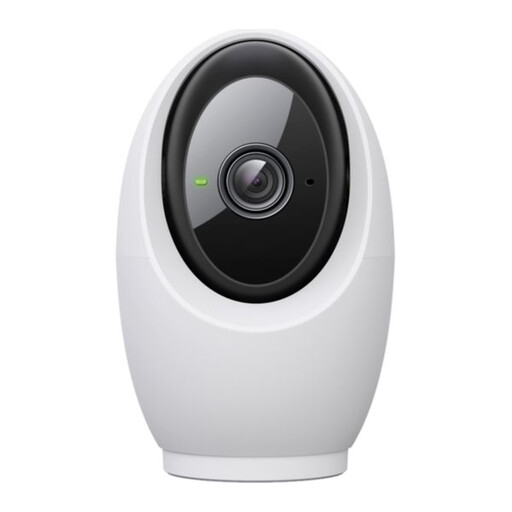 No image available
Tapo C260 Pan/Tilt AI Home Security Wi-Fi Camera
Consider its pan-and-tilt design if your pet moves around one room. Check how its pet alerts work in that room, choose a compatible card if you want local recordings, and confirm shared-user permissions before giving anyone else access.
View on Joybuy
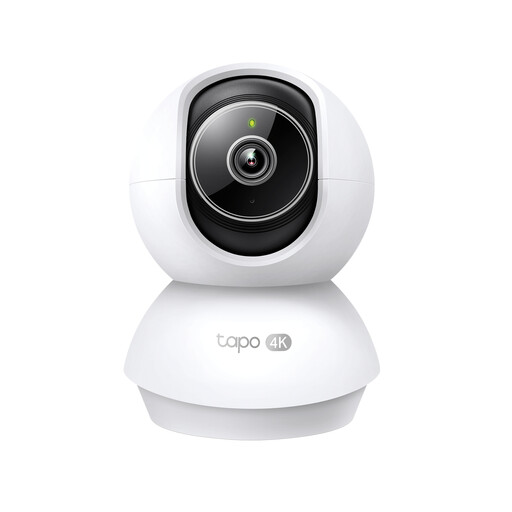 No image available
Tapo TC71 Pan/Tilt Home Security Wi-Fi Camera
The pan-and-tilt design is worth considering when one fixed angle would miss parts of your pet’s room. Check whether a memory card is included, how recorded events are played back and what access you can give other carers.
View on Joybuy
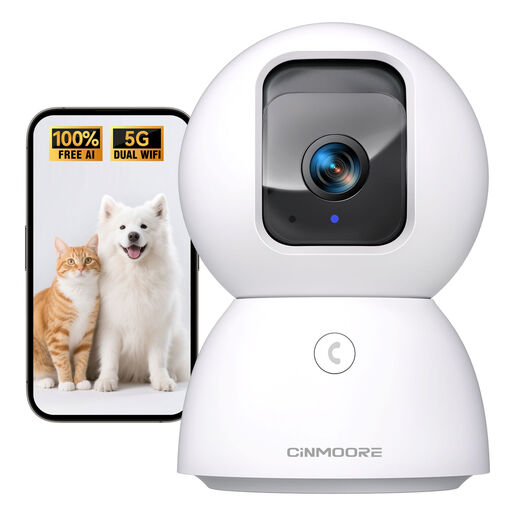 No image available
CINMOORE 3K 4MP Indoor Pan-Tilt Pet Camera
If pet-aware alerts matter, check how this camera’s advertised detection behaves in your intended room. Confirm the supported Wi-Fi band for this exact variant before buying, and allow for a separate storage card if you want local recordings.
View on Joybuy
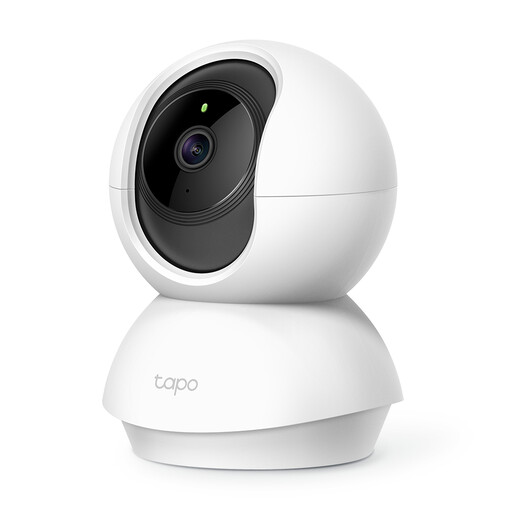 No image available
Tapo C200 Pan/Tilt Home Security Wi-Fi Camera
Consider this pan-and-tilt camera for viewing a pet across one room. Check whether its motion alerts meet your needs rather than assuming pet-specific detection, and choose a compatible card separately if local recording matters.
View on Joybuy
 No image available
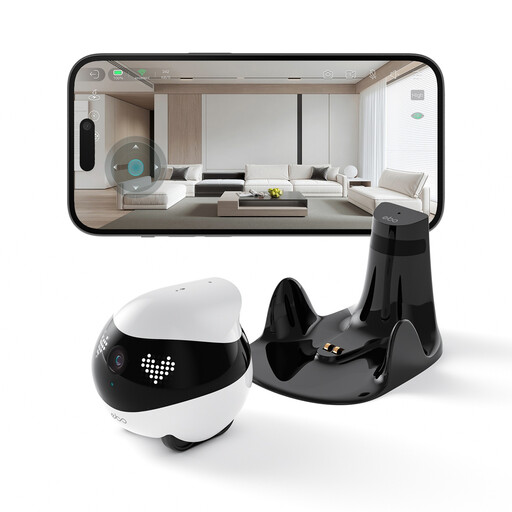
Enabot EBO Air 2 Mobile Indoor Camera Robot (Dove White)
Consider a mobile camera if you need to check from different positions rather than watch one fixed view. It needs a clear route around bedding and clutter and a flat space for its charging base; check runtime and motion-alert behaviour before relying on it while away.
View on Joybuy
Frequently asked questions
Do I need a subscription to review recorded pet-camera events?
Not with every storage setup, but check the exact camera’s playback terms. Ring says reviewing recorded video on its cameras requires a subscription; without one, live view and immediate alert responses remain available, while events are recorded only after subscribing. A local-storage camera offers another recording route if you supply a compatible card where required.
Can a pet sitter use the camera without my password?
Yes, if the camera’s app supports individual shared-user access. Ring says its account owner can choose devices and assign Limited, Standard or Advanced permissions. Check the permissions on your chosen model and remove a sitter’s access when it is no longer needed.
Where should I put an indoor camera to watch my pet?
Aim it at the area your pet normally uses, from a position with a clear view and a safe power arrangement. Pan-and-tilt can change the view within a room, but furniture and walls still block it; check the live image, low-light view and alerts before relying on the setup during a long absence.
Which Wi-Fi requirements should I check?
Check the band and app requirements for the exact camera rather than assuming all indoor models connect the same way. Tapo lists 2.4 GHz Wi-Fi for its C120 and describes setup through the Tapo app; confirm that your chosen model can connect at its intended position.
What if my pet camera captures space outside my home?
Position it to capture only your own property where possible, as the Information Commissioner’s Office advises. If a camera captures someone else’s property, a public area or communal space, data protection obligations can apply. For an indoor pet check-in, adjust the angle or use available privacy controls to avoid unnecessary recording.


