What matters when choosing?
Start with the software used to record hours, then establish how people will share access to identifiable records before comparing desk features.
Current Windows laptop
Choose when: The organisation requires a Windows desktop application, local-file workflow or peripheral with a Windows driver.
Allow for: The organisation still needs to manage accounts, updates and access controls; a Windows laptop does not establish those processes by itself.
Chromebook
Choose when: The complete timesheet and account workflow has been confirmed in a browser, without a Windows-only dependency.
Allow for: Desktop-only features and drivers may not fit that workflow, and the remaining automatic-update period depends on the exact model.
| Concern |
What to check |
Who this matters to |
| Record security |
Check individual sign-in and sign-out, access permissions and operating-system updates. |
I need the next person at the desk to use the laptop without opening or changing volunteer records they should not access. Around 40% of consumers put secure, accountable handovers first. |
| Workflow compatibility |
Test the timesheet application and sign-in method; check any required desktop features or printer and scanner drivers. |
If our hours are recorded in an existing application, I cannot switch devices until that complete process works. Compatibility is the primary concern for roughly 40% of consumers. |
| Desk use and upkeep |
Assess the keyboard and display for repeated entry; for a Chromebook, check the exact model's update schedule. |
When the laptop stays at one desk, I want routine entry to be comfortable and the device straightforward to maintain. About 20% of consumers place practical desk use and upkeep first. |
Joybuy laptops for these workflows
These laptops cover both Windows and Chromebook routes. Choose between them only after checking the organisation's timesheet, shared-user accounts and any required peripherals; the specifications below do not establish compatibility with that setup.
 No image available
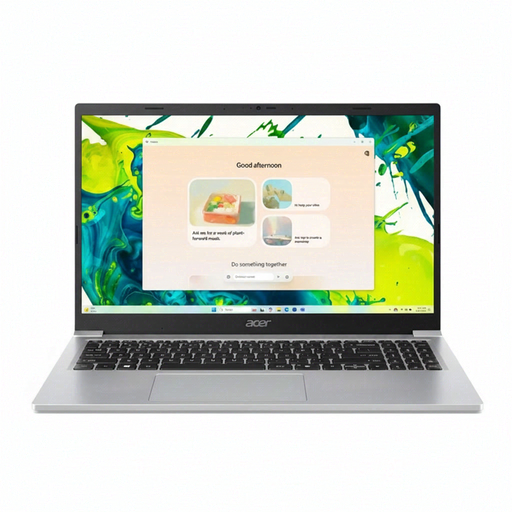
Acer Aspire Lite AL15-36P-C29Z, 15.6-inch, Intel N150, 8GB RAM, 128GB SSD
A Windows option to consider if the volunteer-hours workflow needs Windows rather than ChromeOS.
The listed configuration has a 15.6-inch Full HD display and Windows 11 Home. Check whether the required applications work with the S Mode setup described for this model, and test shared-user sign-in before buying.
View on Joybuy
 No image available
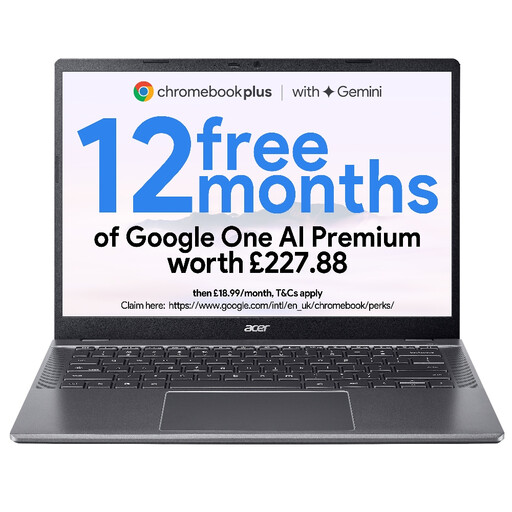
Acer Chromebook Plus 514 CB514-5H, 14-inch WUXGA, Core 5 120U, 8GB RAM, 512GB SSD
Consider this Chromebook if the complete timesheet and account workflow works in a browser.
The listed configuration has a 14-inch WUXGA display. Before choosing it for the shared desk, test the organisation's application and check the exact model's automatic-update end date.
View on Joybuy
 No image available
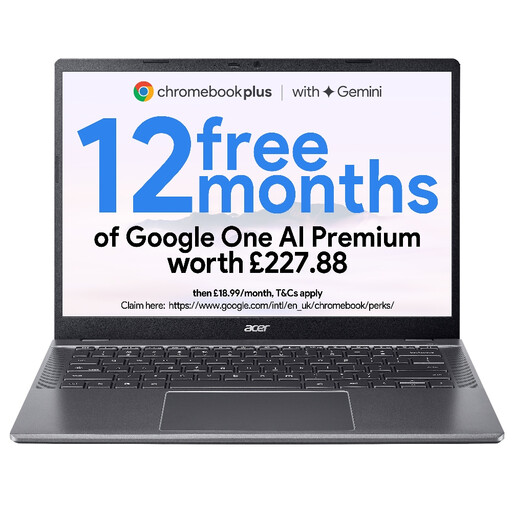
Acer Chromebook Plus 514 CB514-5H, 14-inch WUXGA, Core i3-1315U, 8GB RAM, 256GB SSD
This Chromebook is another conditional choice for browser-based volunteer-hour entry, rather than for a required Windows desktop program.
The listed configuration has a 14-inch WUXGA display. Confirm the actual sign-in process and the model's automatic-update end date before using it as a shared device.
View on Joybuy
 No image available
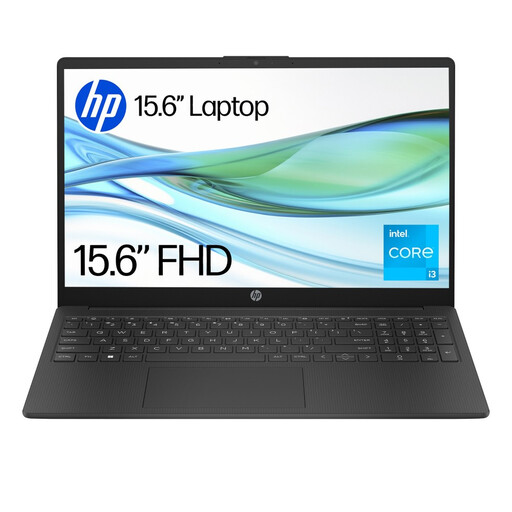
HP 15-fd0060na, Core i3-N305, 4GB RAM, 128GB UFS, Windows 11 Home S
Consider this Windows laptop if the organisation needs a Windows route and its applications work with the listed S Mode setup.
It has 4GB RAM and 128GB UFS storage. Check whether that memory suits the actual timesheet workflow, alongside the shared-account and peripheral requirements.
View on Joybuy
 No image available
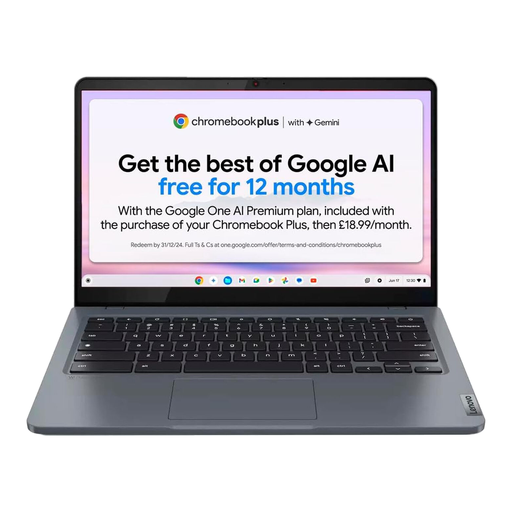
Lenovo IdeaPad Slim 3 Chromebook 14IAN8, Core i3 N305, 8GB RAM, 256GB eMMC, 83BN001EUK
This Chromebook is worth considering when the organisation has confirmed a browser-based timesheet and account setup.
The listed configuration has a 14-inch display. Check the exact model's automatic-update end date and confirm connections for any printer, scanner or other desk peripheral the team uses.
View on Joybuy
Frequently asked questions
Should we buy a Windows 10 laptop for the shared desk?
For a newly purchased laptop handling volunteer records, favour a currently supported operating system instead. Microsoft Learn states that standard Windows 10 support ended on 14 October 2025; an applicable Extended Security Updates arrangement would need separate management and is not the same as standard support.
Can a Chromebook handle volunteer-hour spreadsheets?
Yes, if the organisation's complete spreadsheet and timesheet process works in a browser and does not depend on Windows-only software or drivers. Microsoft Support describes Microsoft 365 use in current browsers, but that does not establish that every desktop feature or peripheral workflow will work on ChromeOS.
What should we check about Chromebook updates?
Check the automatic-update end date for the exact model, rather than relying on its brand or date of sale. Google Chromebook Help explains that a device's update schedule identifies its final update; plan the organisation's period of use around that date.
Do data-protection rules matter for volunteer-hour records?
Yes, when those records identify volunteers or otherwise contain personal data. The Information Commissioner's Office advises organisations to apply security measures appropriate to their circumstances and risks, so establish authorised access, account handovers and backup arrangements for the shared desk.


