Choose a conventional action camera if you can frame the climb as you film and want a more direct editing workflow, particularly for slow-motion clips. Choose a 360 camera if capturing a wider scene and selecting the view afterwards matters more than avoiding extra editing. Either way, check your intended recording mode, mounting instructions and location rules before settling on a setup.
Who each setup suits
Climbers who want directly framed footage
A conventional action camera suits you if you can aim a first-person or fixed shot before filming and would rather select clips than reframe every view afterwards. Check the available slow-motion modes if you want to examine a brief move.
Climbers who want to choose the view later
A 360 camera suits you if the climber may move outside a fixed frame and you are willing to select the final angle during editing. The wider capture brings an extra reframing step and more exposed lenses to look after.
Outdoor climbers planning a permitted setup
Your camera position needs to work with the exact helmet instructions and the conditions at the crag. Check current access information and consider other people in the footage before sharing it publicly.
What to check before buying
Conventional action camera
Choose it when: You can deliberately aim a first-person or fixed shot and want footage that needs little reframing.
Trade-off: A move outside the recorded field of view cannot be brought back into the shot later.
360 camera
Choose it when: Covering the climber and surroundings matters more than deciding the final view during the climb.
Trade-off: You will need to reframe and export the footage, and take care of the exposed lenses.
| Concern |
What to check |
Who this matters to |
| Direct footage and slow motion |
Compare frame rate, field of view and stabilisation in the exact recording mode you plan to use. |
If I can set the angle before a move, I want to capture it clearly and slow down a short clip afterwards. Around 40% of consumers put directly framed footage and slow motion first. |
| Reframing after filming |
Check the available 360 modes and whether the editing workflow works on your device. |
When I cannot predict where the climber will move in the frame, I would rather choose the view later. For around 30% of consumers, reframing is the primary concern. |
| Mounting and location |
Read the exact helmet and mount instructions; check the venue policy or current crag access conditions. |
If my preferred camera position conflicts with helmet instructions or site conditions, I need another way to film. A permitted, practical setup comes first for around 30% of consumers. |
Climbing-filming pitfalls
-
Assuming any helmet camera mount is acceptable
Mount suitability depends on the exact helmet and attachment. Petzl says camera mounting is not authorised on its helmets because the adhesive and attached object can affect performance; testing of selected helmet-and-camera combinations is not permission for every setup.
Read your helmet maker’s instructions before choosing a mount. If the setup is not authorised, use a suitable non-helmet position instead.
-
Choosing 360 capture without planning the edit
The freedom to select a view afterwards also means reframing and exporting footage. Insta360 specifies a clean, dust-free indoor space below 60% humidity for X5 lens replacement, not an on-crag repair.
Choose 360 capture when that editing step is worthwhile to you, protect the lenses during the session and plan any replacement indoors under the specified conditions.
-
Assuming every recording mode has the same stabilisation
DJI identifies electronic-stabilisation limits in certain Osmo Action 6 modes. Selecting a headline resolution or frame rate alone does not establish how your intended shot will behave.
Check resolution, frame rate, aspect ratio, field of view and stabilisation together for the mode you intend to use.
-
Relying on last visit’s crag conditions
The British Mountaineering Council says crag access agreements can change without notice, and restrictions may apply at a particular site.
Check current access information and on-site notices before filming; confirm any separate filming conditions with the relevant venue or land manager.
Brands to consider for these camera formats
DJI
The Osmo Action 6 represents the conventional, directly framed option; the Osmo 360 offers a separate 360-camera option.
- DJI lists a 149 g body, a 155° field of view and 4K recording up to 120fps for Osmo Action 6.
- Electronic stabilisation has mode-specific limits on Osmo Action 6. Check the combination you intend to record in.
GoPro
HERO13 Black is a conventional action-camera option for directly framed footage and brief high-frame-rate clips.
- GoPro lists 5.3K60 recording and a five-second 5.3K120 Burst Slo-Mo mode for HERO13 Black.
- Optional HB-Series lenses are separate accessories, and camera accessories do not override helmet-maker mounting instructions.
Insta360
X5 represents the 360 option for capturing a broad scene and choosing the final view during editing.
- Insta360 lists 8K 360 recording and replaceable outer lenses for X5.
- X5 weighs 200 g, and lens replacement requires a clean, dust-free indoor environment below 60% humidity.
Joybuy product choices
These choices include conventional action cameras for shots you frame while filming and 360 cameras for choosing the view afterwards. Select the format before comparing recording modes, bundles and the setup you can use at your climbing location.
 No image available
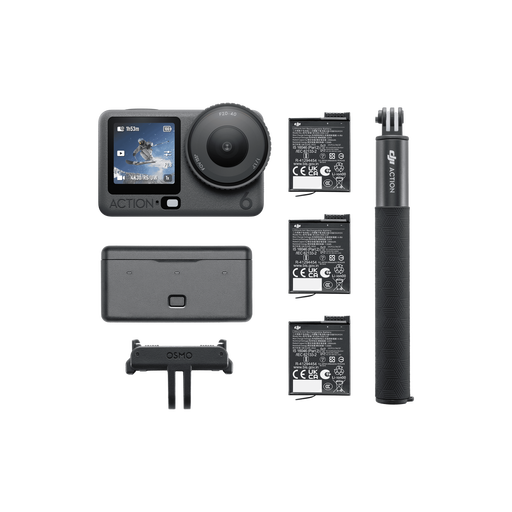
DJI Osmo Action 6 Adventure Combo
Consider this conventional camera when you can frame the climb directly and want slow-motion options.
The bundle title specifies three batteries, a 1/1.1-inch sensor and an f/2.0–f/4.0 aperture. DJI lists 4K recording up to 120fps for Osmo Action 6; check stabilisation and field of view in the mode you intend to use.
View on Joybuy
 No image available
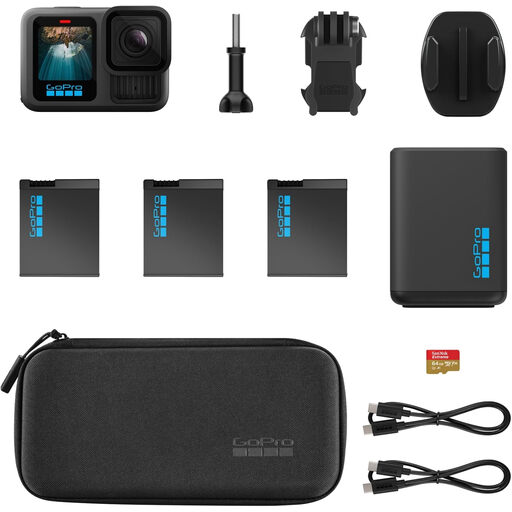
GoPro HERO13 Black Extended Power Bundle
This conventional camera suits a deliberately framed climb when you want the option of a brief slow-motion clip.
GoPro lists 5.3K60 recording and five-second 5.3K120 Burst Slo-Mo for HERO13 Black. Check the field of view and stabilisation in your chosen mode, and confirm the bundle contents that matter to your session.
View on Joybuy
 No image available
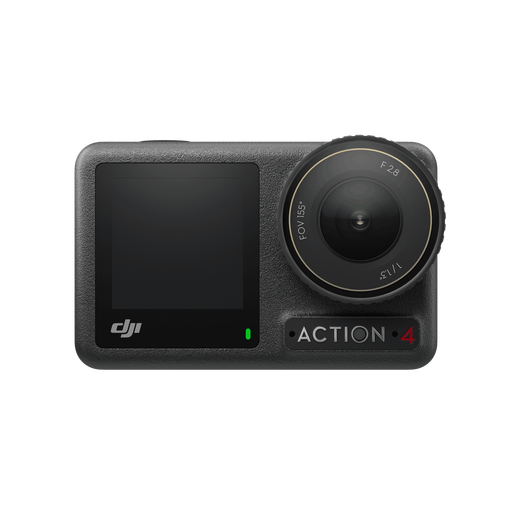
DJI Osmo Action 4 Adventure Combo
Choose this conventional format if you can position the camera for a direct view of the climb.
The product title specifies 4K/120fps, a 1/1.3-inch sensor and a 155° field of view. Confirm recording time under your intended settings rather than treating a bundle’s headline duration as your session runtime.
View on Joybuy
 No image available
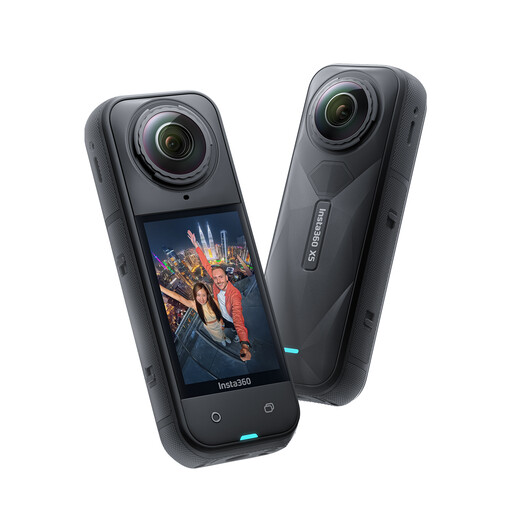
Insta360 X5 Standard Bundle
Consider the X5 when capturing the wider scene matters enough to justify choosing the final view in editing.
Insta360 lists 8K 360 recording for X5. Check that its editing workflow suits your device, protect the lenses while climbing and follow Insta360’s indoor conditions if a lens needs replacing.
View on Joybuy
 No image available
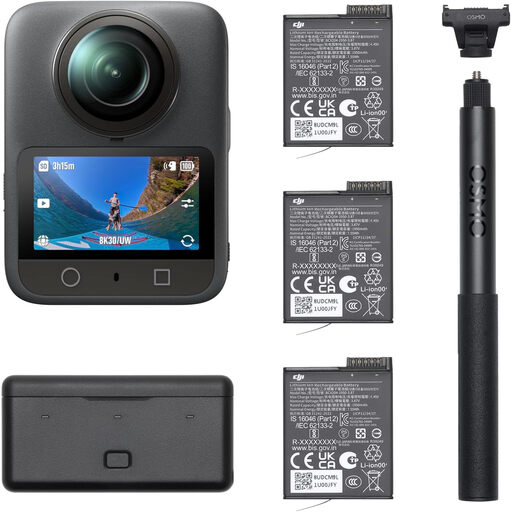
DJI Osmo 360 Adventure Combo
This 360-camera option is for a session where you want to capture the scene broadly and decide on the view afterwards.
The product title specifies three batteries, 8K 360 video and 4K/120fps in a 170° Boost mode. Check the editing workflow and the field-of-view and stabilisation settings for the mode you would actually use.
View on Joybuy
Common questions
Can I put an action camera on my climbing helmet?
Only use a helmet camera setup if the maker’s instructions for your exact helmet and mount permit it. Petzl says camera mounting is not authorised on its helmets; research on selected helmet-and-camera combinations does not provide blanket approval for other configurations.
Which format helps when I cannot predict where the climber will move?
A 360 camera lets you capture a wider scene and select a flat view afterwards, provided you are willing to reframe and export the footage. A conventional action camera is more direct when you can point it at the move before recording.
What memory card should I take to a climbing session?
Choose a microSD card against the requirements for your exact camera and recording mode. DJI recommends V30 cards for Osmo Action 6, while Insta360 specifies UHS-I V30 or higher for X5; check the relevant compatibility guidance before relying on a card you already own.
What should I check before filming at a crag or climbing wall?
Check the specific location’s current access or venue rules before recording. The British Mountaineering Council says crag agreements can change without notice; ask the wall or relevant land manager about filming conditions, particularly for organised or public-facing footage, and consider the people who may appear in anything you share.


